20-2 Control Panel - Communication Model 831 Manual
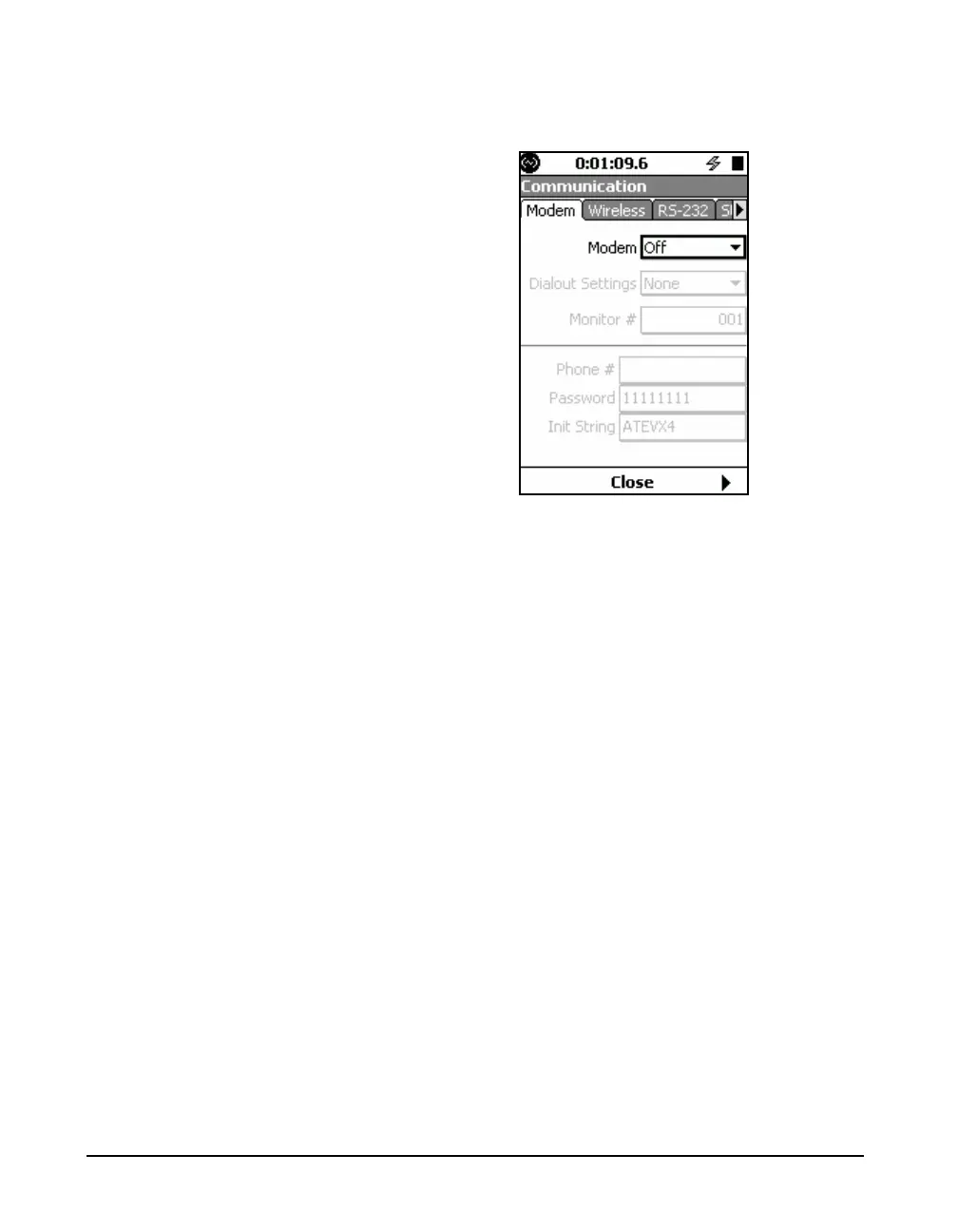
Press 5 (ENTER) to open the Communication tabs, as
shown in FIGURE 20-2.
FIGURE 20-2 Communications Tabs
There are four possible tabs, as follows:
•Status
• Mode
• Wireless
• RS-232
The Status tab is used to monitor the status of the USB and
RS-232 ports. The next three are used to setup the three
different modes of communication available with the Model
831.



 To Next Page