16-18 Measurement History Sound Recording Model 831 Manual
Pre-trigger Time/Minimum Duration Criterion
Due to the manner in which the data are stored, the event
pre-trigger time plus the minimum event duration must be
less than the criterion time shown in TABLE 16-2, which is
a function of the selected sample rate.
TABLE 16-2 Pre-Trigger Time/Min Duration Criterion
Recording Status Icon
When a recording is in progress, the Recording Status Icon,
shown greyed out in Figure 16-6, will become active. The
icon does not show when the pre-trigger buffer is being
filled, only when the level is over the defined exceedance
trigger level,
Measurement History Sound Recording
Measurement History must be
enabled on the Settings > Control
tab to activate Measurement Sound
Recording.
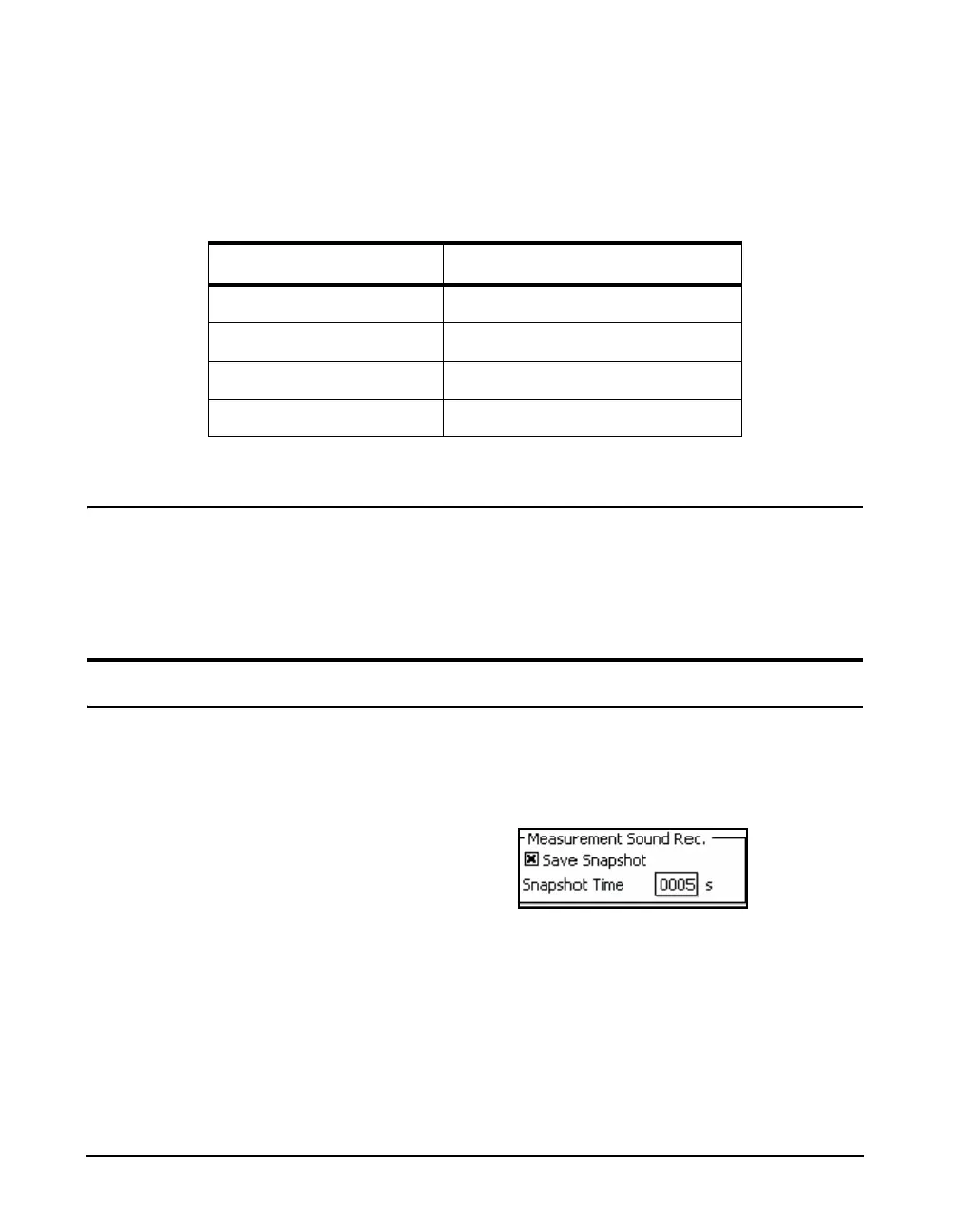
Scroll to the Measurement Sound Rec. area, select Save
Snapshot, and press
5, as shown in Figure 16-24.
FIGURE 16-24 Measurement Sound Recording
Sample Rate, kHz Criterion Time, s
48 10
24 18.9
16 18.9
8 18.9



 To Next Page