16-8 Manual Sound Recording Model 831 Manual
Highlight Mark Sound Type and press 5 to obtain the
Markers Setup Menu shown in FIGURE 16-6.
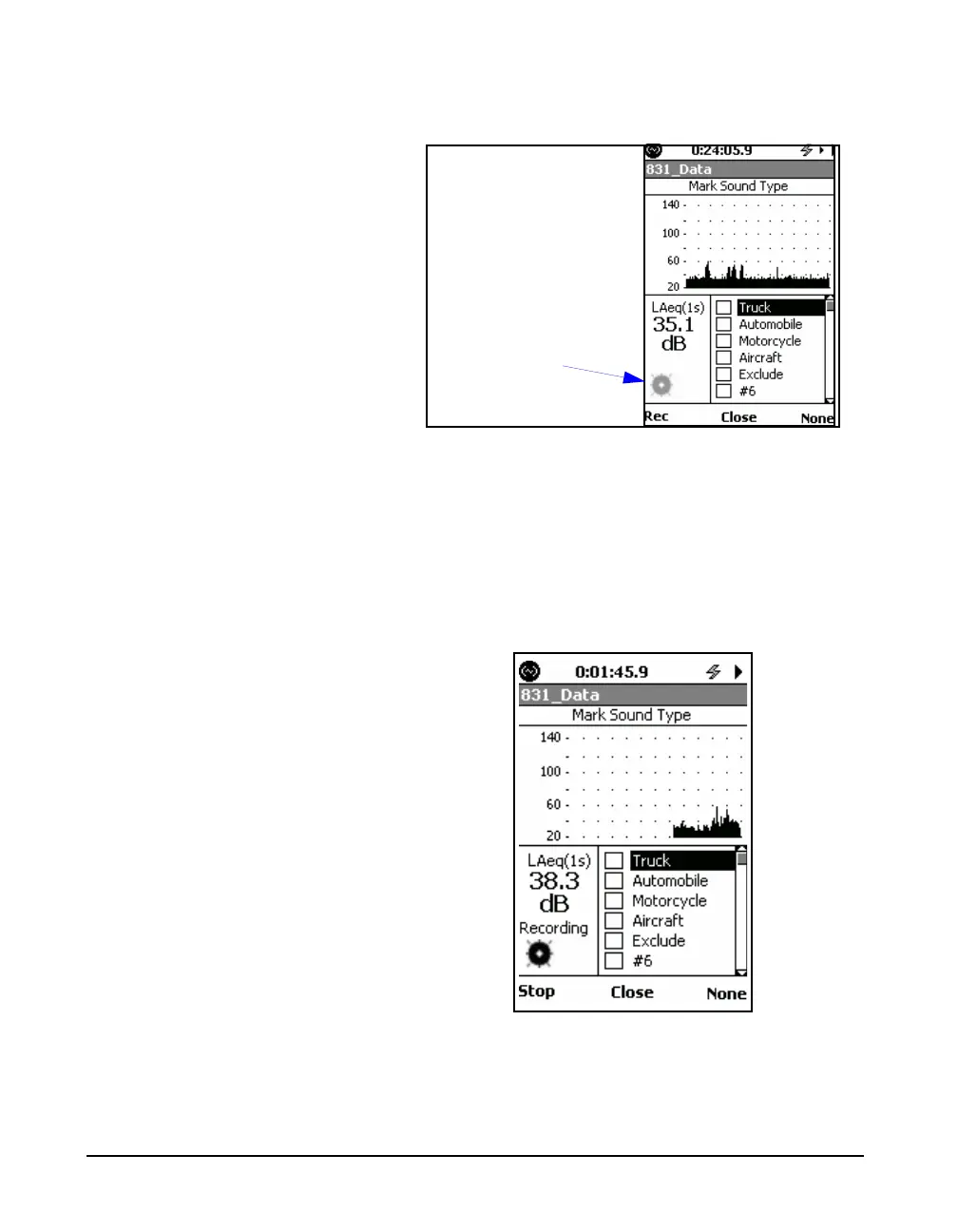
FIGURE 16-6 Markers Setup Menu
Initiate a Manual Sound Recording
When a recording is in progress, the
Recording Status Icon, shown greyed
out in Figure 16-6, will become
active, as shown in Figure 16-7.
Press the Rec softkey to initiate a sound recording. The
recording will continue until the recording is manually
stopped.
When the recording has begun, the Rec softkey will be
replaced by a Stop softkey, as shown in FIGURE 16-7
FIGURE 16-7 Markers Setup Menu, Sound
Recording in Progress
Sound Recording
Status Icon



 To Next Page