14-22 Return to Sound Level Meter Mode Model 831 Manual
Return to Sound Level Meter Mode
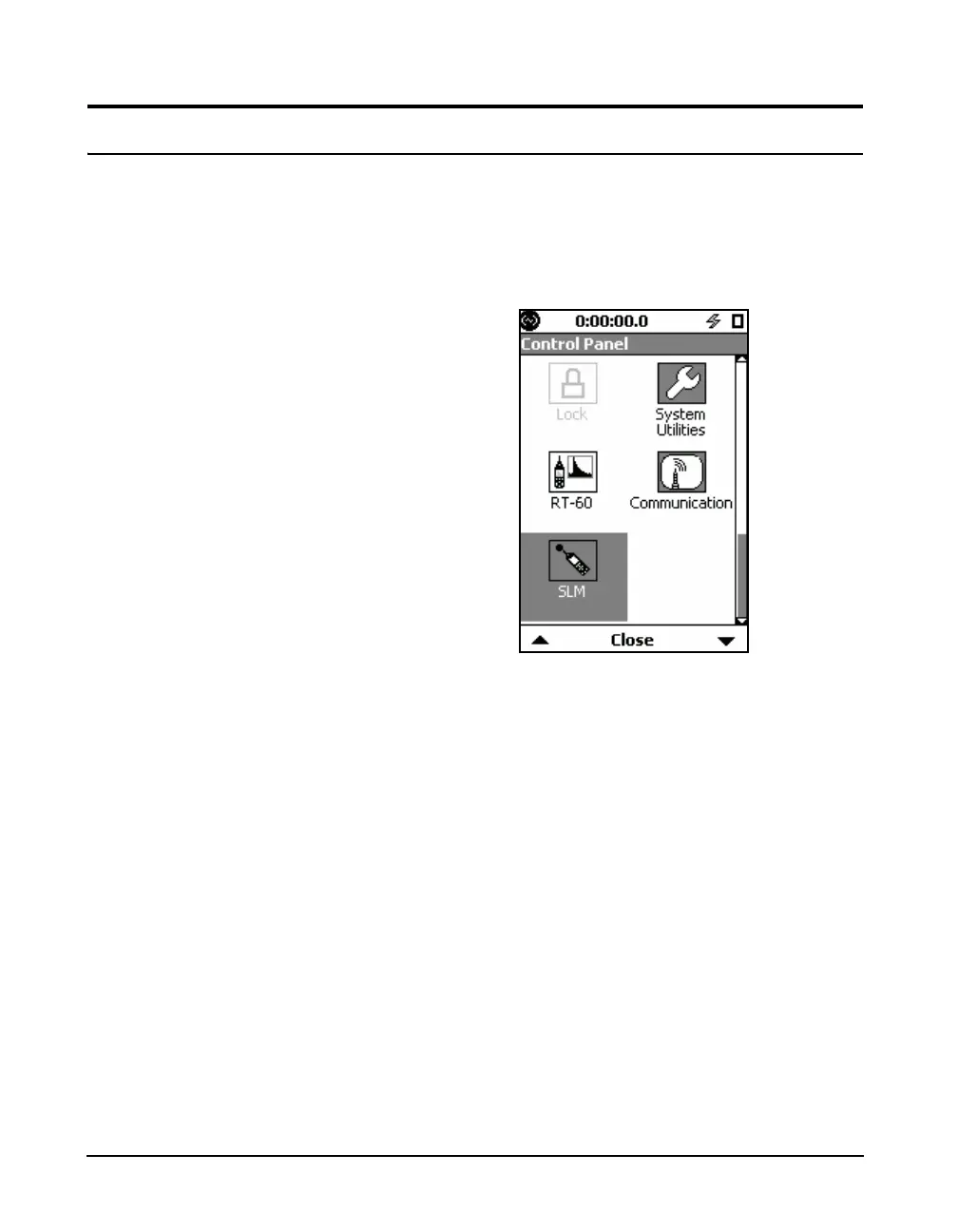
When the FFT mode is active, the SLM icon is available in
the Control Panel as shown in FIGURE 14-21. To return to
the Sound Level Meter mode, press the 3 key to open the
Control Panel, select the SLM icon and press
5.
Changing modes using the icon on
the control panel loads the setup that
was previously in use for that mode.
FIGURE 14-21 SLM Icon



 To Next Page