Model 831 Manual Configuring a Measurement 14-3
Configuring a Measurement
To access the measurement settings, press the Softkey labeled
Menu
, highlight
Settings
, and press
5
to display the
settings tabs shown in the following section. The active
parameter values shown in this section represent the default
values.
General Tab
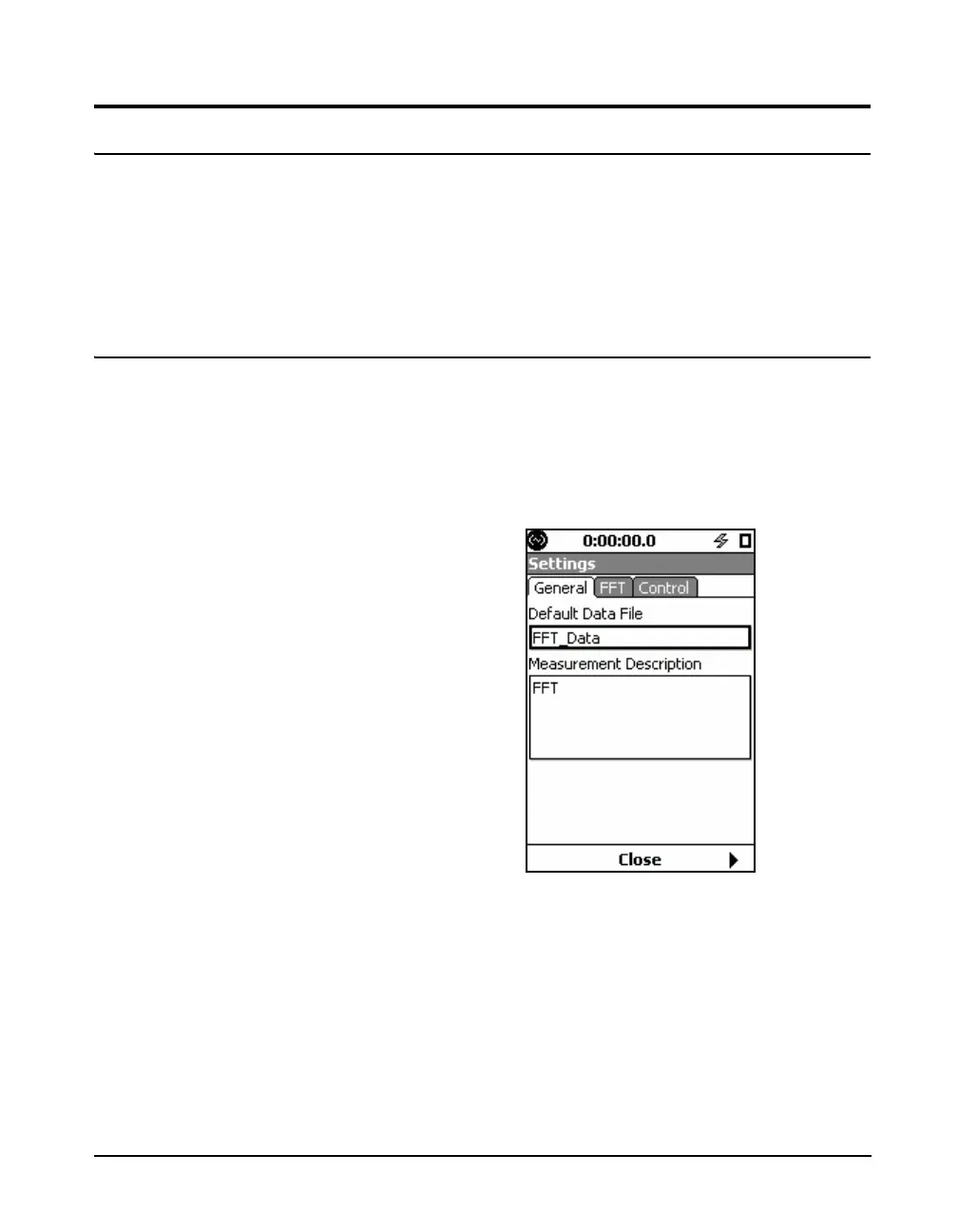
The General setting tab, shown in FIGURE 14-4, provides a
default filename and measurement description text field to
annotate the measurement. These are similar to those of
other instrument modes. Use the Setup Manager and these
fields to organize and document your measurement projects.
FIGURE 14-4 General Tab
Default Data File
The Default Data File text field is used to customize the file
name for FFT data files. This file name can be used to
indicate the type of data that was taken or the project the
data is from. This name can be up to 8 characters long and
contain letters, numbers, and certain symbols.



 To Next Page