Model 831 Manual Network Tab 20-13
Network Tab
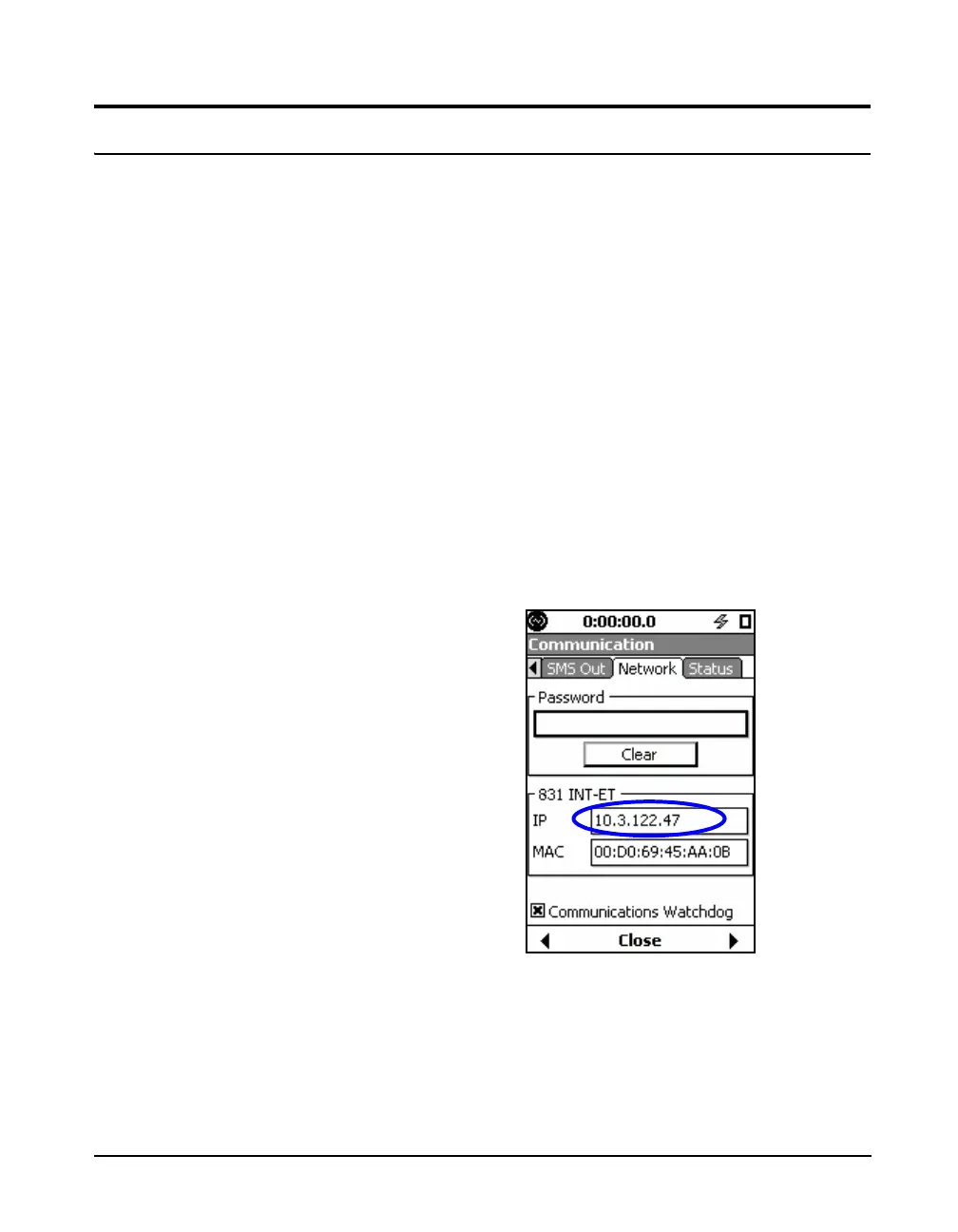
The password on the Network tab is used to secure the
Model 831 remotely over a network. If the password is
forgotten, the Model 831 can be accessed by unlocking the
meter itself in person.
The Network tab also displays 831-INT-ET and
Communications Watchdog information.
Communications Watchdog
The Communications Watchdog reboots the Model 831
system in the events of a communication failure with either
the 831-INT-ET or the analog modem.
831-INT-ET
The only time this control needs to
be changed by a user is if the Model
831 is used with an 831-INT-ET and
subsequently moved to an 831-INT.
For more information, see the 831-
INT Manual.
The Communications Watchdog is automatically enabled
when the Model 831 is connected to the 831-INT-ET
Docking Station. The option can be disabled on the
Network tab, as shown in FIGURE 20-16.
FIGURE 20-16 Network Tab



 To Next Page