20-6 Wireless Tab Model 831 Manual
Common Pitfalls in Analog Modem Communication:
• Ensure that the analog modem (MDMUSB-A) is
connected to the 831-INT or a powered USB Hub. It will
not work if connected directly to the Model 831 as it
cannot supply sufficient power.
• Check if the modem is connected to a standard analog
phone line (sometimes called POT line)
• For remote communication problems, refer the section
"Communications Watchdog" on page 20-13 in this
chapter.
Wireless Tab
In order to setup to use a wireless
modem, the USB Host Port must be
set to On, as described in “USB Host
Port” on page 18-14.
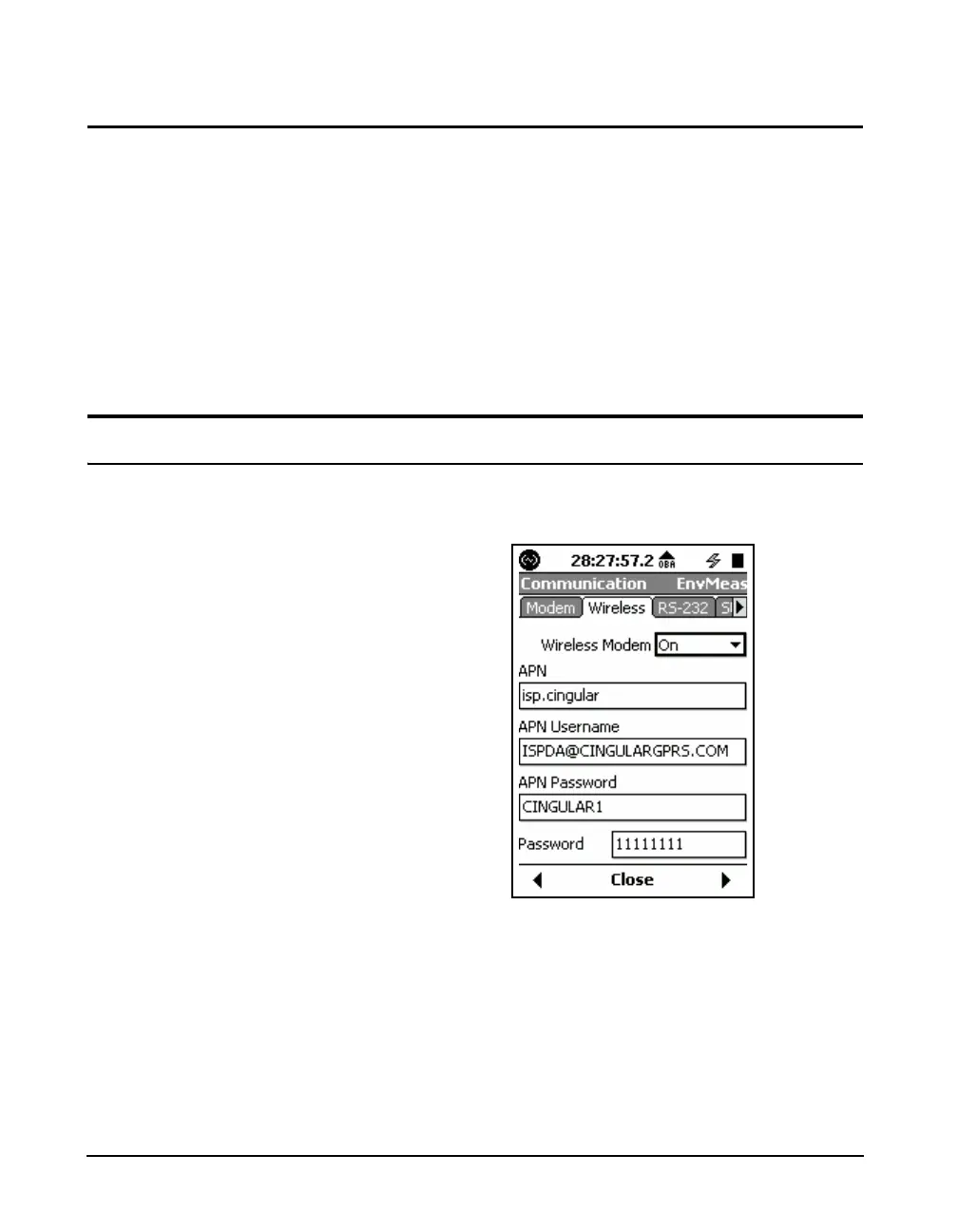
The Wireless tab, shown in FIGURE 20-7, is used to
implement wireless communication using GSM networks.
FIGURE 20-7 Communication: Wireless Tab
The Wireless field turns On or Off the wireless modem. Use
the 2 and 8 keys to highlight the Wireless Modem field



 To Next Page