Model 831 Manual Wireless Tab 20-7
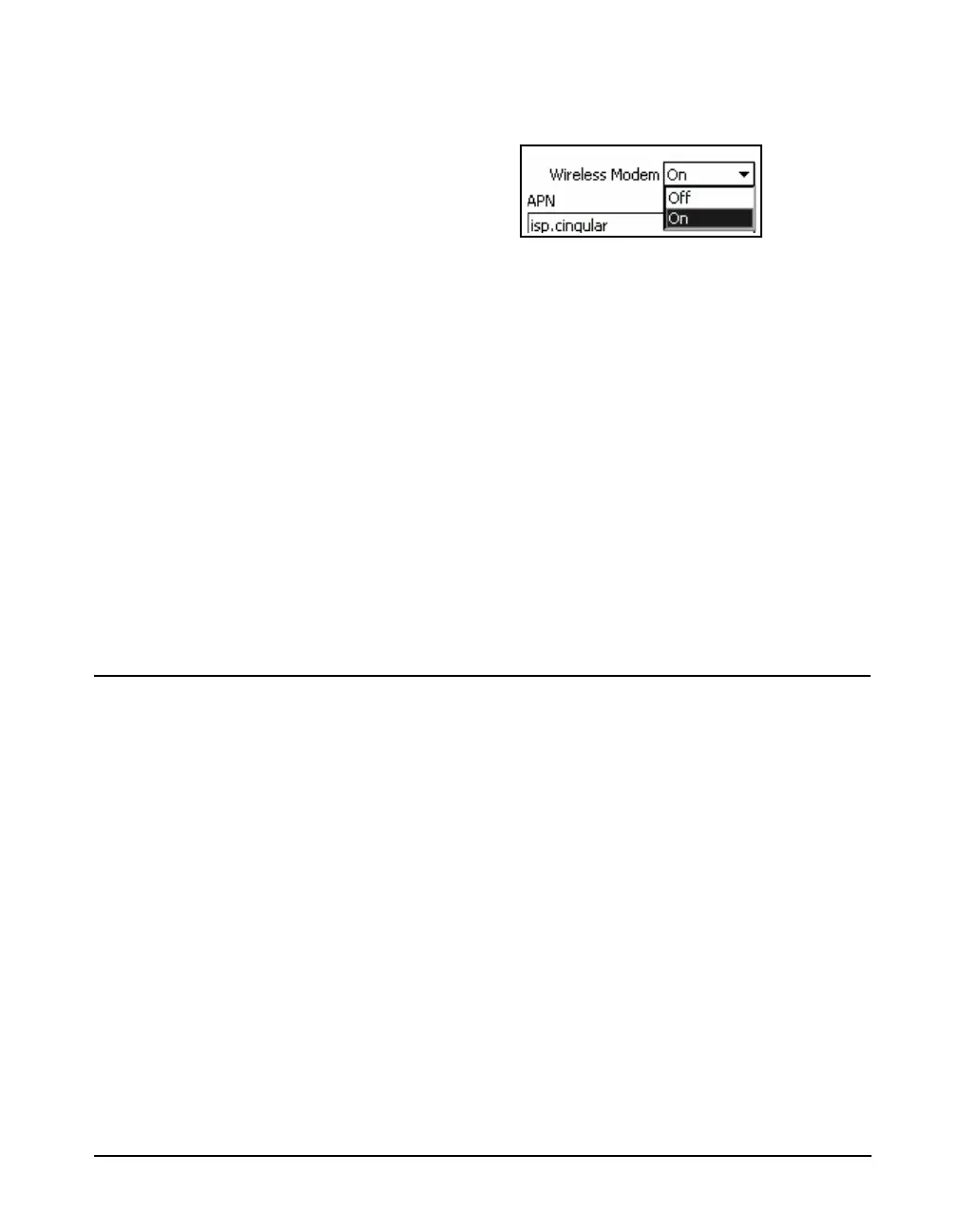
and press 5 to open the Modem Menu, shown in FIGURE
20-8.
FIGURE 20-8 Modem Menu
Use the 2 or 8 key to highlight On or Off and press
5 to make the selection.
APN
Each cellular provider has a unique APN (Access Point
Name) which is to be entered into this field.
APN Username/APN Password
Some cellular providers will also supply a specific APN
Username and Password which must be entered into these
fields.
Password
The password field is for a user-defined password that will
be used to authenticate with an application, such as SLM
Utility-G3.
Setup
Step 1 Use the System Properties Preferences tab to set
the USB Host Port On.
Step 2 From the Communications tabs use the Wireless
tab to set the wireless modem On.
In addition to a Model 831 with firmware version V1.5 or
higher, the following devices are required:
• Model 831 Option file with the Advanced
Communication option.
• MultiModem EDGE wireless modem with firmware 2.0
or higher
• SIM Card (with a data plan)
• Powered USB Hub



 To Next Page