18-10 Preferences Model 831 Manual
FIGURE 18-12 Entering Display Contrast
Enter a value in the range 0 to 9 and press
5 to apply the
setting.
External Shutoff Voltage
To avoid damaging the internal batteries when the voltage of
an external battery drops too low, the user can set an external
shutoff voltage. The instrument will shut off automatically
when the external voltage drops below this level.
The default level is 10.8 volts, but the user can select a value
in the range 10 to 25 volts by entering the value directly into
the Ext Shutoff Voltage field shown in FIGURE 18-13.
FIGURE 18-13 External Shutoff Voltage Menu
Preferences
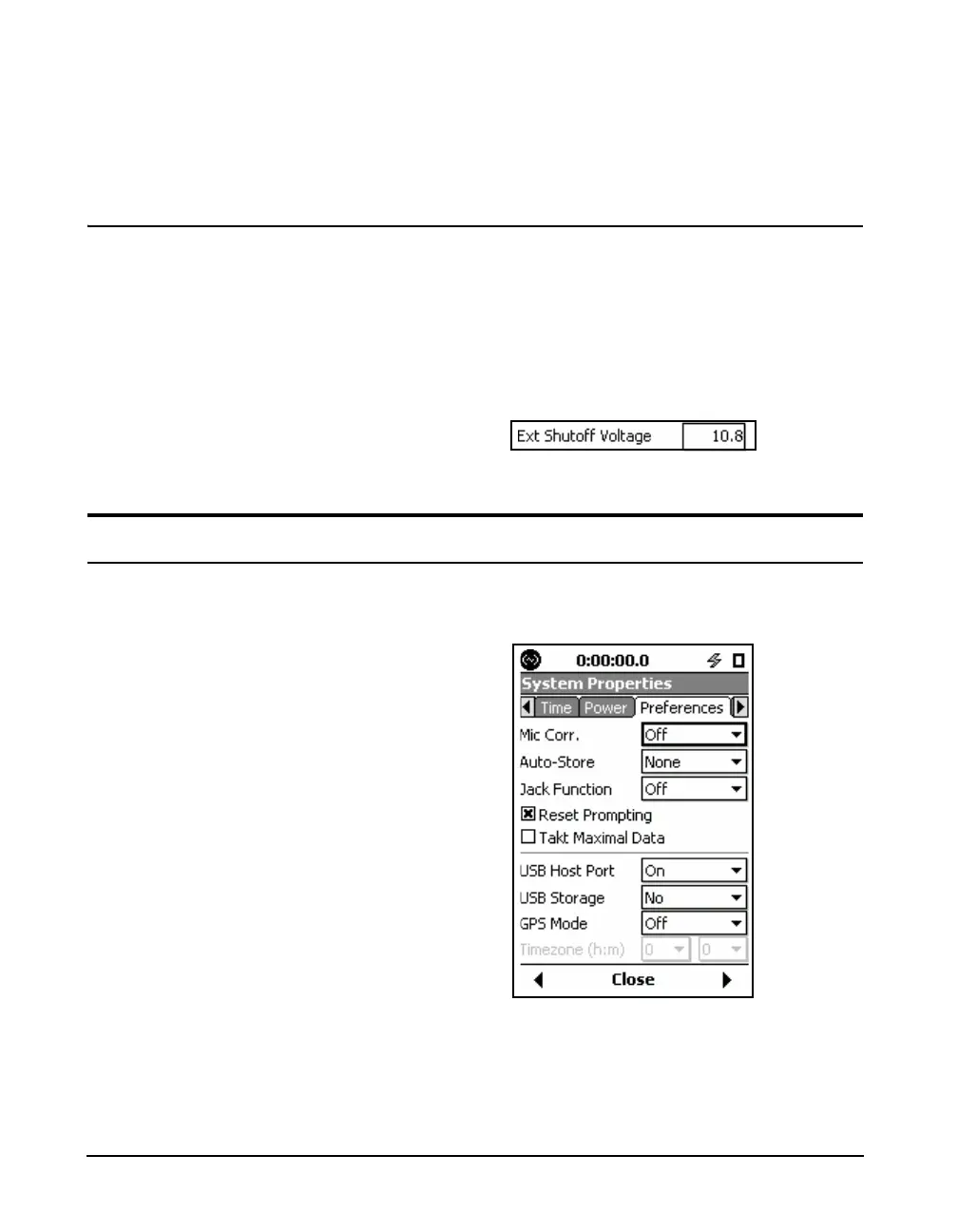
FIGURE 18-14 shows the default
values for the parameters on the
Preferences tab.
The Preferences tab is used to configure various instrument
functions.
FIGURE 18-14 Preferences Tab
Select the desired preference and press
5 to view a list of
options.



 To Next Page