Model 831 Manual Preferences 18-11
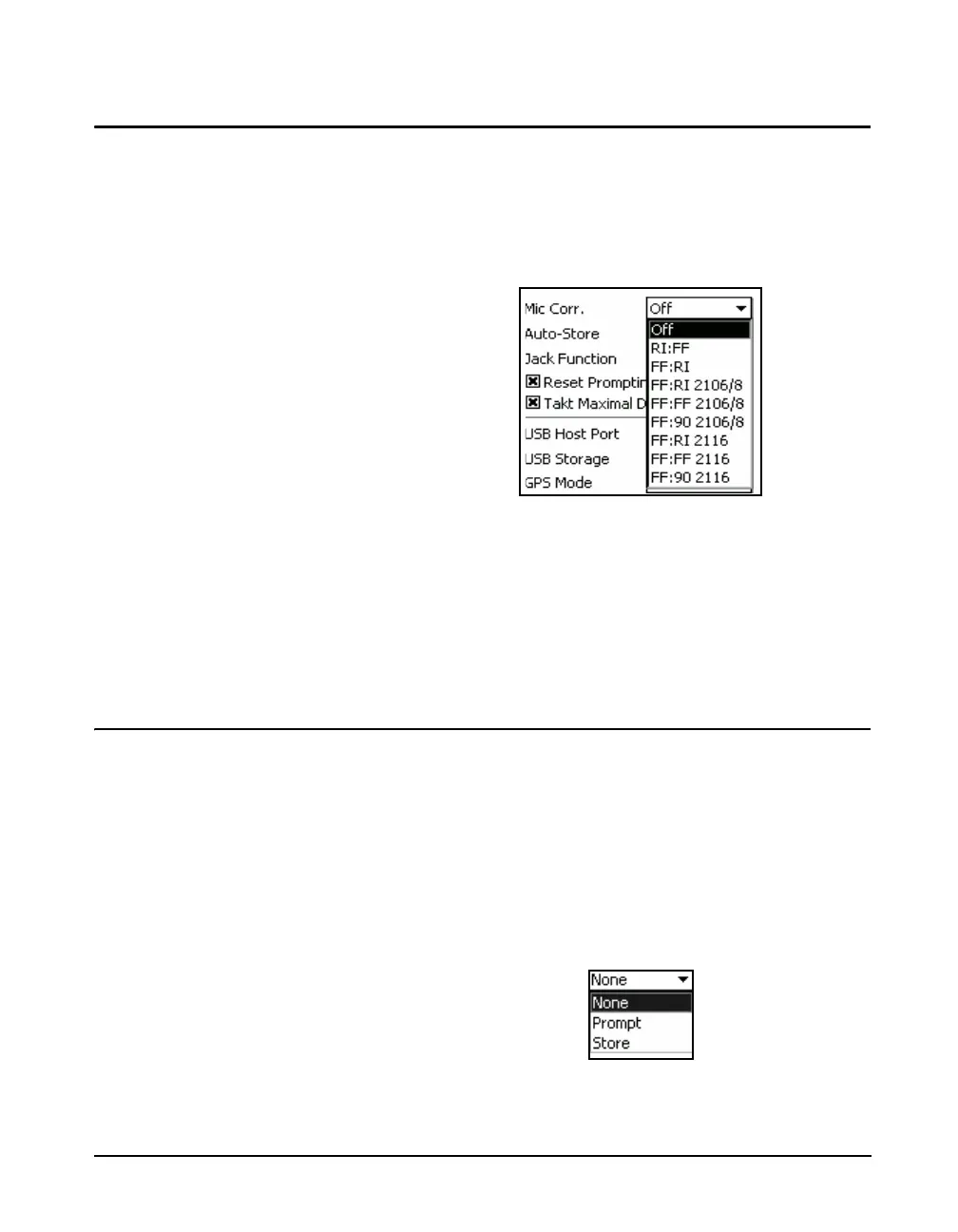
Microphone Correction
When using a free-field microphone, a correction can be
applied to provide a random incidence response or, when
using a random incidence microphone, a correction can be
applied to provide a free-field response. Highlight the Mic
Corr. field and press
5 to open the Microphone Correction
menu shown in FIGURE 18-15.
FIGURE 18-15 Microphone Correction Menu
To correct a random incidence microphone to obtain a free-
field response, highlight RI -> FF and press
5.
To correct a free-field microphone to obtain a random
incidence response, highlight FF -> RI and press
5.
The default mode is Off.
Auto-Store
The Model 831 provides three Auto-Store options to
enhance your data gathering activities:
When using Auto-Store, data files
are stored in the following format,
regardless of what is specified in the
General setup tab: yymmdd00.LD0,
where yymmdd is the date the
measurement was started.
• None
• Prompt
•Store
Select the Auto-Store field and press
5 to obtain a listing
of the choices, as shown in FIGURE 18-16.
FIGURE 18-16 Auto-Store Preferences



 To Next Page