Model 831 Manual Status Tab 20-15
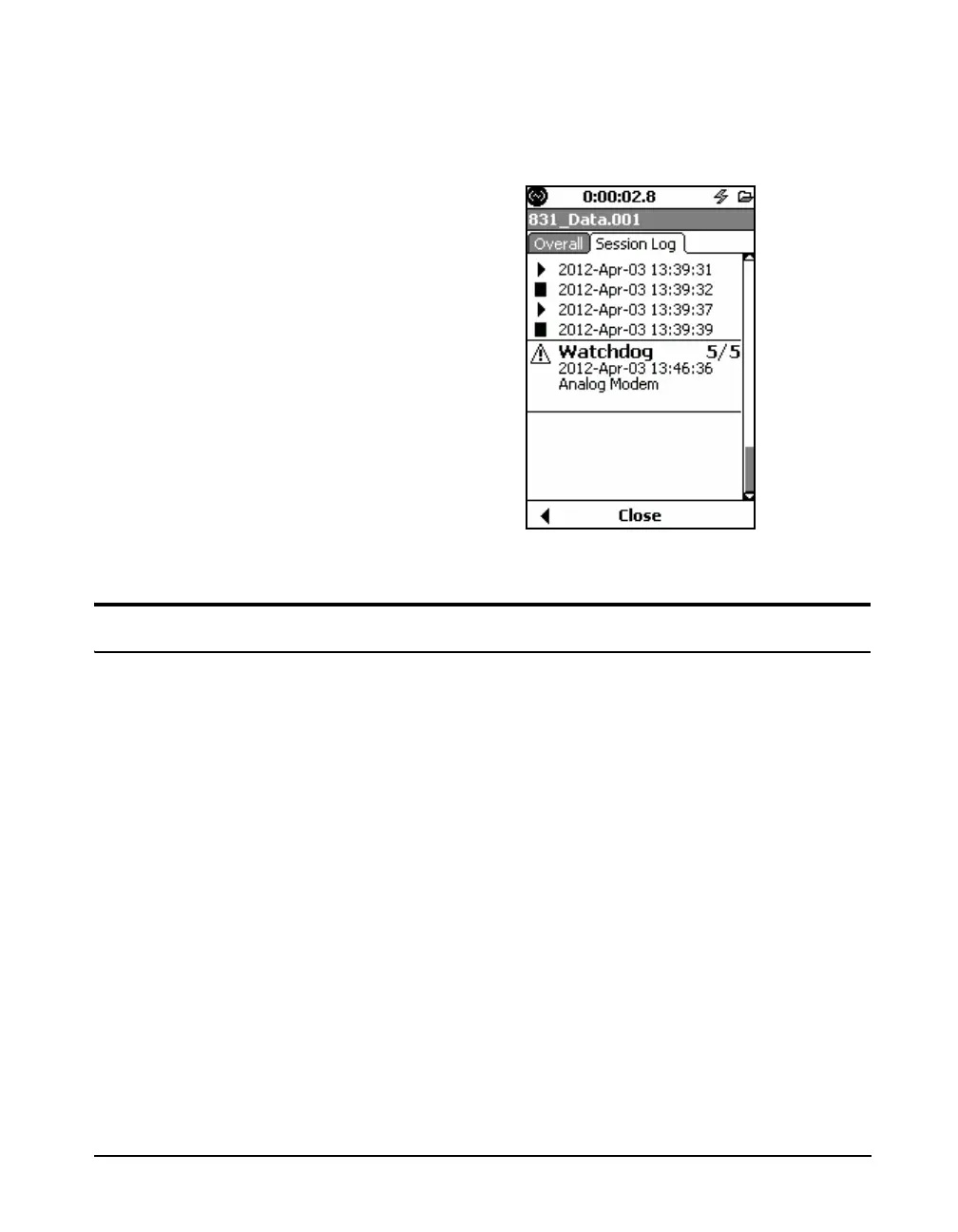
the analog modem. The event is indicated in the Session
Log, as shown in Figure 20-18.
FIGURE 20-18 Analog Modem Reset
Status Tab
This tab allows tracking of the status and state of attached
communication devices.
There are four separate channels that can be monitored.
Analog, Wireless, RS-232 and USB depending on which
type of device you have connected.



 To Next Page