Model 831 Manual Lock/Unlock the Model 831 21-1
CHAPTER
21
Lock/Unlock the Model 831
To prevent unauthorized use or tampering with
measurements and data, the Model 831 has a lock
feature. When this is enabled, the Model 831 is tamper
proof to a level selected by the user. There are 4 levels of
security provided by this feature.
Control Panel - Lock
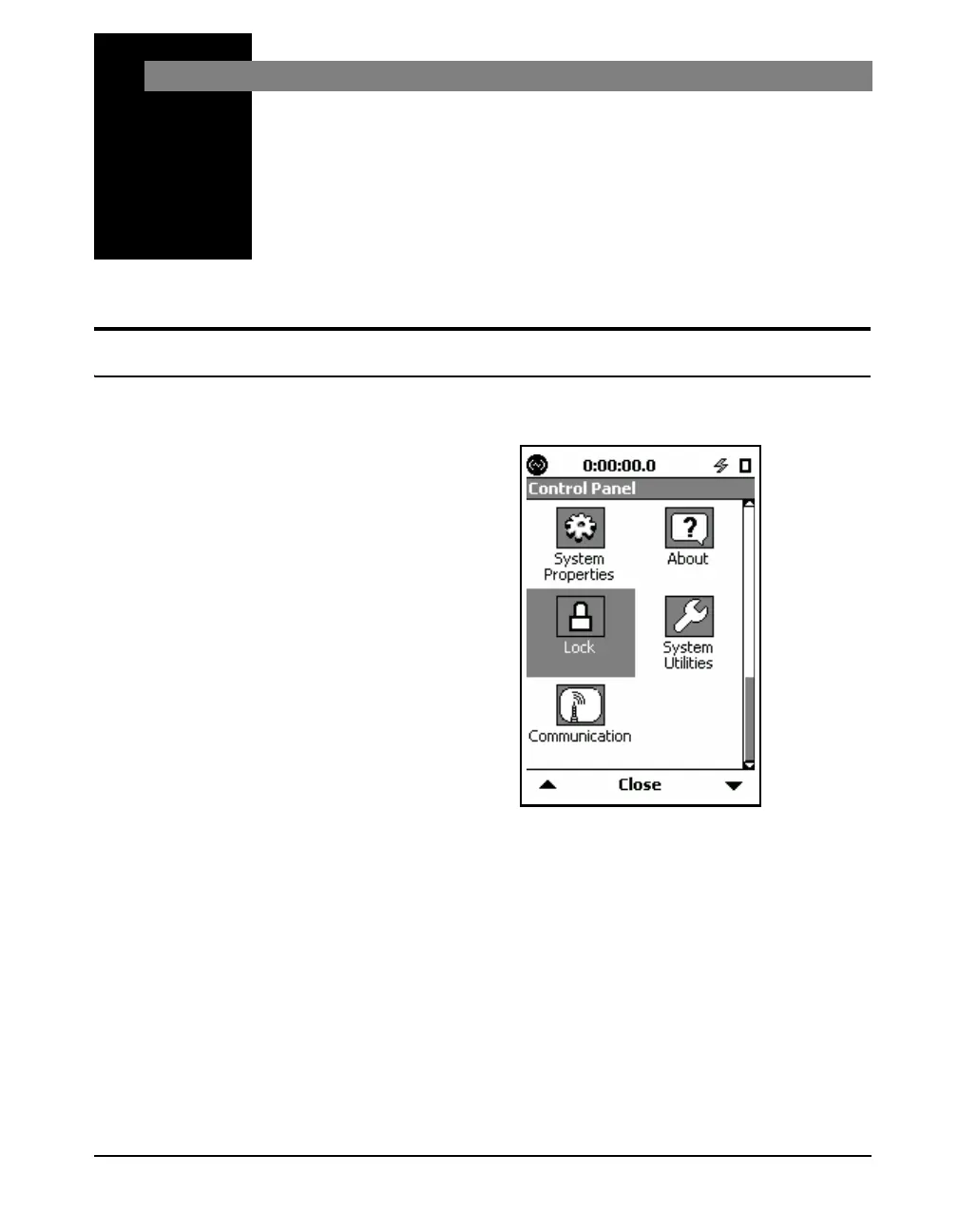
To activate the Lock page, press the 3 (TOOLS) key and
highlight the Lock icon as shown in FIGURE 21-1.
FIGURE 21-1 Control Panel
Press the
5 (ENTER) key to open the Lock page.
There is one Lock page. There are three items on this page
the user may configure.



 To Next Page