21-2 Control Panel - Lock Model 831 Manual
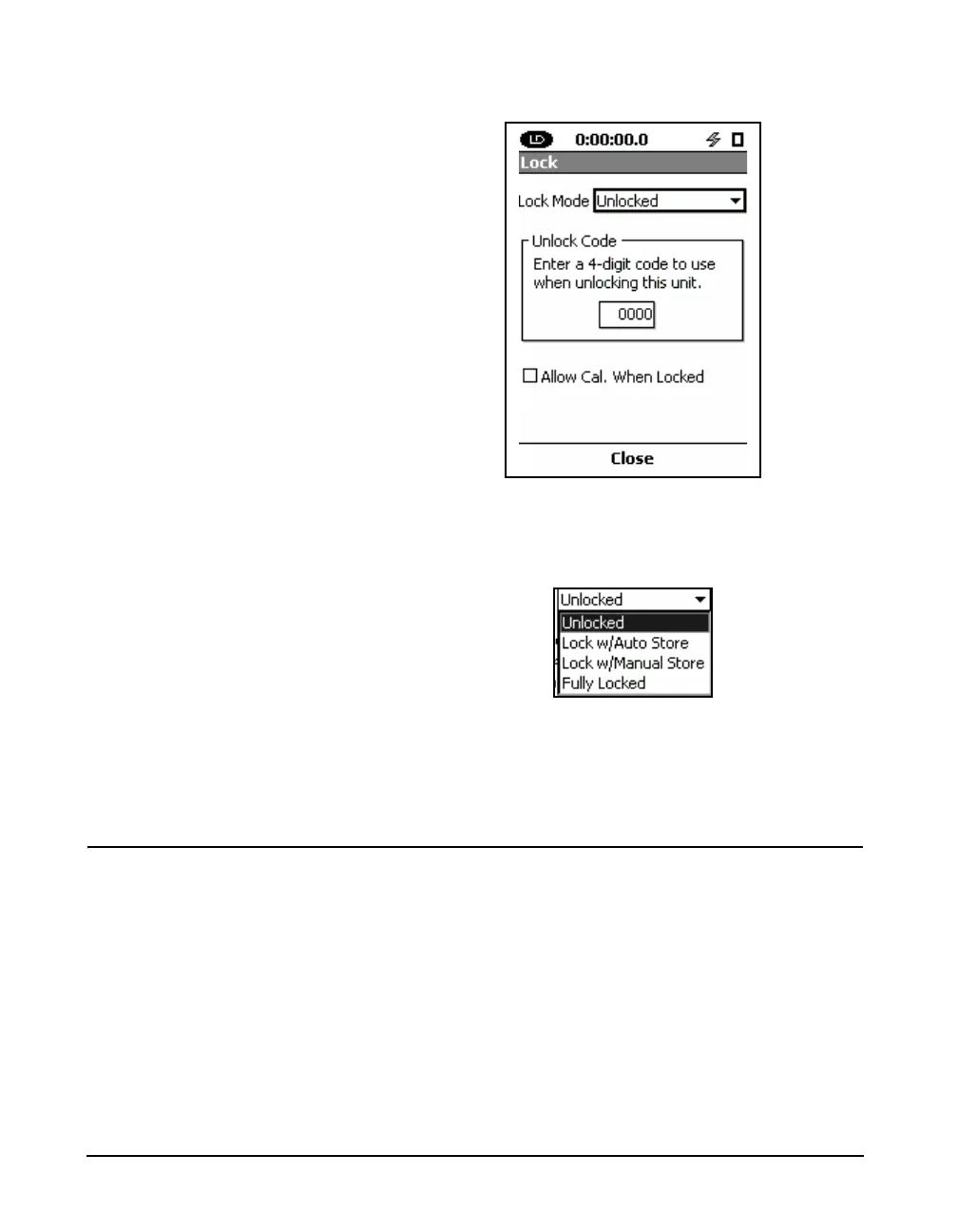
FIGURE 21-2 Lock Page
Highlight the Lock Mode list box. Press
5 to drop down
the list.
FIGURE 21-3 Lock Mode List
Highlight the desired lock mode. Press 5 to accept the
selection.
Lock Modes
Unlocked
The user has complete access to the features of the
instrument.
Lock w/Auto-Store
The user cannot change the data view in this mode. Only the
status line at the top of the screen is updated. A
measurement may be running when this mode is enabled or
pressing the
9 (RUN/PAUSE) key will begin a
measurement. A measurement cannot be paused. Pressing



 To Next Page