Model 831 Manual Power 18-9
Backlight
Using the backlight on bright setting
will significantly increase power
consumption and decrease battery
life
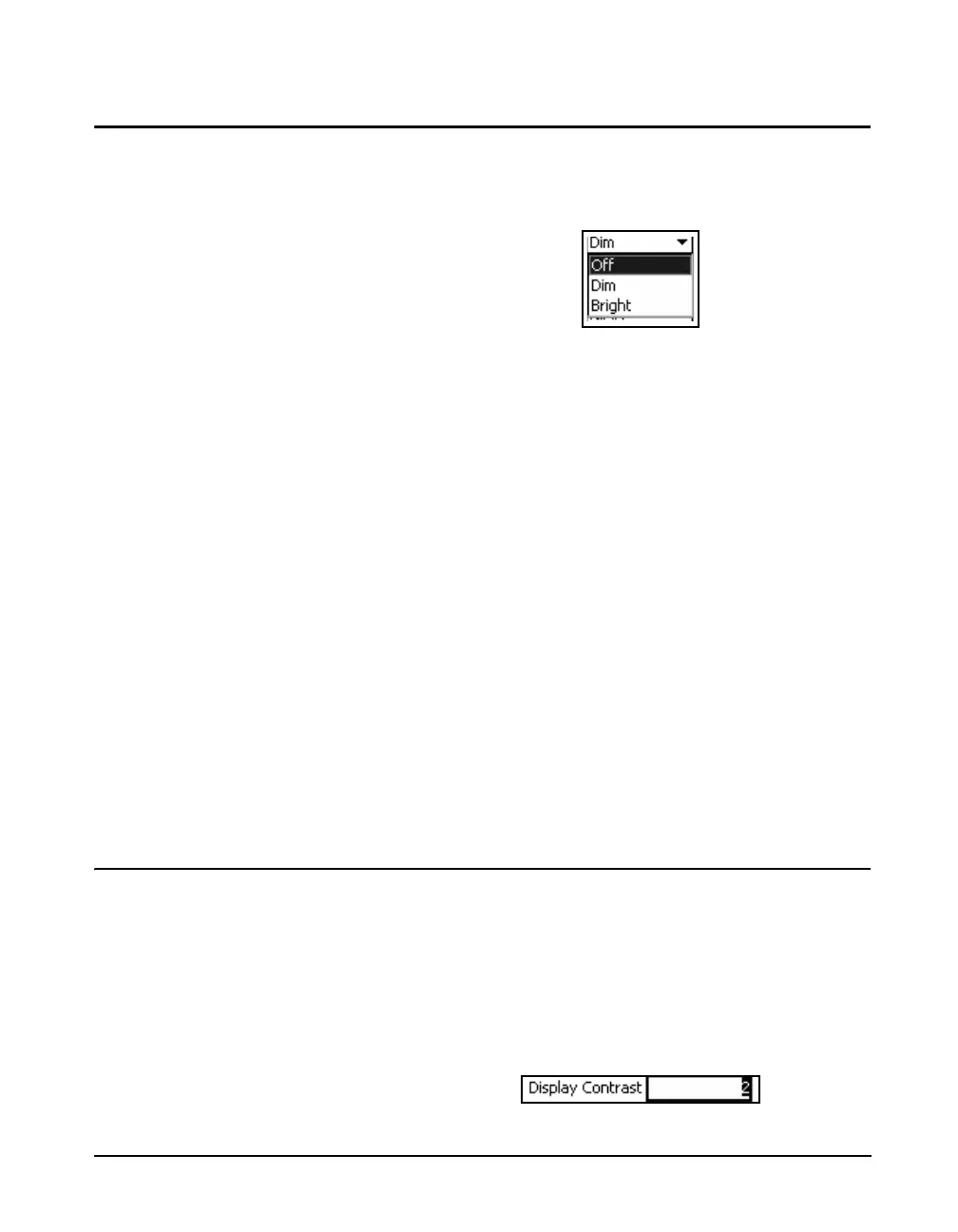
This field sets the intensity of the backlight. To set
Backlight, highlight the Backlight data field and press
5 to
open the Backlight Menu, shown in FIGURE 18-10.
FIGURE 18-11 Backlight Menu
Highlight the desired time and press
5 to make a selection.
The default is Off.
Exceptions
There are several situations which will affect the backlight
and its intensity as follows:
• When the USB Host port is turned On, the backlight will
be turned Off for five seconds
• When the USB Host port is On, the backlight will not go
into the Bright intensity (if set to Bright, it will switch to
the Dim intensity)
• When running on battery power, if the batteries are less
than 10% the backlight will not go into the Bright
intensity (if set to Bright, it will switch to the Dim
intensity)
• When running on battery power, if the batteries are less
than 3%. the backlight will not be permitted to turn on.
Display Contrast
You can adjust the contrast of the display to accommodate
varying viewing angles, temperature and lighting condition.
Adjustment ranges from - 9 to +9. The default is 0.
To set the Display Contrast, press the
0 key from any data
viewing tab. Highlight the Display Contrast data field and
press 5. This will open a single digit data field as shown in
Figure 18-18-12.



 To Next Page