18-8 Power Model 831 Manual
Exit from Power Save Mode
Press any of the following keys to exit from the power save
mode:
• 7 (STOP/STORE)
• 1 (RESET)
•
9 (RUN/PAUSE): There will be a few seconds delay
before the instrument starts recording data.
The following actions will also cause an exit from the power
save mode:
• Calibrate
• Record (voice or sound recording)
• Play (voice or sound recording)
Backlight Time
This sets the duration of time the backlight remains on after
the last key press.
To set the Backlight Time, highlight the Backlight Time data
field and press
5 to open the Backlight Time Menu, shown
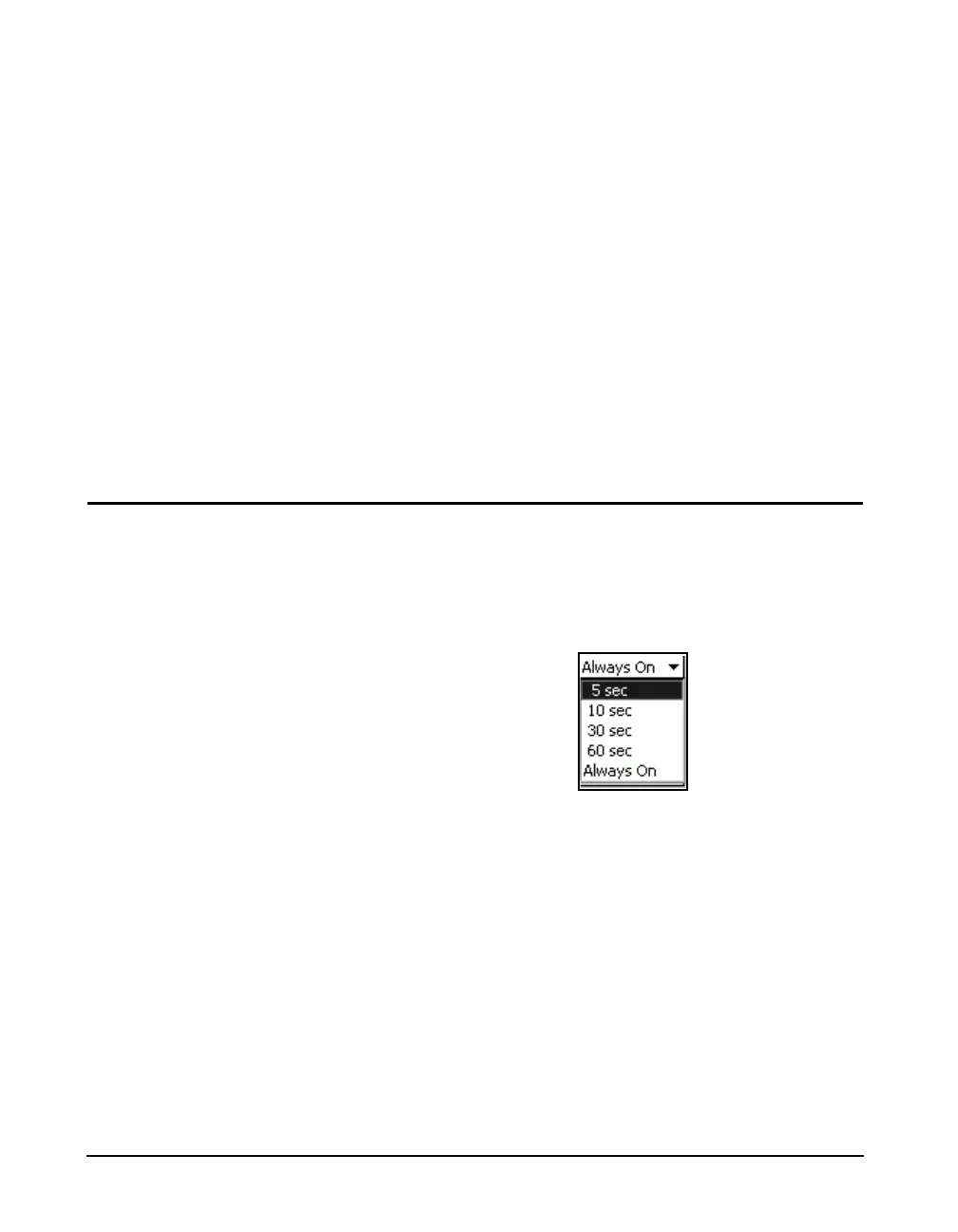
in FIGURE 18-10.
FIGURE 18-10 Backlight Time Menu
Highlight the desired time and press
5 to make a selection.
The default is “10 sec”.



 To Next Page