Model 831 Manual Voice Recorder 10-3
The microphone level can be
adjusted with the three position
microphone switch found on the
headset (ACC003).
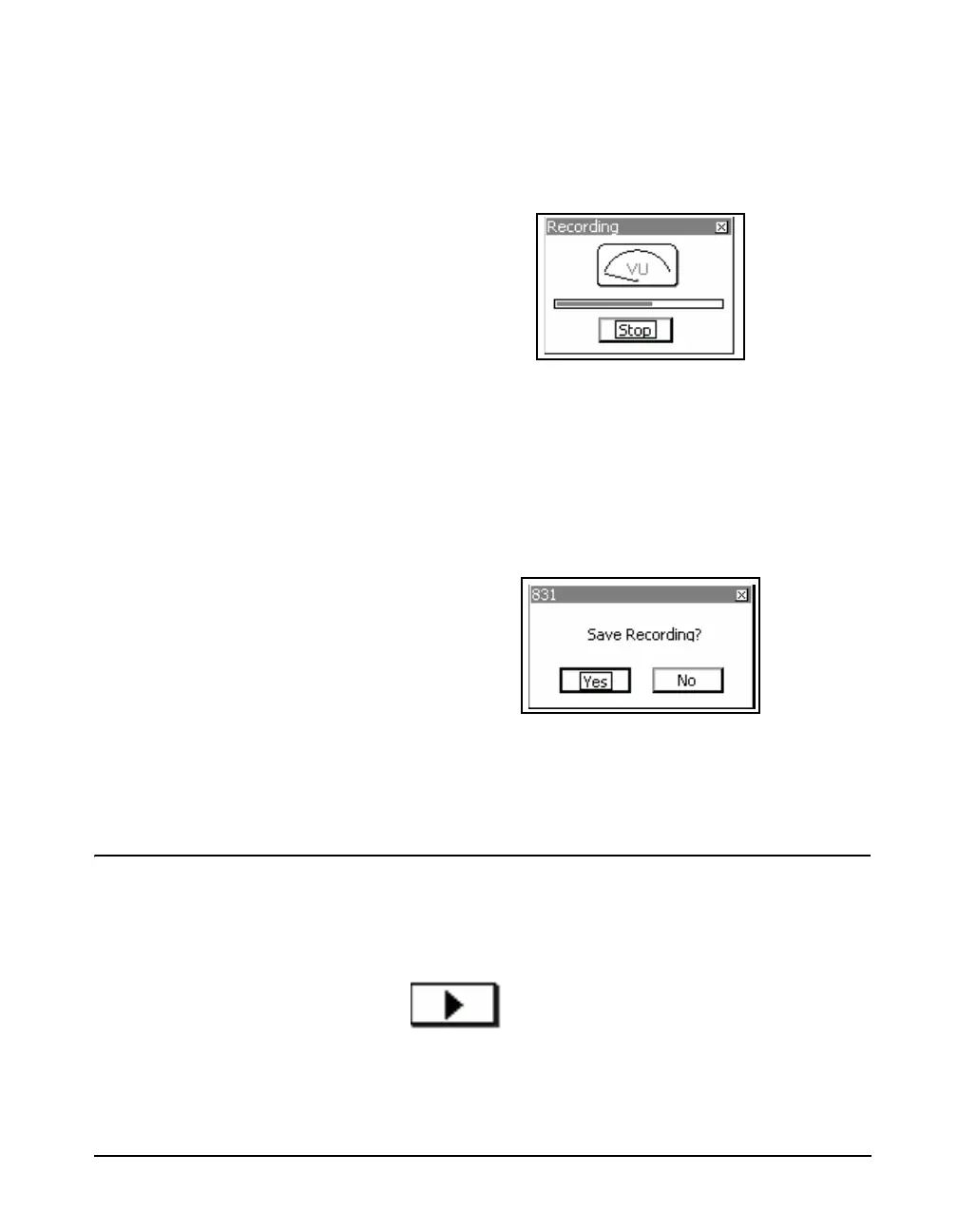
The Recording message box will appear. The meter indicates
the relative signal level from the recording microphone and
the progress bar shows the elapsed time of the measurement.
The progress bar length represents 25.6 seconds, which is
the maximum time for a voice recording.
FIGURE 10-3 Recording
Press
5 to stop recording if 25.6 seconds has not elapsed.
At the end of 25.6 seconds, recording will stop
automatically.
Save Prompt
When the recording has been stopped, the Save Prompt
shown in FIGURE 10-4 will appear.
FIGURE 10-4 Save Recording Prompt
Select Yes to save the recording or No to close the recording
session without saving the recording.
Playback
The
5
key can also be used to play
the highlighted voice record.
To playback a highlighted voice record, press the Right
Softkey beneath the Playback Icon.
Playback Icon



 To Next Page