10-4 Voice Recorder Model 831 Manual
Use the volume control on the
headset (ACC003) to adjust the
playback level.
With a headset attached to the headset jack on the bottom of
the case, you will hear the voice recording in the headset
speaker.
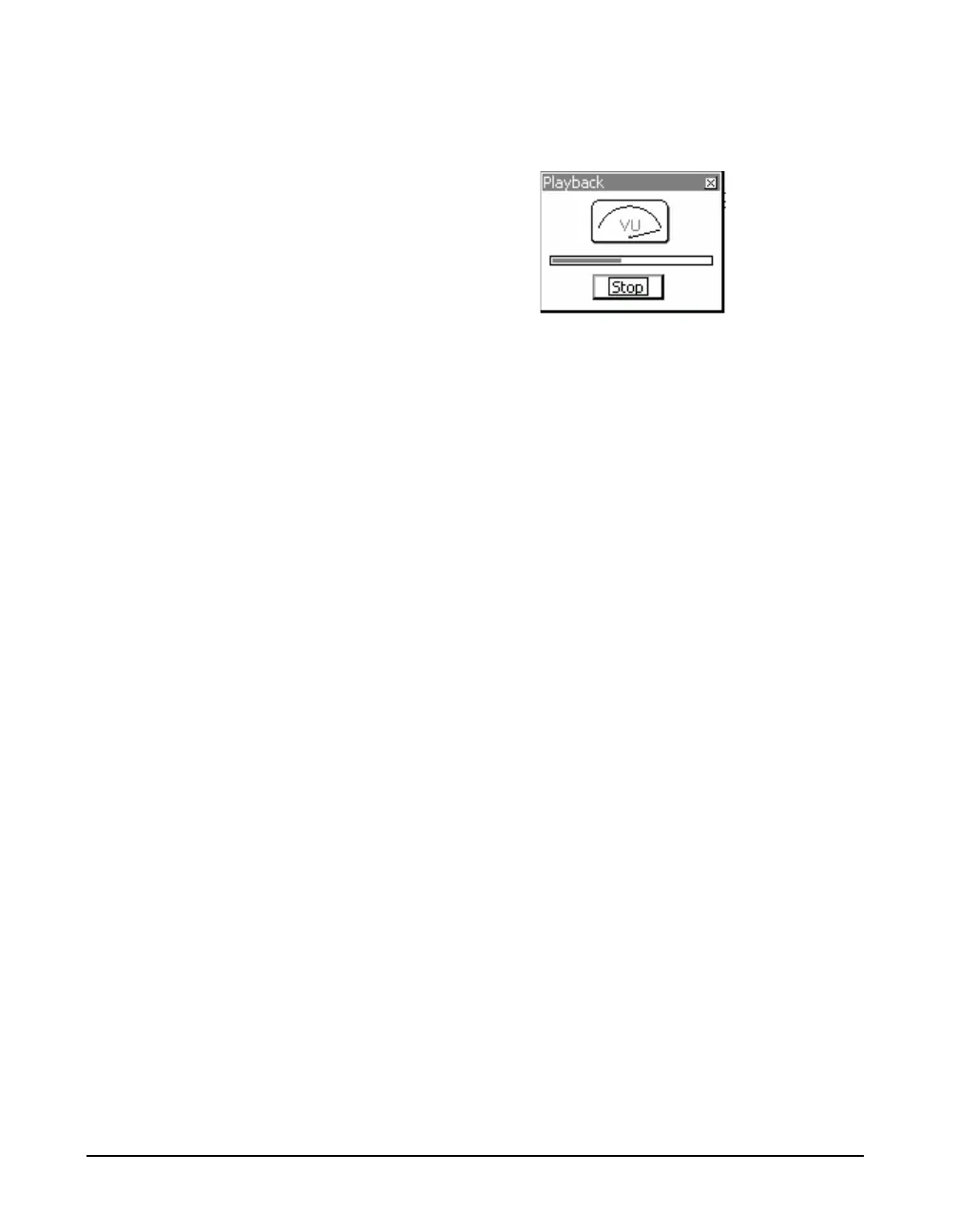
FIGURE 10-5 Playback
The meter indicates the relative amplitude of the recorded
sound.
The progress bar indicates the elapsed time of the playback
of the recording. The progress bar length represents the
actual recording time.
Press
5 to stop the playback.
At the end of the voice record, the playback will stop
automatically.
Session Log Page
Voice recordings can also be played back from the Session
Log Page, as described in "Voice Message/Sound Recording
Playback" on page 5-27.



 To Next Page