Model 831 Manual Parameter Selection 3-21
Parameters in a Row
These may appear as a single row or, when there are
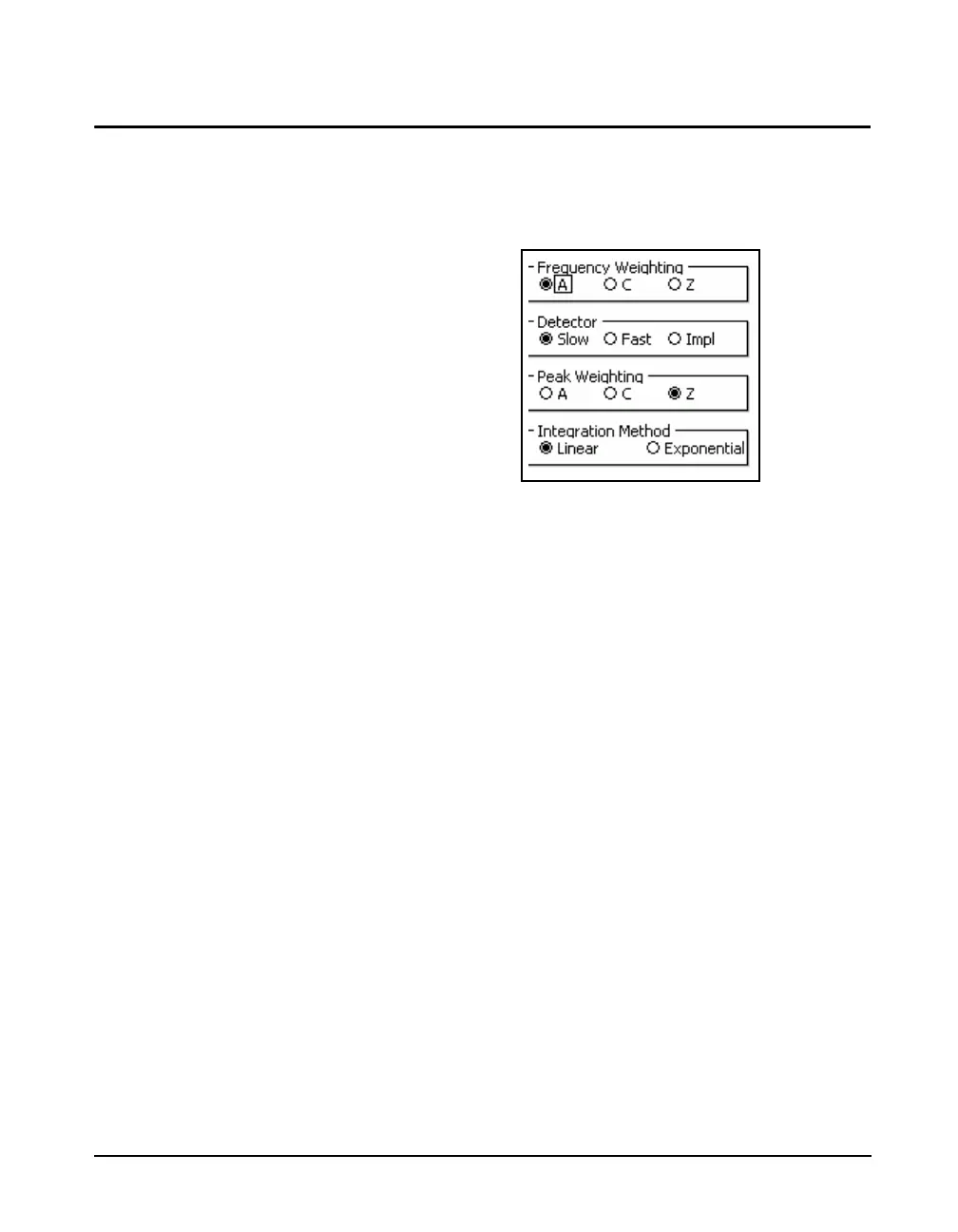
numerous parameters to define, as multiple rows as shown
in FIGURE 3-13.
FIGURE 3-13 Parameters with Radio Buttons
Use the 2 and 8 keys to highlight the parameter
(Frequency Weighting, Detector, etc.), then the 6 and 4
keys to highlight the desired selection for that parameter.
Press
5 to make the selection and fill in the radio button
associated with that parameter.



 To Next Page