3-22 Parameter Selection Model 831 Manual
Drop Down List
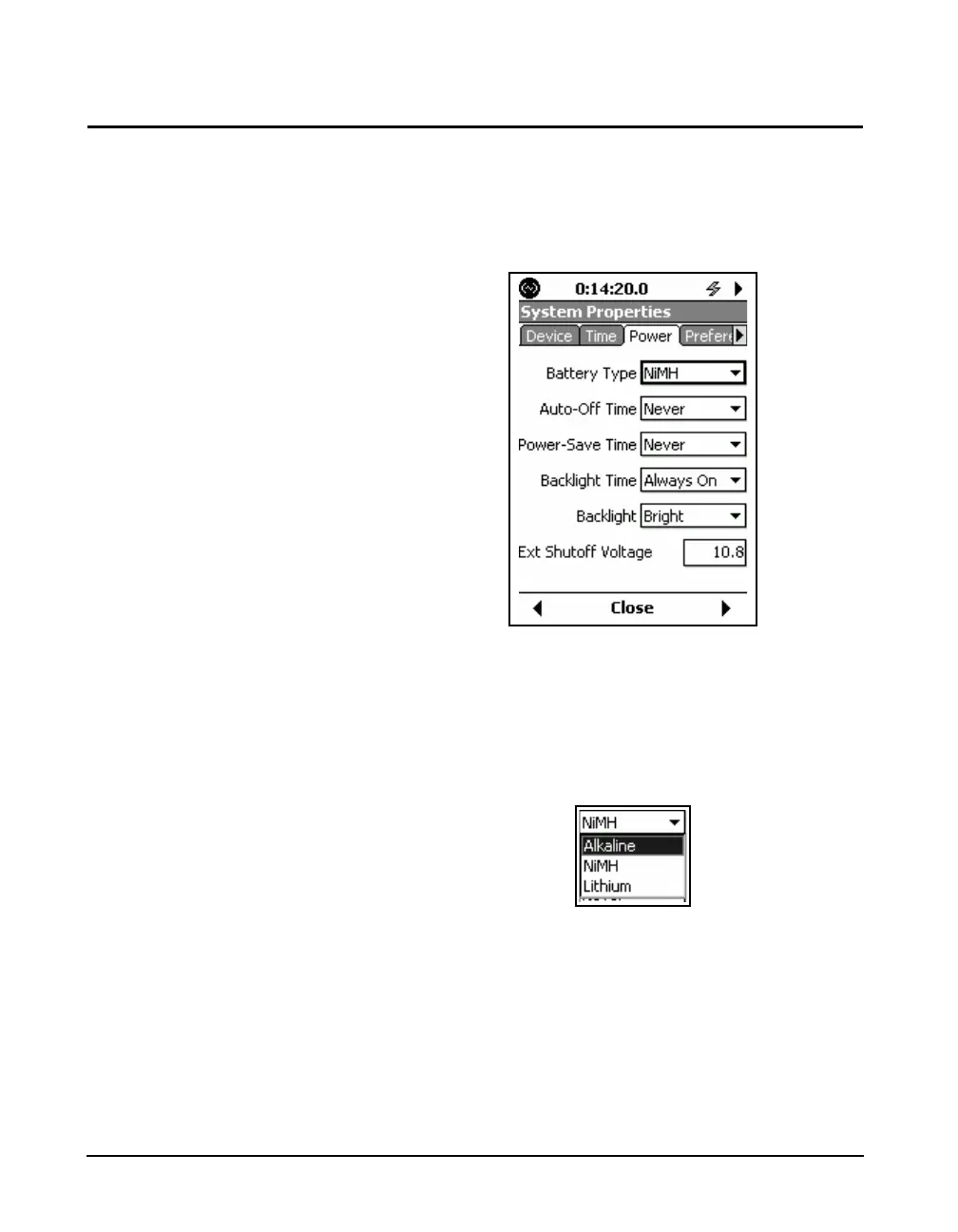
Parameters of this type are associated with a parameter name
followed by a data field indicating the present selection for
that parameter. There may be a single parameter to be
defined, or multiple parameters as shown in FIGURE 3-14.
FIGURE 3-14 Parameter Data Field
Use the 2 and 8 keys to highlight data field of the
parameter to be defined (Battery Type highlighted above)
and press
5 to open the drop down menu listing the
permitted choices as shown in FIGURE 3-15.
FIGURE 3-15 Drop Down Menu
Use the 2 and 8 keys to highlight the desired item in
the list and press
5 to make the selection and close the
menu.



 To Next Page