Model 831 Manual Parameter Selection 3-23
Entering Alphanumeric Strings
It is easier to specify alphanumeric
strings in SLM Utility-G3 or G4
software.
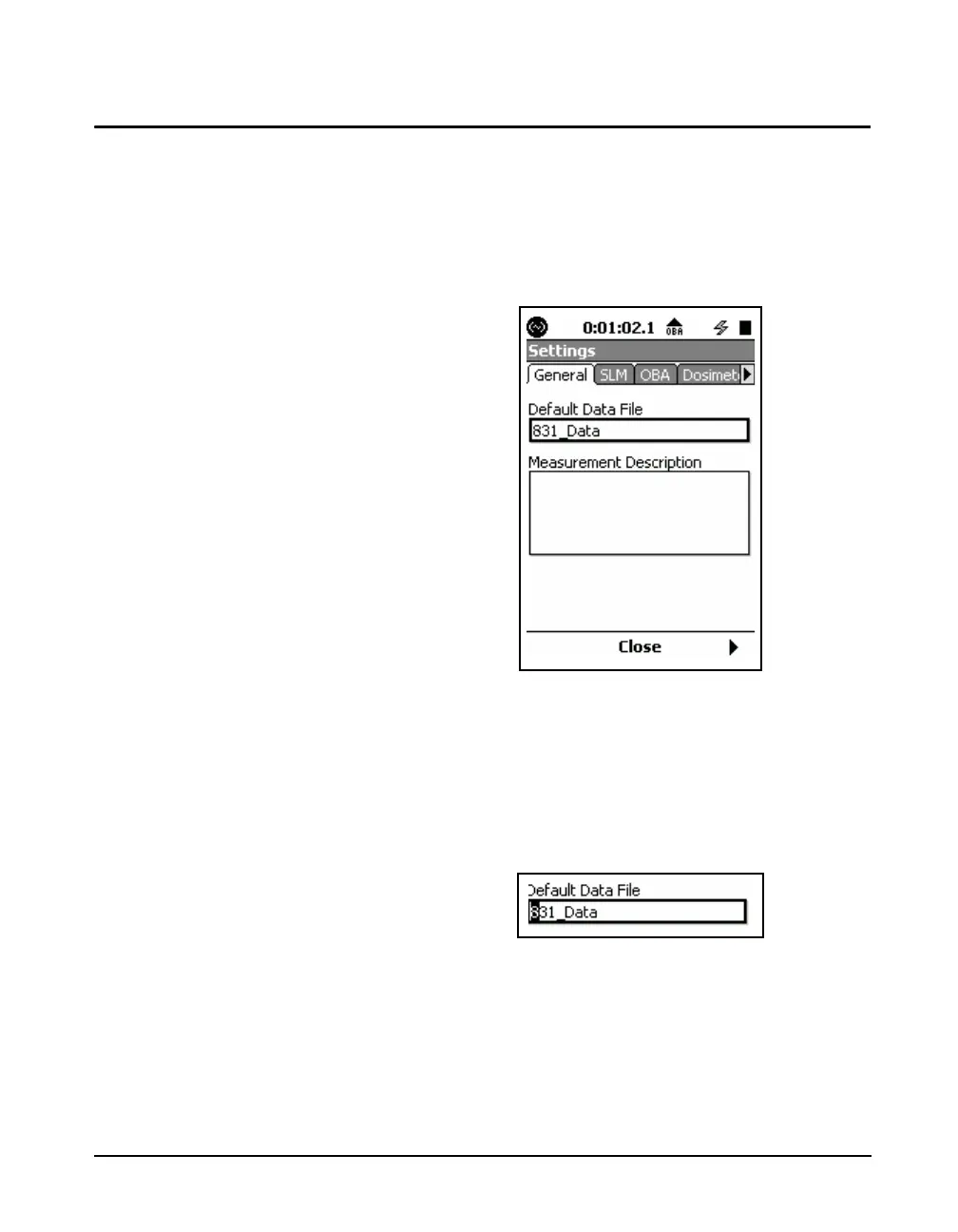
In some instances you will be called upon to enter
alphanumeric strings, such as creating a name or entering
text information. Parameters of this type are associated with
a parameter name and a data field as shown in FIGURE 3-
16.
.
FIGURE 3-16 Alphanumeric Data Field
The data field may be blank, as in the Measurement
Description above, or it may contain a default name, as in
the Default Data File field. Use the 2 and 8 keys to
highlight the desired data field and press
5 to bring up a
cursor in the data field as shown in FIGURE 3-17.
FIGURE 3-17 Cursor in Data Field
The 6 and 4 keys are used to move the cursor right or left,
respectively. At any cursor position, the 8 and 2 keys
are used to scroll the alphanumeric character appearing in
that position through a defined sequence.



 To Next Page