3-24 Parameter Selection Model 831 Manual
Repeated presses of the 8 key will produce the following
sequence of characters:
• Capital letters A through Z
• Lower case letters a through z
• Characters ! @ # $ * ( ) - + = [ ] < > .
• Numbers 0 through 9
•Space
Repeated presses of the 2 key will produce the same
sequence in reverse order.
When the desired alphanumeric field has been entered, press
5 to accept it and remove the cursor.
Entering Numeric Data
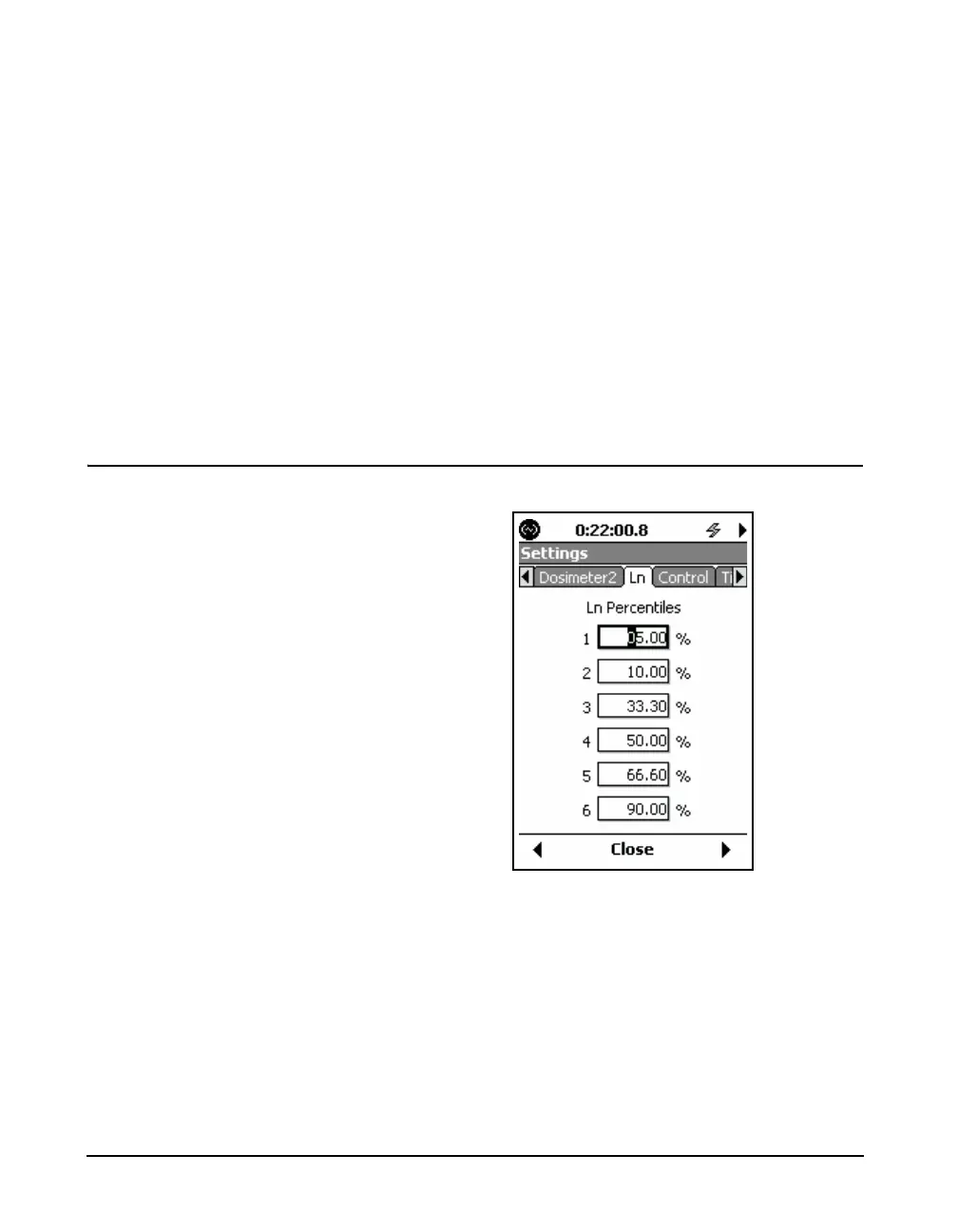
FIGURE 3-18 Entering Numeric Data
When a purely numeric parameter is being entered, as in
FIGURE 3-18, the same procedure is followed as for
alphanumeric parameters. In this case, repeated presses of
the 8 and 2 keys will scroll upward or downward,
respectively, through the numeric sequence.



 To Next Page