20-10 RS-232 Tab Model 831 Manual
Step 2 Connect one end of the null modem connector to
the serial port of the computer.
Step 3 Connect the other end of the null modem cable to
the USB-to-RS-232 adaptor (DVX008A).
Step 4 Connect the DVX008A to the USB port on the
Model 831.
The status and state of the wireless
modem can be checked on the Status
tab.
Step 5 Ensure that the USB port has been enabled as
described in “USB Host Port” on page -18-14.
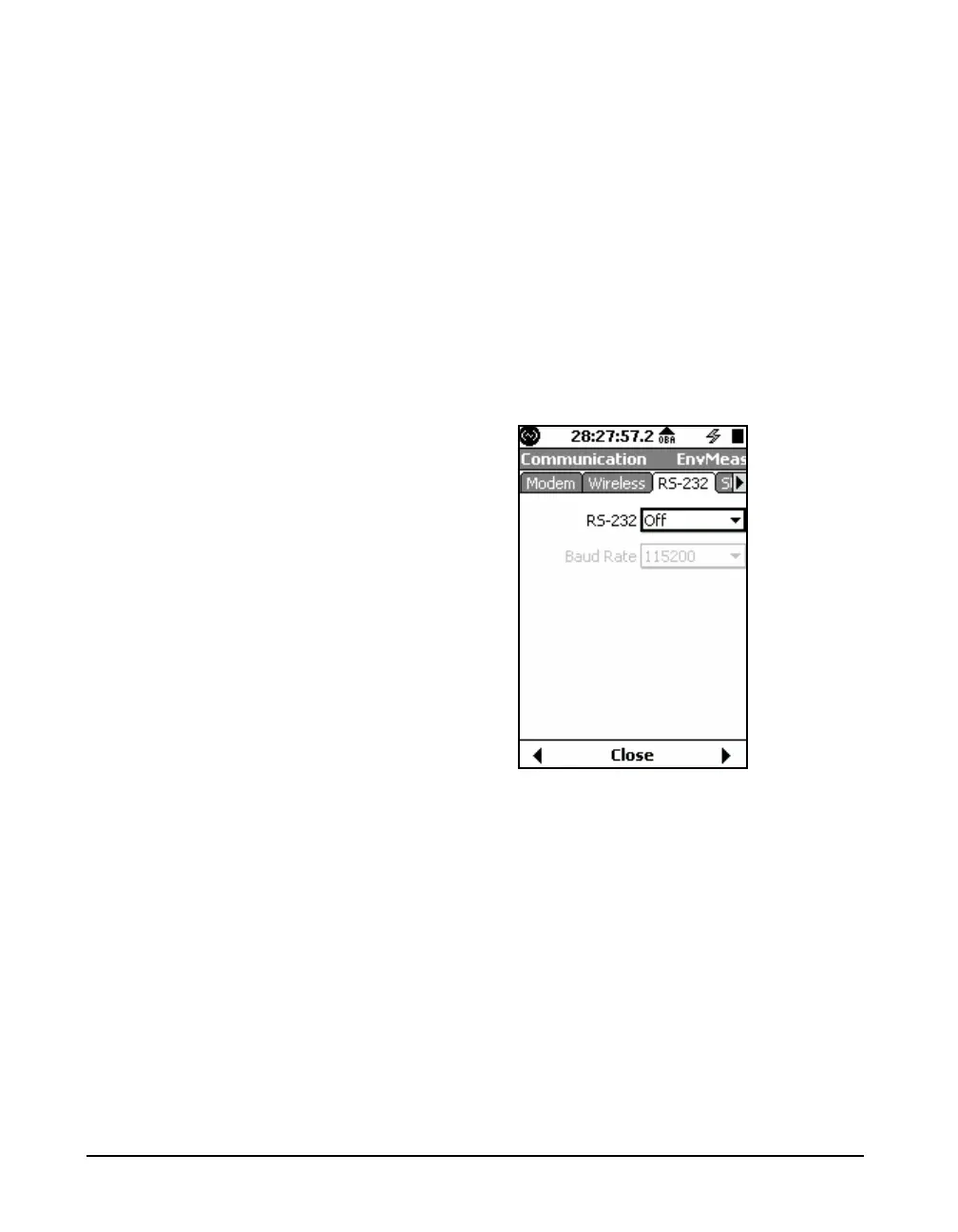
Step 6 Use the Communication RS-232 tab, shown in
FIGURE 20-12, to set the RS-232 option to On, as shown in
FIGURE 20-13.
FIGURE 20-12 Communication: RS-232 Tab



 To Next Page