Model 831 Manual Troubleshooting 20-27
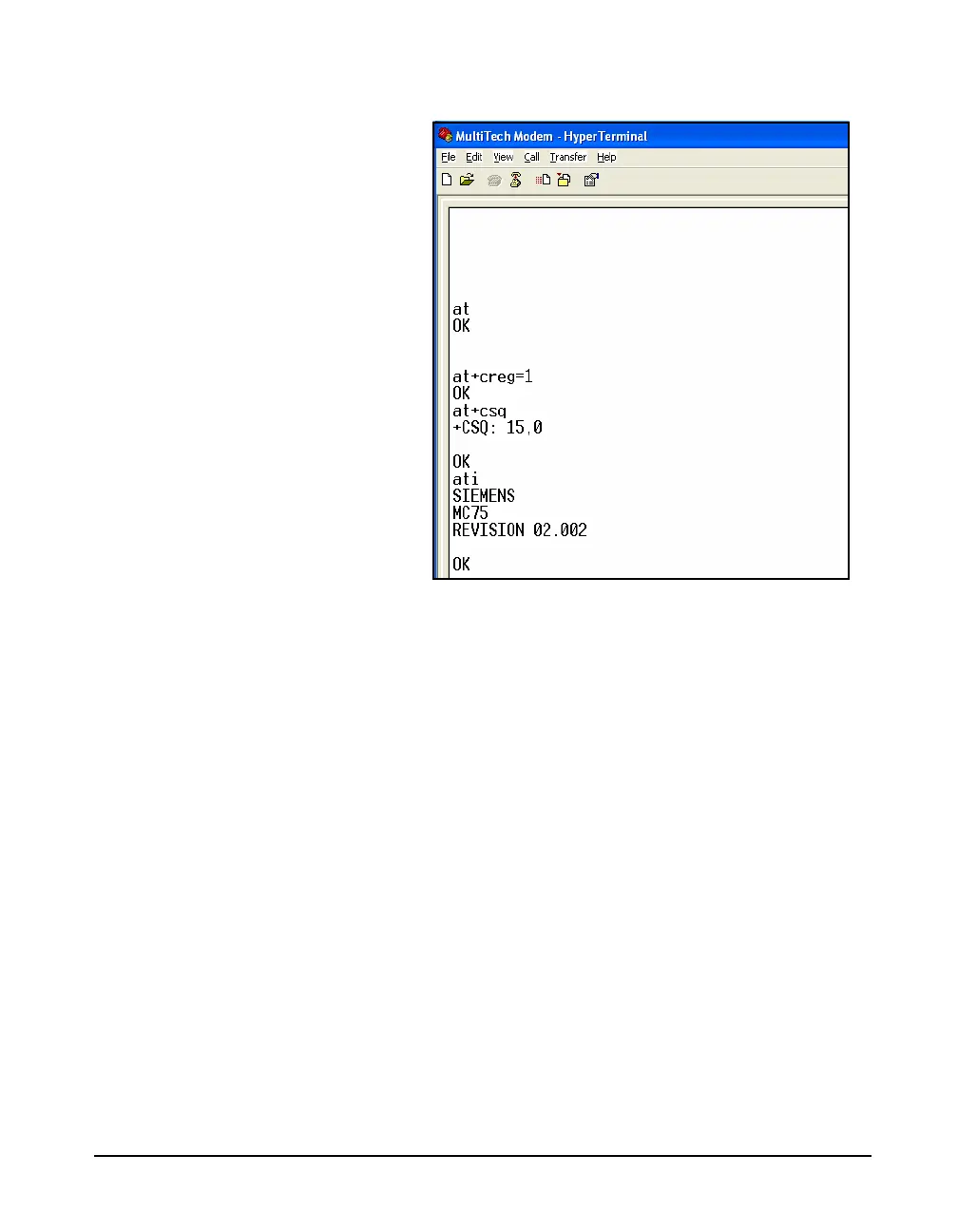
Step 2 Type AT+CSQ. This will return a value pair.
FIGURE 20-32 Verifying Signal Strength and Error
Rate
The first number (possible values 0-30) is the signal
strength. Any number less than 10 may mean the signal is
too weak for reliable communication. The second number
(possible values 0-7) is the error rate. For more specific
details, refer to the Multi Modem manual.
If the modem will not connect after all of these steps, the
firmware version should be verified.
Verify Firmware Version
In the HyperTerminal window type ATI. The firmware
version number will be displayed. Revision numver 2.00 or
higher should be displayed for the modem to work properly,
If it displays a lower version number, you will need to return
the modem to MultiTech or to the place of purchase for a
firmware upgrade.



 To Next Page