Model 831 Manual Markers 11-19
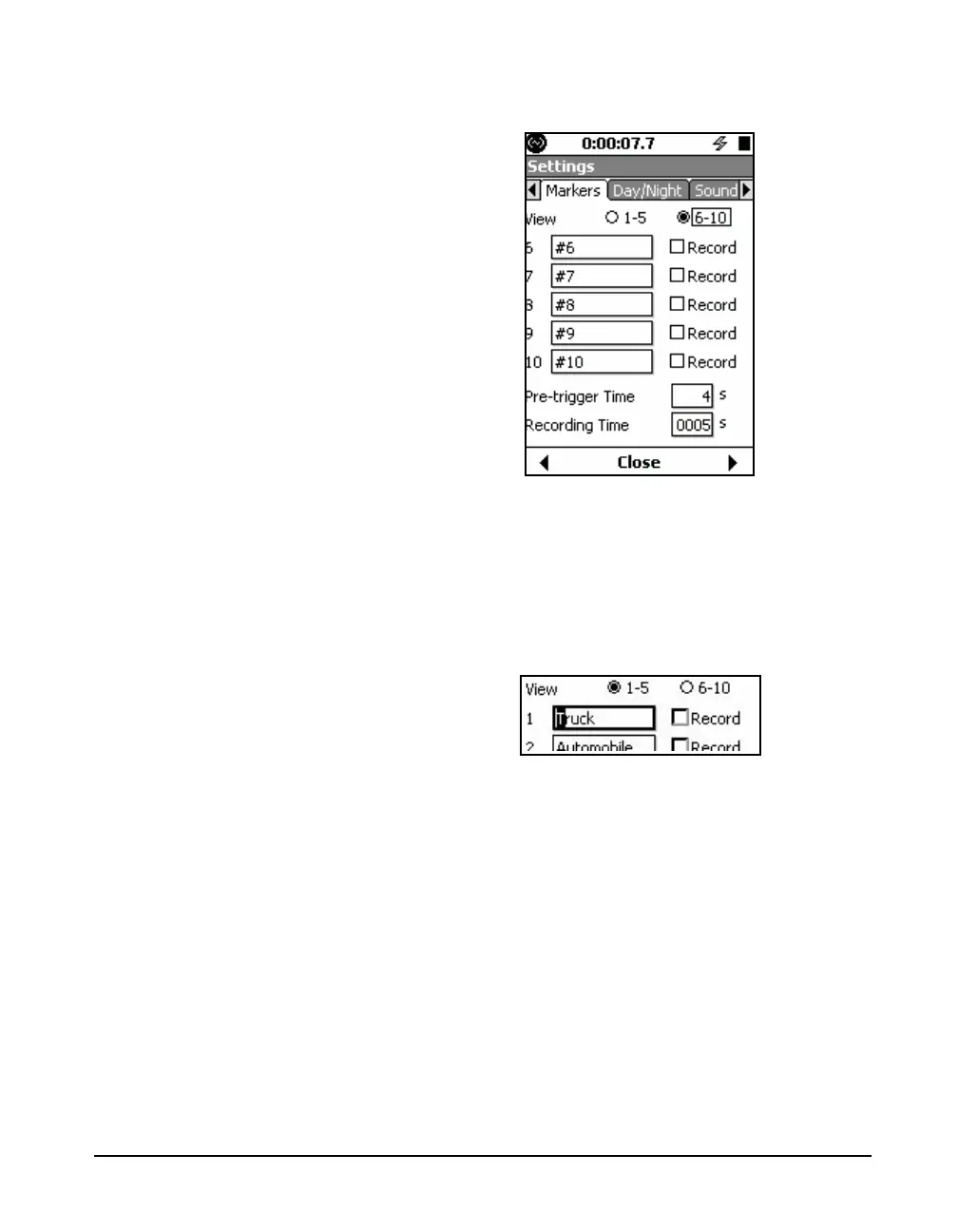
FIGURE 11-19 Markers Setup 6-10
Naming a Marker
The process of naming markers is
simplified by using the 831 Utility
software.
Highlight the field of the marker to be named and press
5.
This will produce a cursor which can be moved left and right
to different digit positions in the data field using the 4 and 6
keys, as shown in Figure 11-20.
FIGURE 11-20 Marker Name Field
Enter a marker name and press the
5 key to conclude the
process.
Record with a Marker
The Record check box is available when the optional
firmware 831-SR has been enabled. This will permit a sound
recording snapshot to be made whenever the associated
marker is activated. See "Marker Initiated Recording” on
page 16-9 for more details.



 To Next Page