11-20 Markers Model 831 Manual
Using Markers
The Time History tab of the Data Display View is used to
display the data, as shown in FIGURE 11-6 “Time History
Display: First Point; Keypress" .
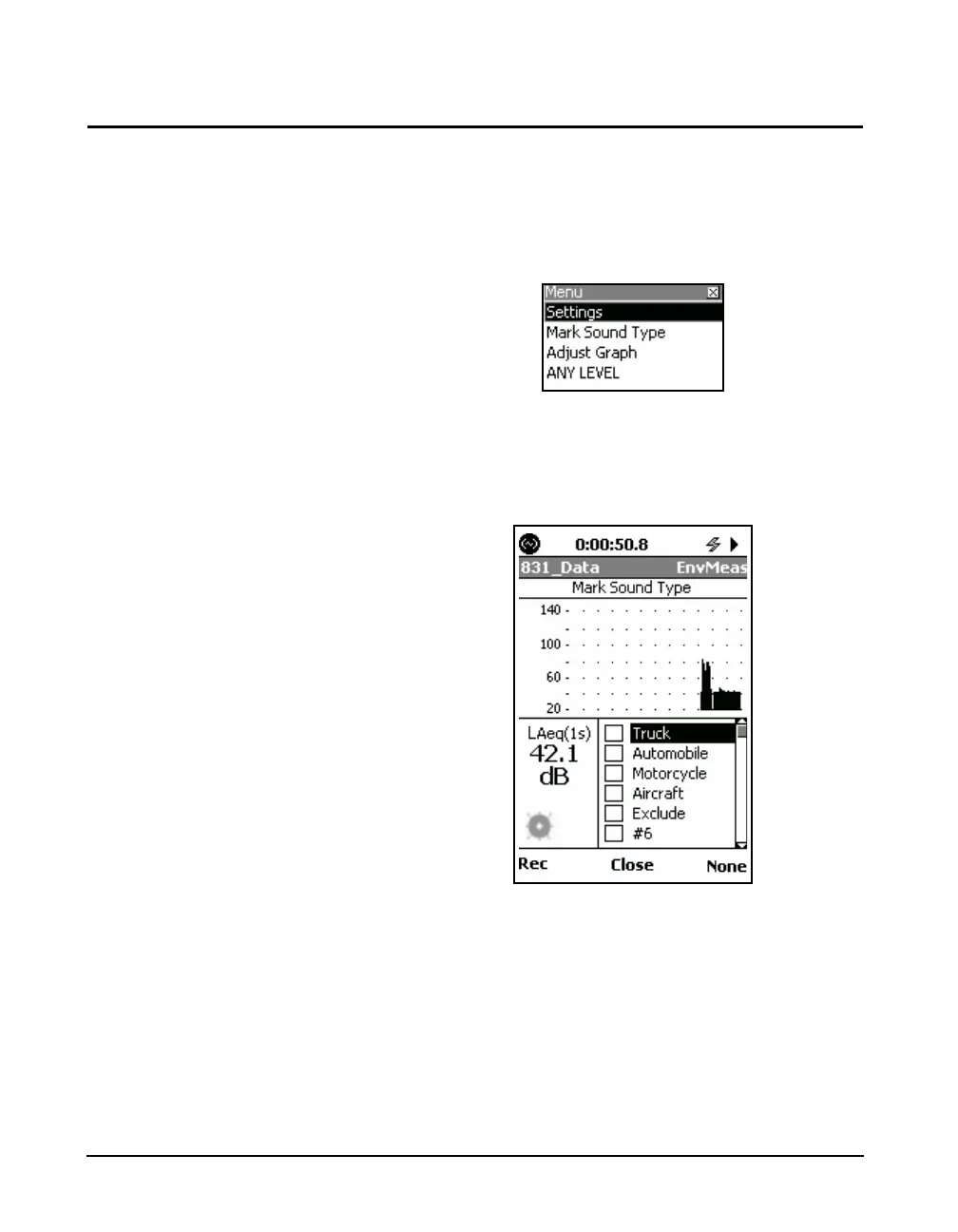
After the measurement is begun, press the Menu key to
bring up the display shown in Figure 11-21.
FIGURE 11-21 Menu Options
Mark Sound Type is also available
from the Live Profile and the
Session Log display menus
Highlight Mark Sound Type and press
5, which will
bring up the Mark Sound Type dialog box as shown in
Figure 11-22.
FIGURE 11-22 Time History Display with Markers
Setting Markers On/Off
At any time during a measurement, any of the markers can
be set On or Off. The best way to enable or disable a marker
is to press
5. The 4 and 6 keys will turn the marker On/
Off as well.



 To Next Page