Model 831 Manual Markers 11-21
Setting All Markers Off
To set all markers to Off, press the right softkey labeled
None.
Close Marker Control Window
Press the center softkey labeled Close to close the marker
control window and return the display to the standard Time
History display.
Markers on Time History Display
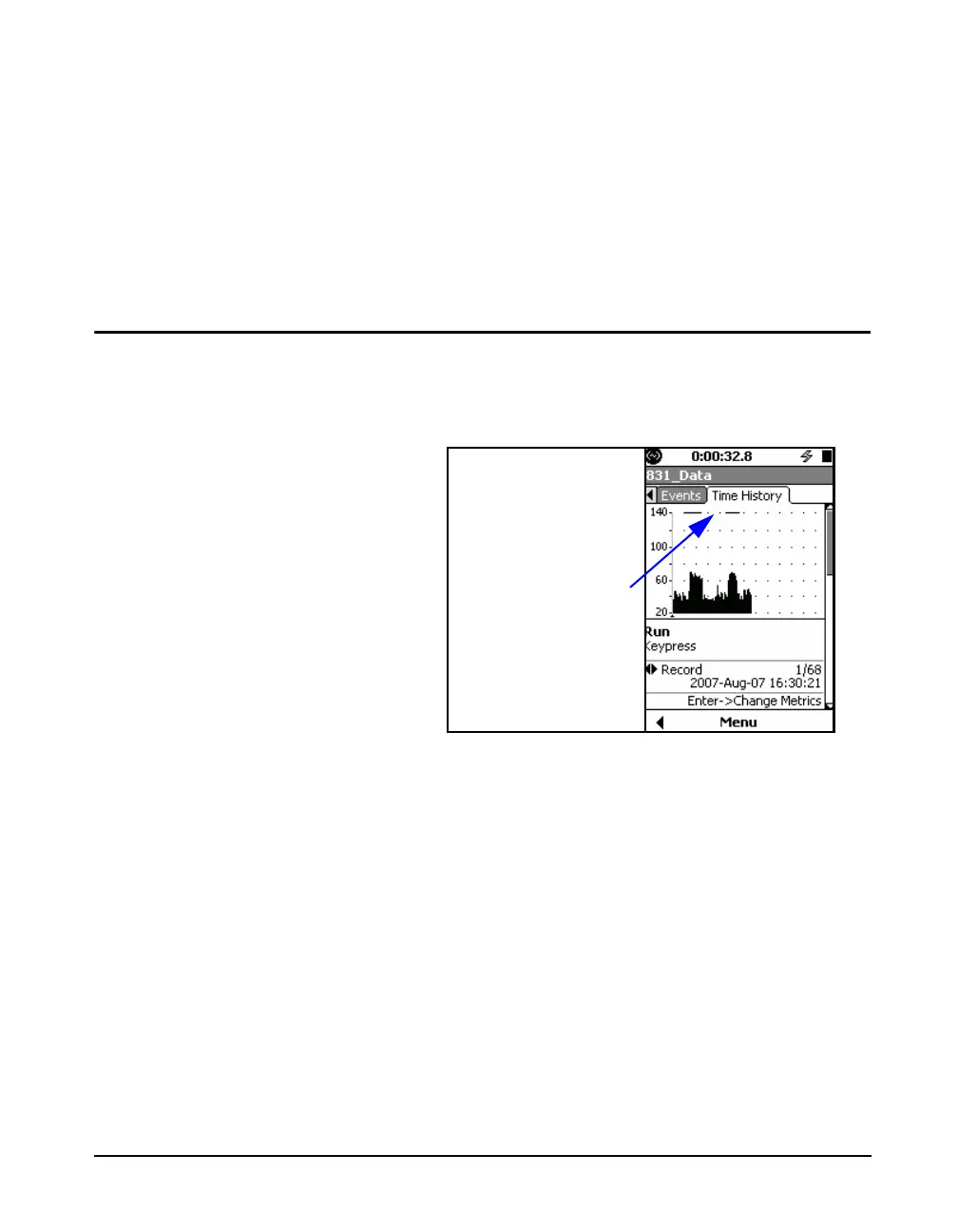
When any type of marker has been active during a time
history measurement, this will be indicated by a solid
horizontal line at the top of the screen as shown in "Marker
Indication on Time History Display" on page 11-21.
FIGURE 11-23 Marker Indication on Time History
Display
The 831 Utility software provided with the Model 831 will
show the names of the markers along with the time history
data when the data is exported. See the 831 Utility User
Manual for details.



 To Next Page