Model 831 Manual Data Explorer 17-3
•By item
• By page
Pressing the left softkey will toggle between these two
modes.
By item
“By item”, shown in FIGURE 17-2, is the default scrolling
mode. Using this mode, the window presenting information
for the selected file moves down or up one file at a time
when pressing the 2 or 8 keys, respectively.
By page
When working with a large number of files, the “By page”
scrolling mode will shift the listing of files down or up one
page at a time, when pressing the 2 or 8 keys,
respectively. When the desired file appear, shift to the “By
item” mode to select a particular file.
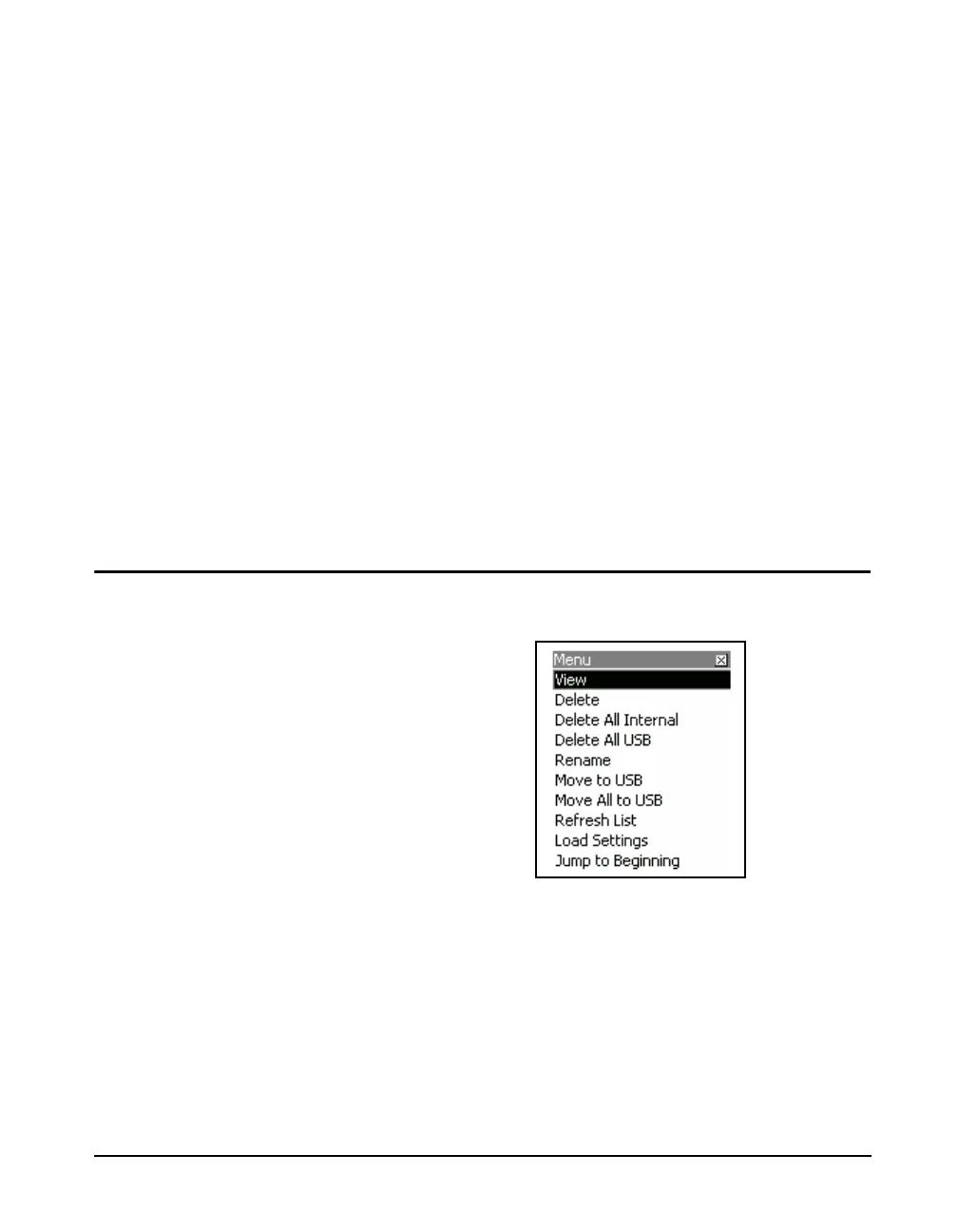
Menu Softkey
Press 5 to view the data file or press the Right Softkey
labeled Menu for more options.
FIGURE 17-3 Data Explorer Menu
Highlight the desired function and press
5. To leave this
menu without taking any action press the Close Softkey.



 To Next Page