17-4 Data Explorer Model 831 Manual
View
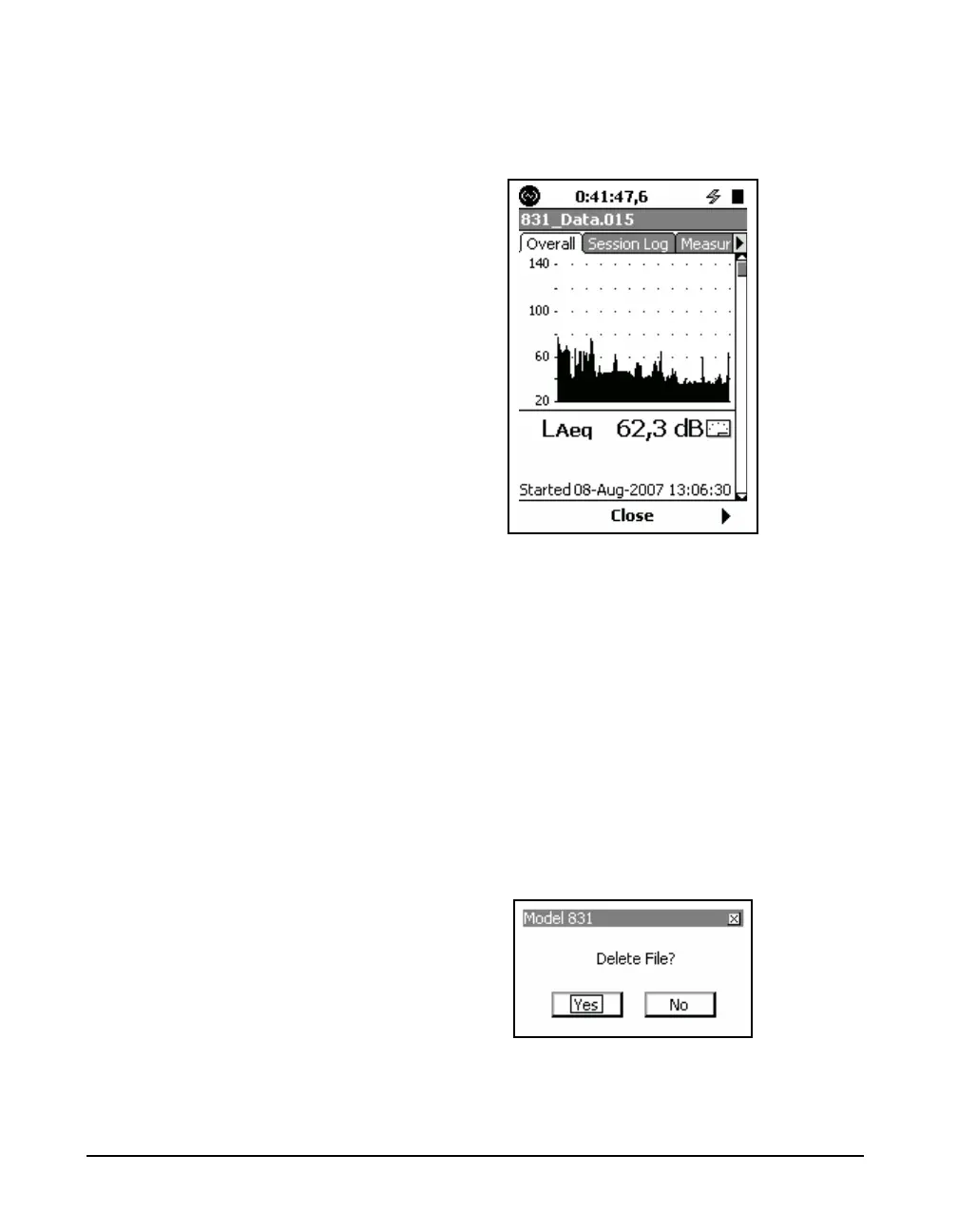
The View function opens a data view of the selected data
file.
FIGURE 17-4 Data View
The information displayed is similar to the data described in
the section ‘Overall Tab” on page 5-12.
The file name of the data file being displayed is found in the
title bar near the top of the screen.
For information on the Session Log tab see ‘Session Log
Tab” on page 5-25.
Press the Center Softkey labeled Close to return to the Data
Explorer view.
Delete
The Delete menu item deletes the highlighted stored data
file. The prompt shown in FIGURE 17-5 will be displayed.
FIGURE 17-5 Delete File
Highlight the appropriate response and press
5.



 To Next Page