Model 831 Manual Data Explorer 17-5
Delete All Internal
Note that the file number used for the
file names will be reset to 001 when
the Delete All Internal is performed.
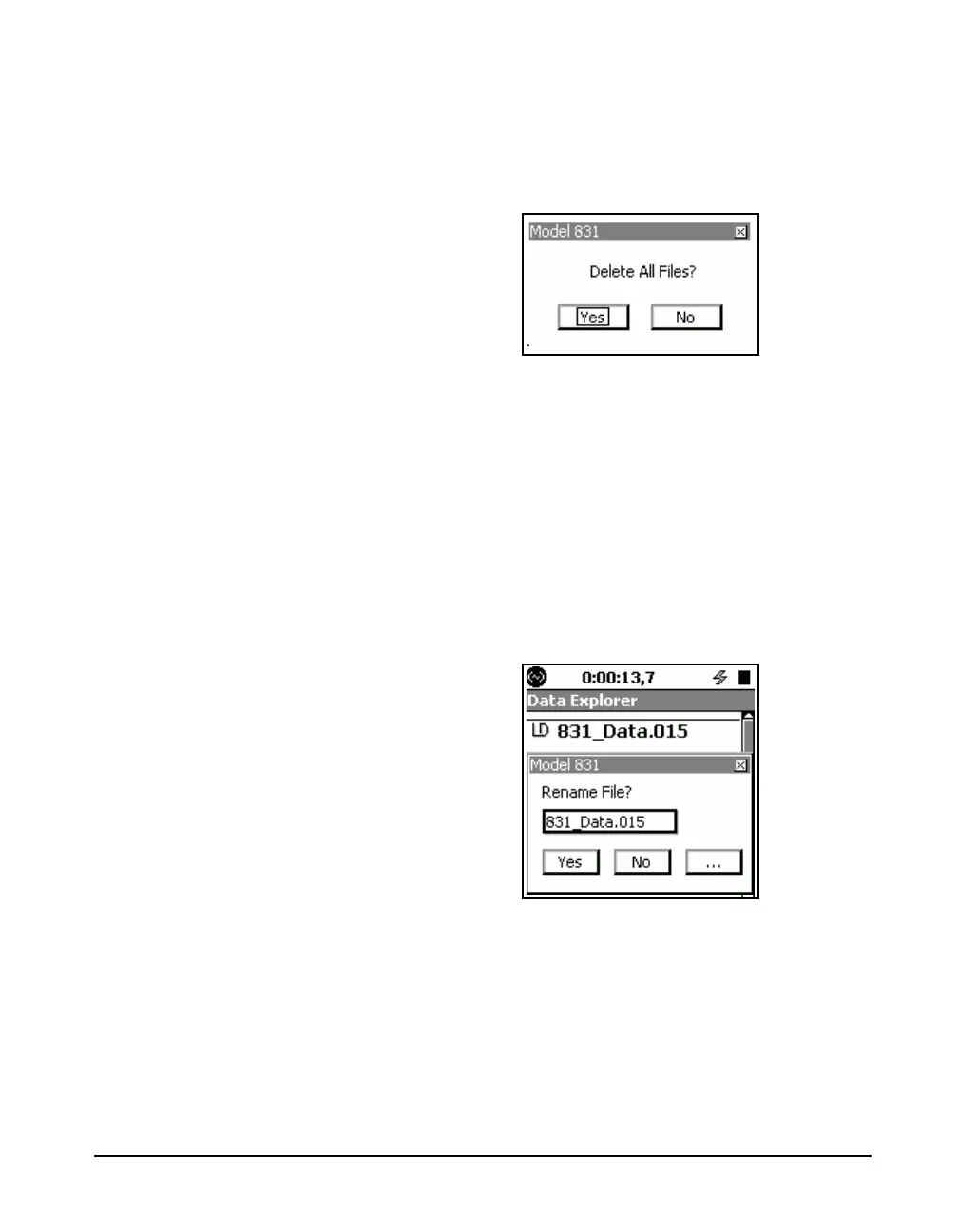
The Delete All Internal menu item will delete all files saved
to the internal memory of the Model 831. The prompt shown
in FIGURE 17-6 will be displayed.
FIGURE 17-6 Delete All Files Prompt
Highlight the appropriate response and press
5.
Delete All USB
The Delete All USB menu item will delete all files saved on
the USB device. The prompt shown in FIGURE 17-6 will be
displayed; respond as appropriate.
Rename
The Rename menu item enables you to change the name of
the selected data file. Pressing
5 brings up a message box
for editing the file name.
FIGURE 17-7 Rename File
Highlight the text box with the file name, press
5, modify
the name as desired and press
5 to complete the changes.
Highlight the Ye s button to accept the changes or the No
button to discard the changes and press
5.
If your new file name is the same as a file already in the
directory, an Overwrite message box will appear. See



 To Next Page