17-6 Data Explorer Model 831 Manual
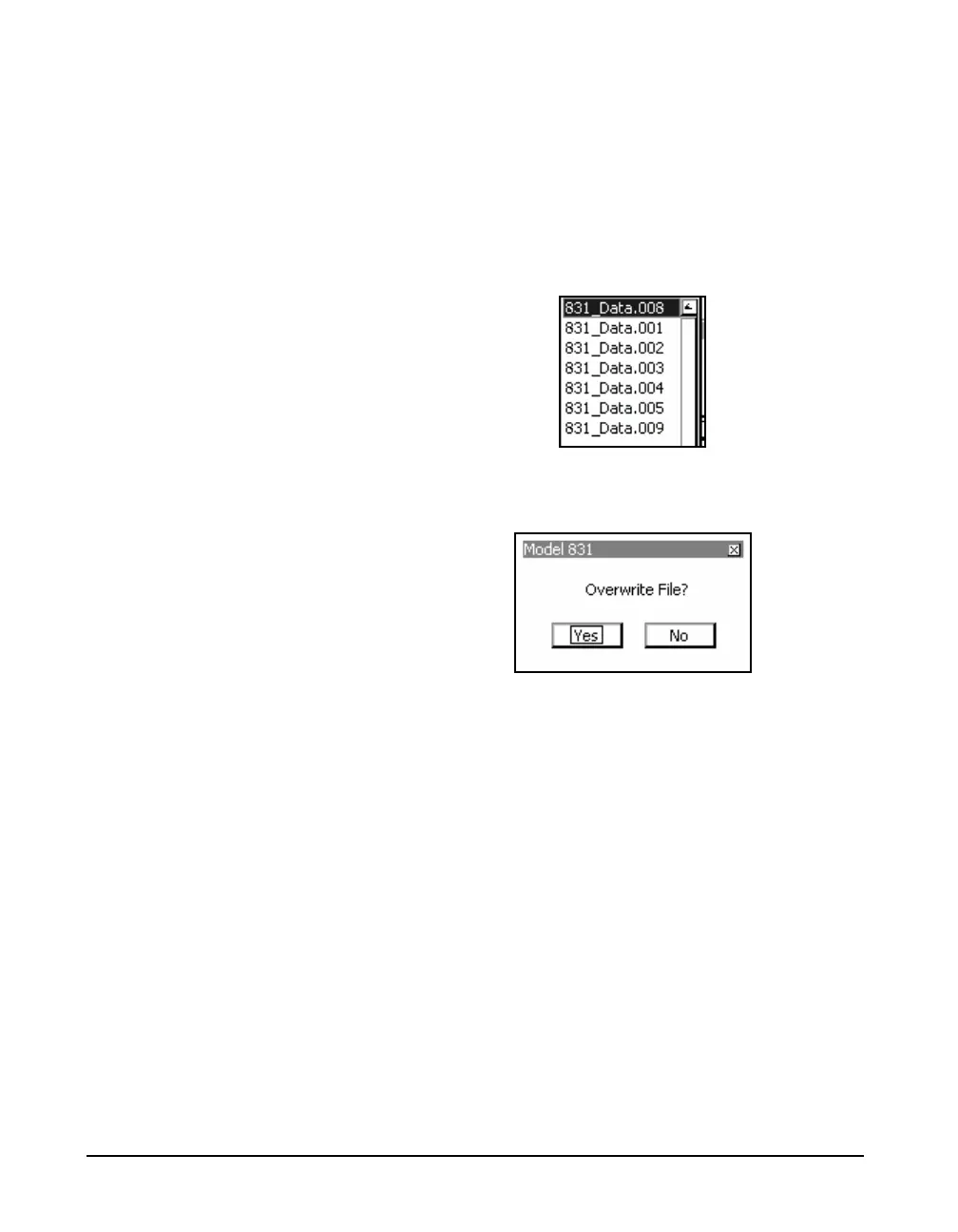
FIGURE 17-9. If you select Ye s, then the old file will be
over written with the newly named file. A response of No
will return the Rename message box.
Another method of renaming a file is to Overwrite an old
file. Highlight the “...” button and press
5 to display a list
of file names. This feature will allow you to select the name
of an existing file and replace that file with the file you are
renaming. See FIGURE 17-8.
FIGURE 17-8 File Name List
Highlight a name from the list and press the
5 key.
FIGURE 17-9 Overwrite Confirmation
A message box will appear requesting confirmation of the
desired action. Select the desired response and press
5. If
you select Yes , then the old file will be over written with the
selected file. A response of No will return to the Rename
message box.



 To Next Page