Model 831 Manual Data Explorer 17-7
Move to USB
The Move to USB menu item transfers a selected internal
memory data file to a USB memory device. While the data is
transferred, the following icon is displayed:
Note: The Move to USB feature does
not copy the data file to a USB
memory device--it moves it. Once the
file is moved to the memory device,
the data is not preserved on the 831.
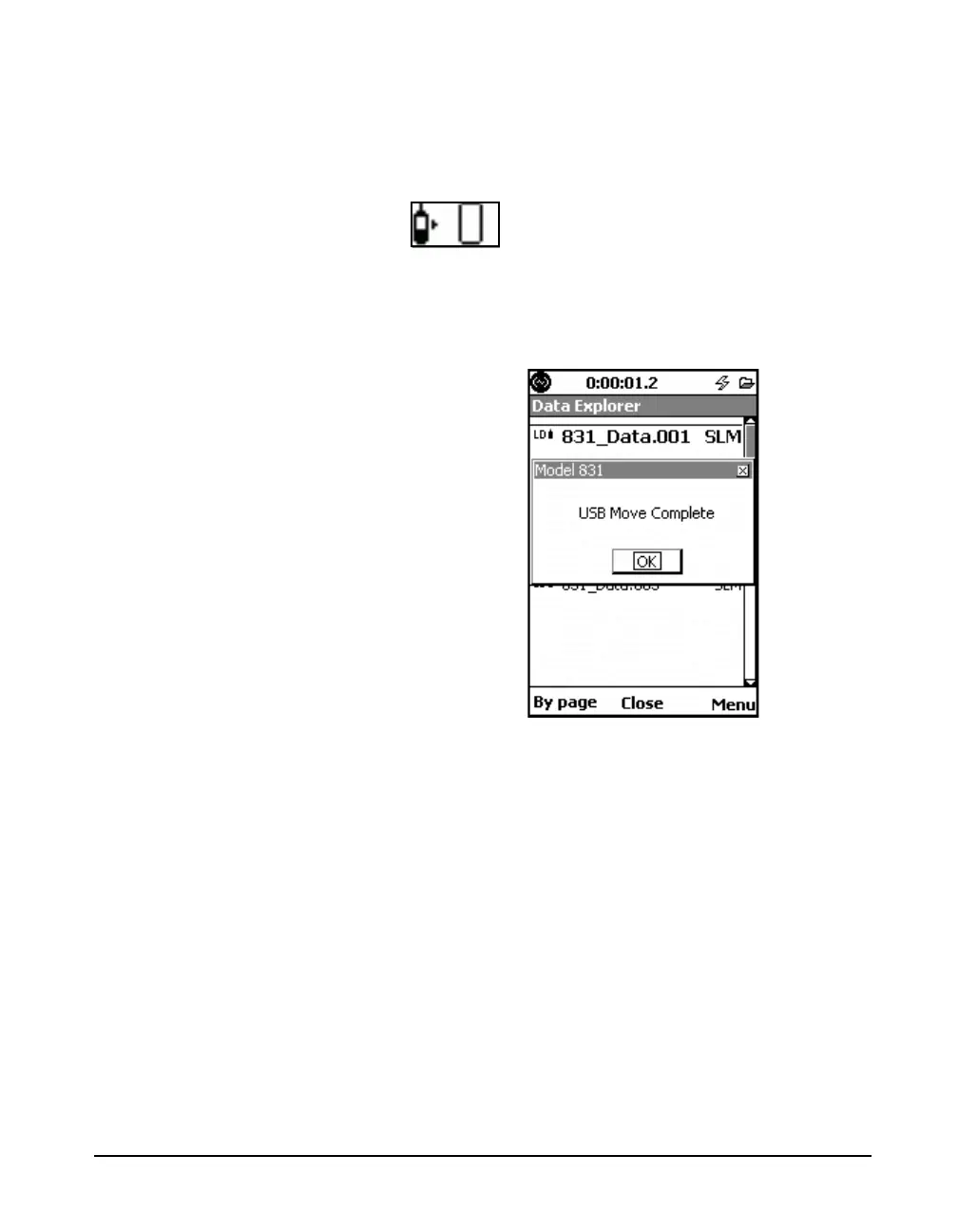
When the data has been completely transferred, the message
shown in FIGURE 17-10 is displayed.
.
FIGURE 17-10 USB Move Complete Message
If a file with the same name already exists on the USB
memory device when the move is initiated, the filename of
the data being transferred is altered by prepending it with the
letter “a.” The message shown in FIGURE 17-11 is then
displayed.



 To Next Page