17-8 Data Explorer Model 831 Manual
.
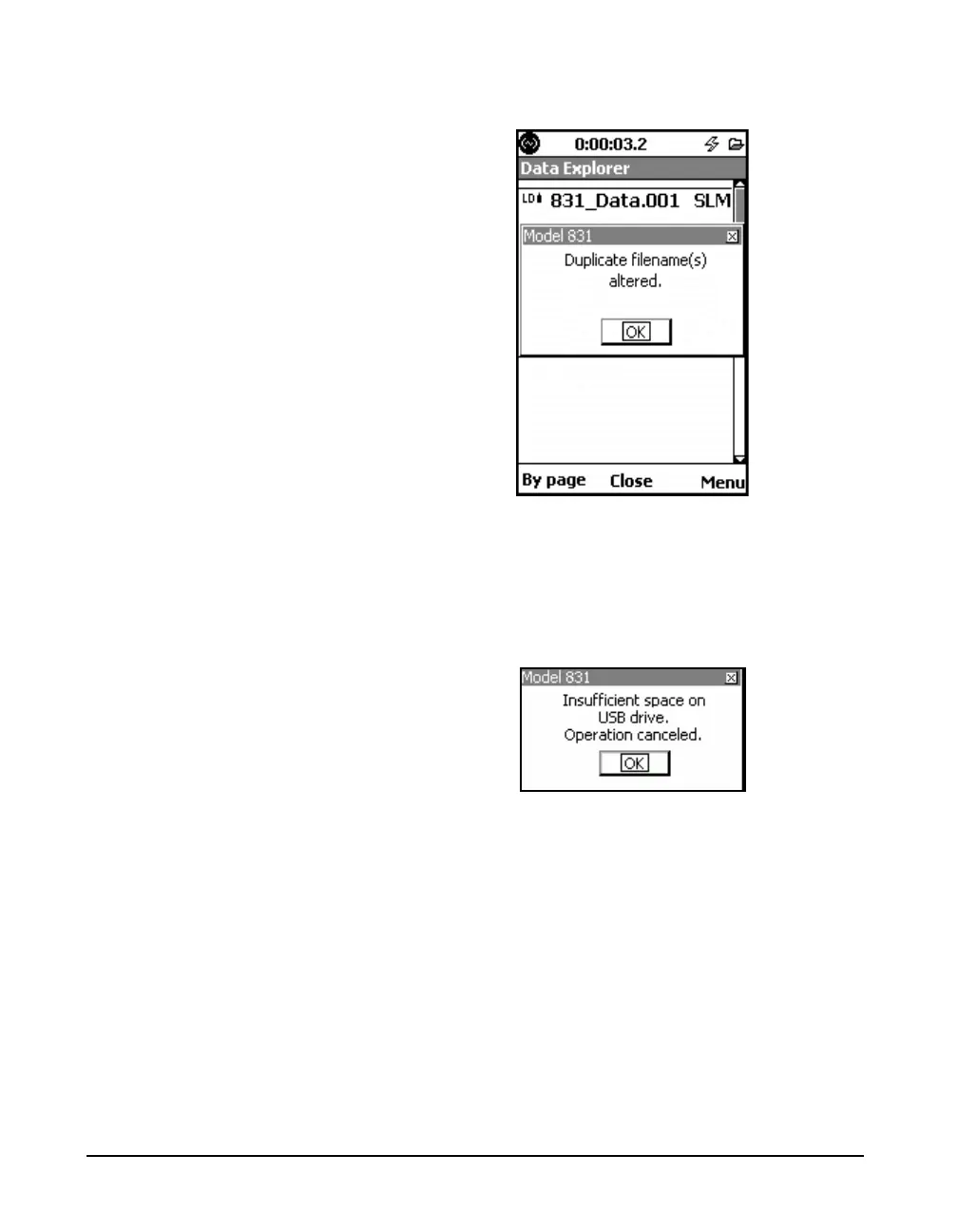
FIGURE 17-11 Duplicate Filename Altered
If the file size is larger than the available free space on the
USB drive, the file is not moved and the message shown in
Figure 17-12 appears.
FIGURE 17-12 Insufficient Space on USB Drive
Message
Move All to USB
The Move All to USB menu item transfers all files on the
internal flash memory to the USB memory device. The
procedure is similar to that described in "Move to USB" on
page 17-7.
If the attached USB Flash Drive (or mass storage device)
already has a file named the same as one being moved from
internal memory, the instrument automatically alters the
name so that it will be unique.



 To Next Page