14-6 Configuring a Measurement Model 831 Manual
Control Tab
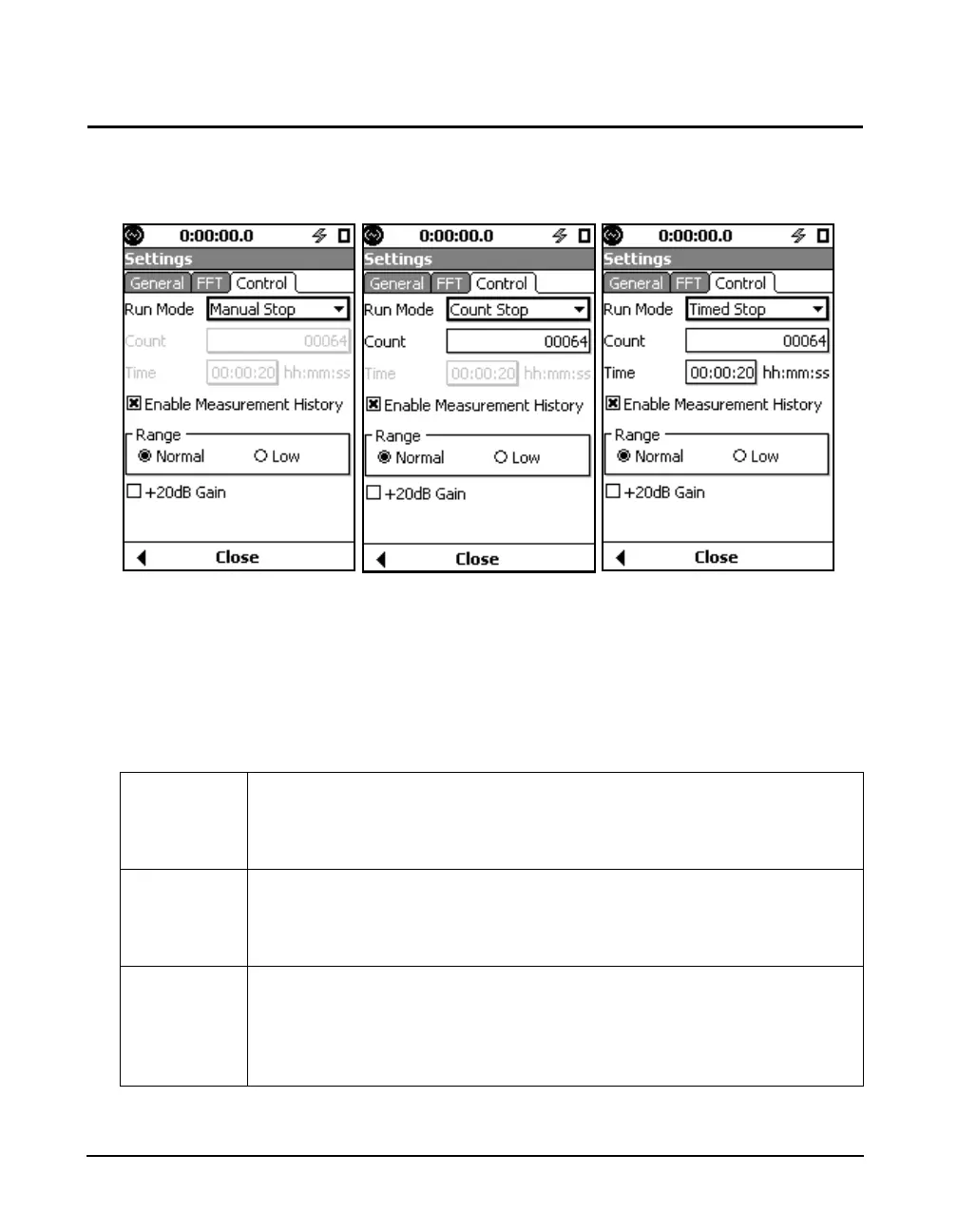
FIGURE 14-6 shows the options for the Control tab.
FIGURE 14-6 Control Tab Options
Run Mode
The Run Mode setting controls how a measurement is
terminated and how history records are accumulated. The
three run modes are described in Table 14-2 below.
Table 14-2 FFT Run Modes
Manual Stop A Manual Stop measurement begins with a press of the 9 (RUN/PAUSE) key
and ends with a press of the 7 (STOP/STORE) key. If measurement history is
enabled, a history record will be created with each stop. As many runs as desired
can be made and the overall data includes all samples from each FFT record.
Count Stop A Count Stop measurement begins with a press of the 9 key and ends when
the number of discrete FFT records equals the Count setting value. If measure-
ment history is enabled, a history record is created. A measurement may be ter-
minated early by pressing 7.
Timed Stop A Timed Stop measurement begins with a press of the 9 key and ends when
the run time for this measurement equals the Time setting value. If measure-
ment history is enabled, a history record will be created when the number of
FFT records equals the Count setting value. A measurement may be terminated
early by pressing 7.



 To Next Page