SDA Operator’s Manual
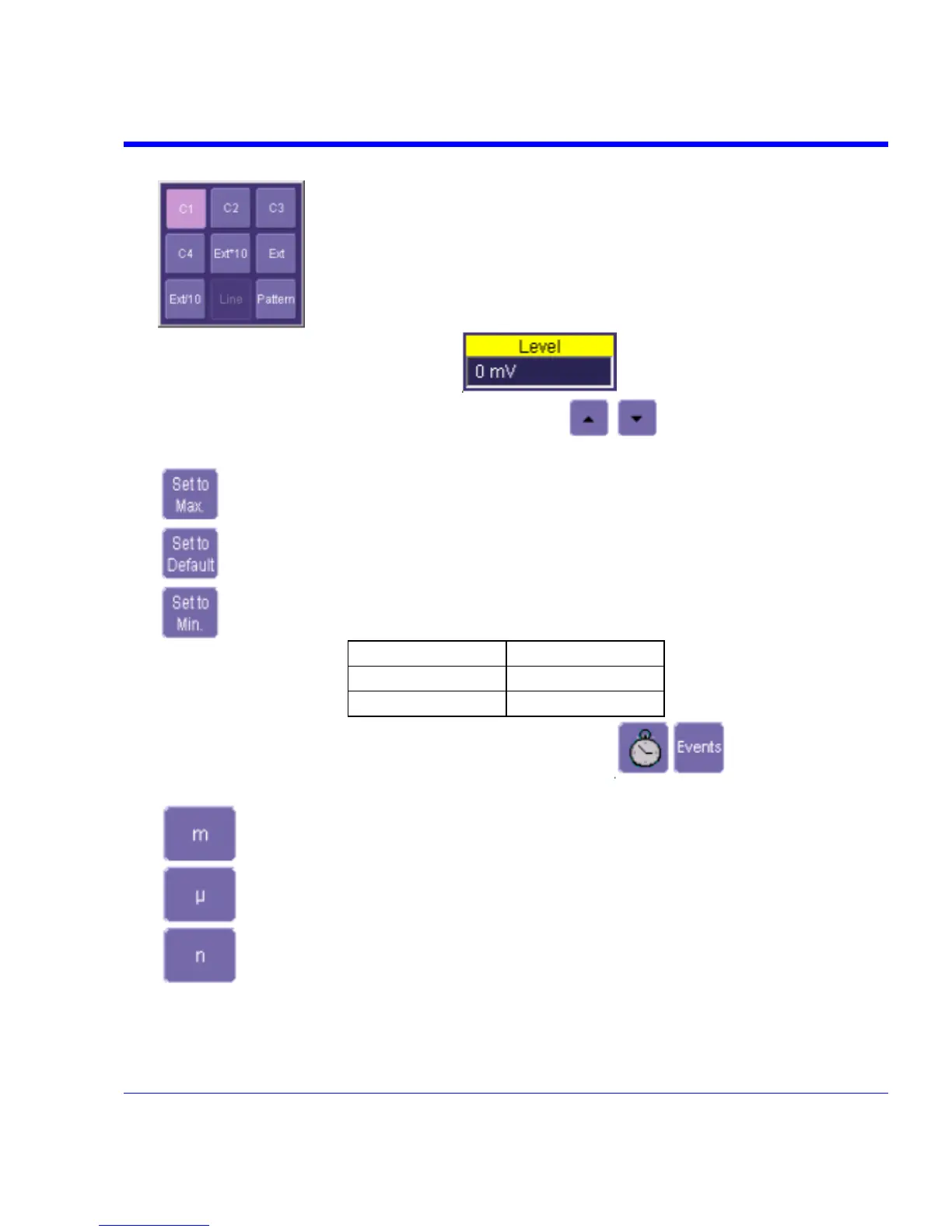
3. Touch inside the Trigger On data entry field and select an input from the pop-up menu:
4. Touch inside the Level data entry field
. In the pop-up numeric keypad,
enter a value in millivolts or use the up/down buttons
to increase or decrease the
value in increments of 1 mV. Or, touch one of the preset value buttons:
Max.
1.000 V
Default
0 mV
Min.
1.000 V
5. Select the holdoff by touching the Time or Events buttons . Using the pop-up
numeric keypad, enter a value and specify the unit of time:
SDA-OM-E Rev H 81


 To Next Page