120 SyncServer 600 Series User’s Guide 098-00720-000 Revision D1 – February, 2018
Chapter 4
Navigation Windows
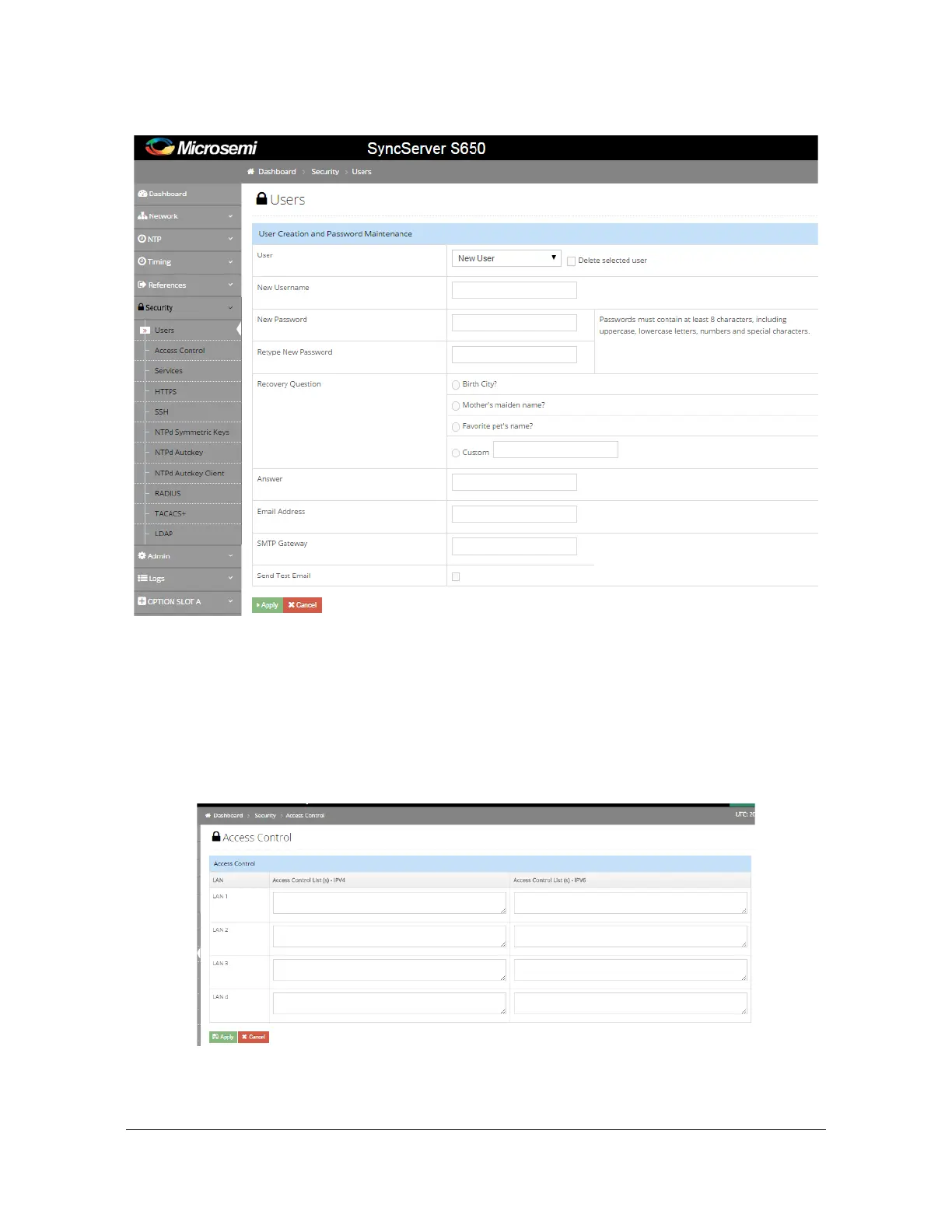
Figure 4-36. Security - Users Configuration Window
Security - Access Control Configuration Window
Use this window to configure access control for LAN1-LAN6 (whitelist). If nothing is
configured, then the unit will accept data from all devices. If any addresses are
configured, only packets from those devices will be accepted. Each field will support
a maximum of 1000 characters. Enter IP addresses separated by a comma. See
Figure 4-37.
Figure 4-37. Security - Access Control Configuration Window



 To Next Page