098-00720-000 Revision D1 – February, 2018 SyncServer 600 Series User’s Guide 135
Chapter 4
Navigation Windows
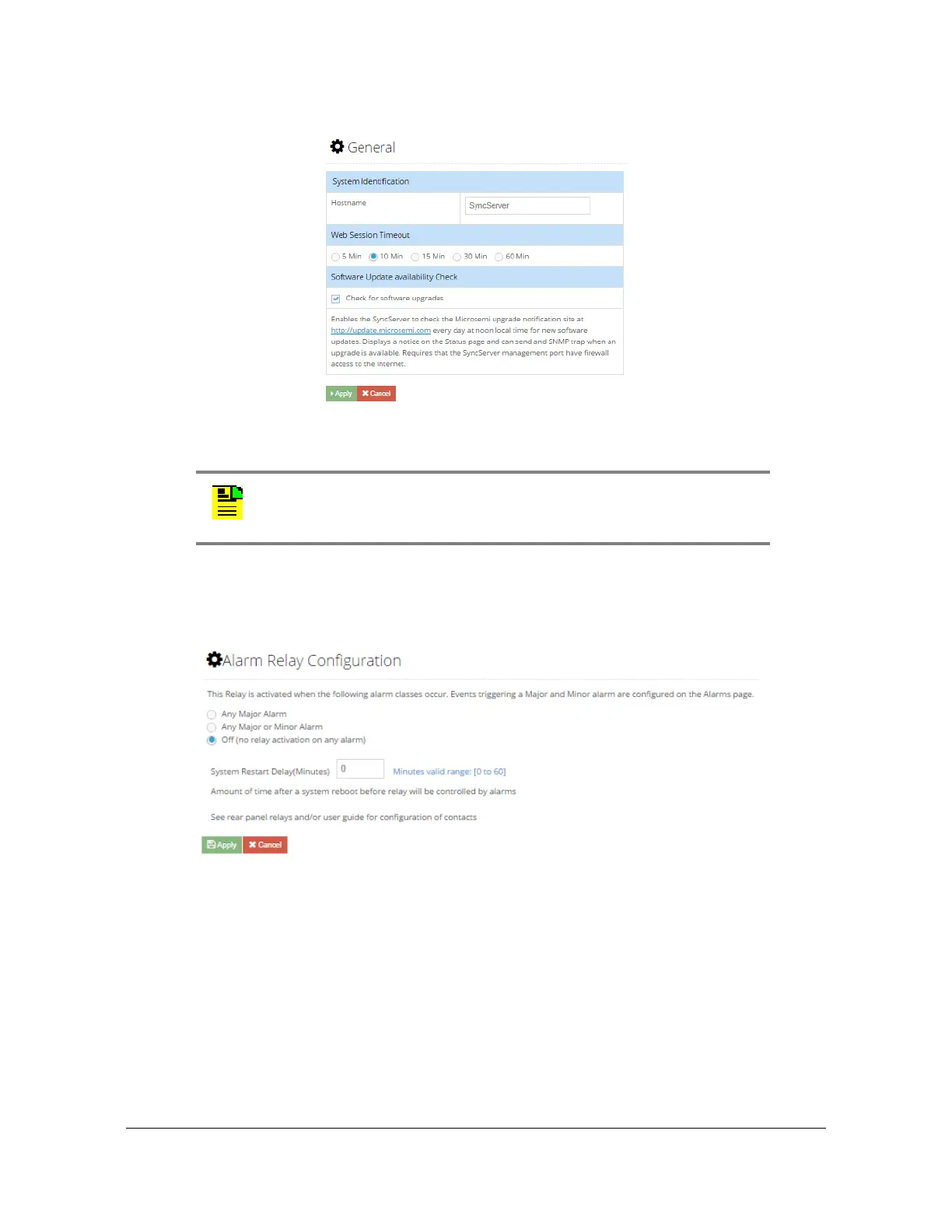
Figure 4-50. Admin - General Configuration Window
Admin - Alarm Relay Configuration Window
Use this window to configure system alarm relay details. See Figure 4-51.
Figure 4-51. Admin - Alarm Relay Configuration Window
Admin - Alarm Configuration Window
Use this window to configure system alarms. Users can also see the current status
of each alarm and clear individual alarms. Use the scroll control on this form to
access additional alarms.See Figure 4-52. See Table 4-15 for descriptions of Alarm
Configuration parameters.
Note: The software update availability feature uses IPv4. An IPv4
address and DNS server must be configured on the
Network->Ethernet page in order to use this feature.



 To Next Page