54 SyncServer 600 Series User’s Guide 098-00720-000 Revision D1 – February, 2018
Chapter 2 Installing
Making Ground and Power Connections
AC Power Connection
Use the following procedure to make the power connections for the AC version of
the SyncServer S6x0. An Over-Current Protection Device must be placed in front of
the shelf power.
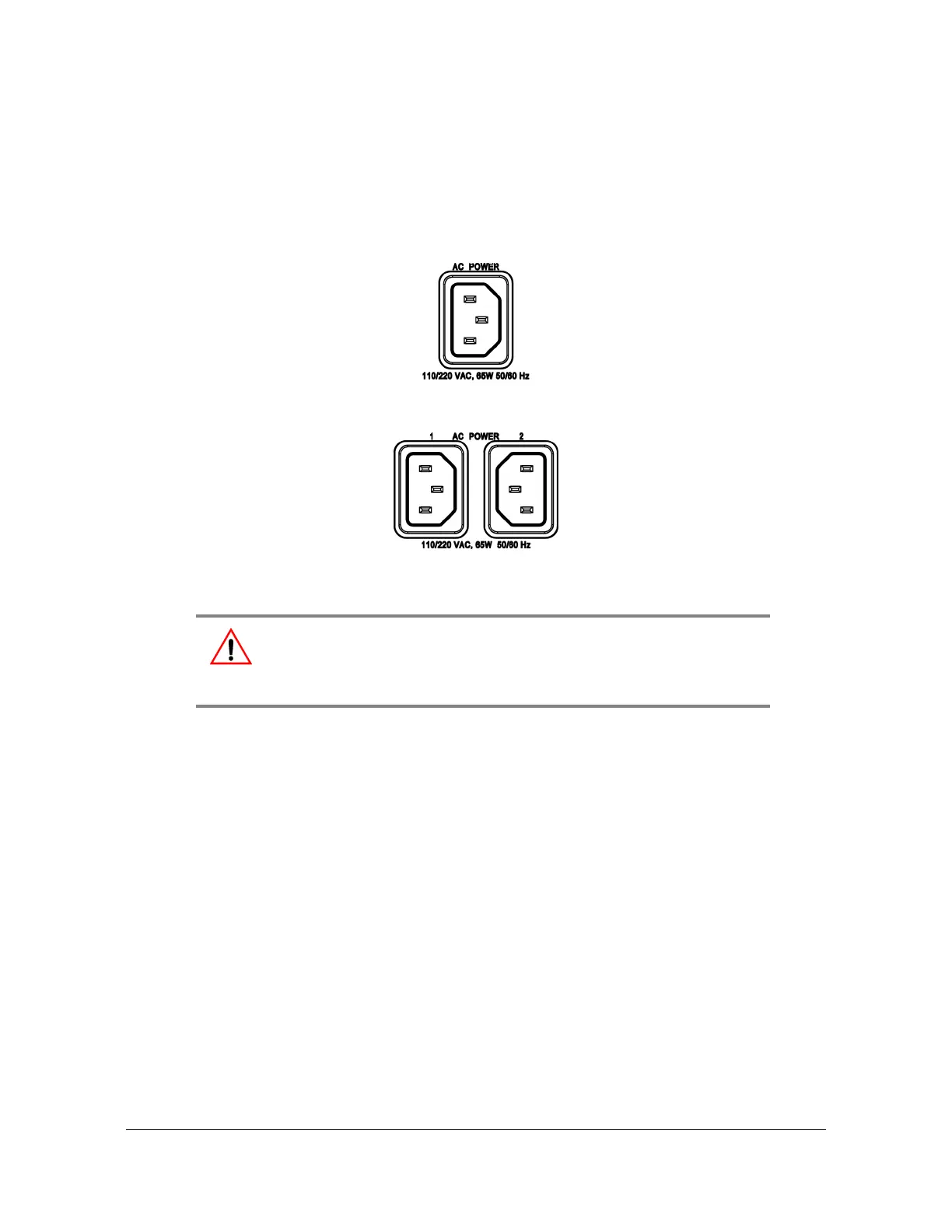
Figure 2-7. SyncServer S6x0 Single AC Power Connector
Figure 2-8. SyncServer S6x0 Dual AC Power Connector
1. Insert the female end of the AC power cord into the AC power connector on the
SyncServer S6x0. The power receptacles support IEC cable with V-locks. The
V-lock will latch the cable to prevent accidental removal of the power cord.
2. Plug the male end of the AC power cord into an active 120 VAC or 240 VAC
power socket.
3. For dual AC versions, repeat steps 1-2 for the second AC power connector.
DC Power Connection
Use the following procedure to make the power connections for the DC version of
the SyncServer S6x0. An Over-Current Protection Device must be placed in front of
the shelf power. The SyncServer S6x0 uses a Molex HCS-125 series connector.
Warning: To avoid possible damage to equipment, you must provide
power source protective fusing as part of the installation. The
SyncServer S6x0 is intended for installation in a restricted-access
location.



 To Next Page