142 SyncServer 600 Series User’s Guide 098-00720-000 Revision D1 – February, 2018
Chapter 4
Navigation Windows
Logs Configuration Windows
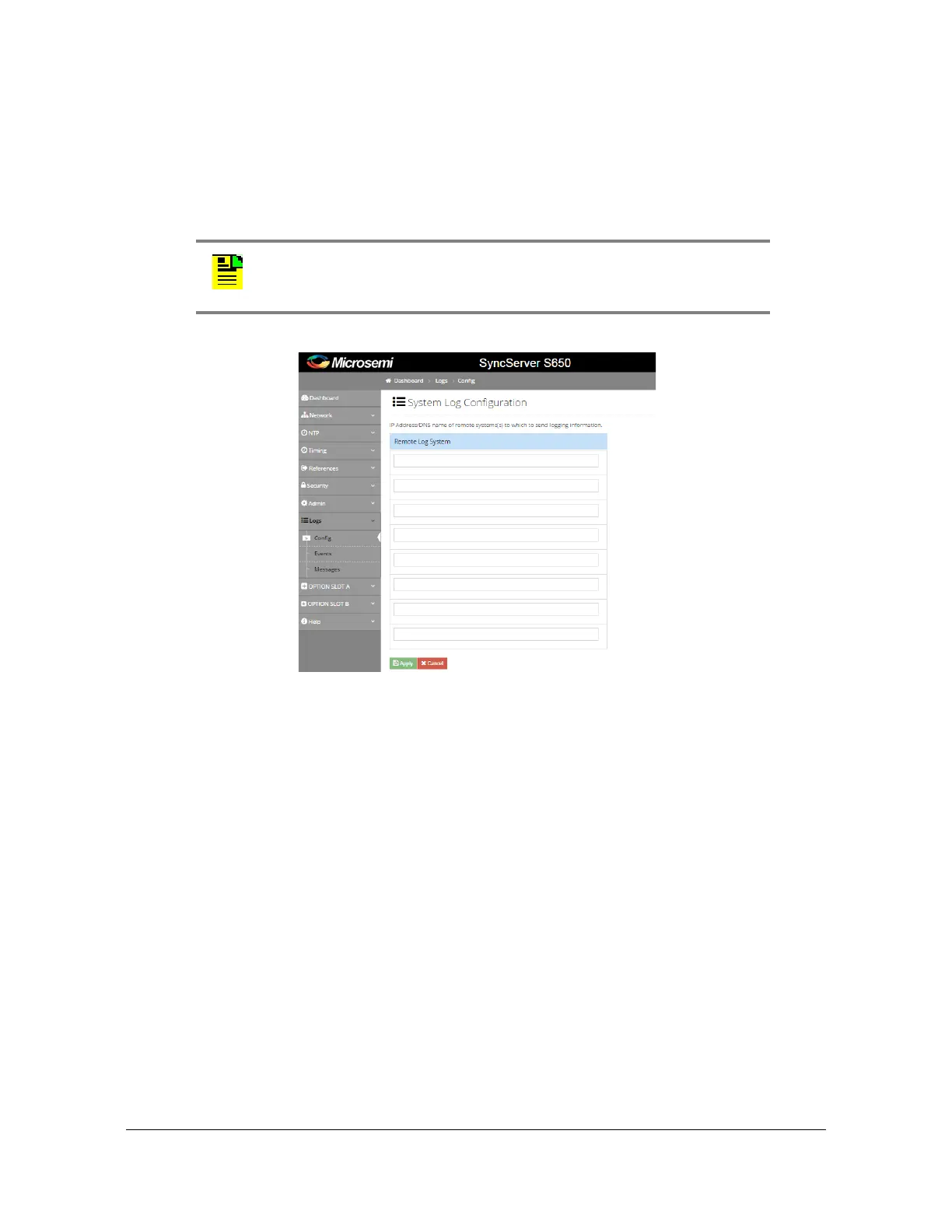
Logs - System Log Configuration Window
Use this window to set, modify, or delete IP addresses / DNS names of remote
systems to which to send log information. See Figure 4-59.
Figure 4-59. Logs - System Log Configuration Window
The logs rotate, and up to 7 logs are kept. In release 2.0 or later, individual rotated
log files can be selected. When 7 have been created, the oldest will be overwritten.
The log rotate depends on size of 100k, but this is subject to change without notice.
A remote syslog server can be configured with this window and all logs can then be
stored on the remote server.
Logs - Events Log Configuration Window
Use this window to view and save the events log. See Figure 4-60.
Note: Syslog is designed to be used with LAN1. Do not configure a
system log server address in a subnet used by the other LAN ports
(LAN2 - LAN6).



 To Next Page