74 SyncServer 600 Series User’s Guide 098-00720-000 Revision D1 – February, 2018
Chapter 4
System Information
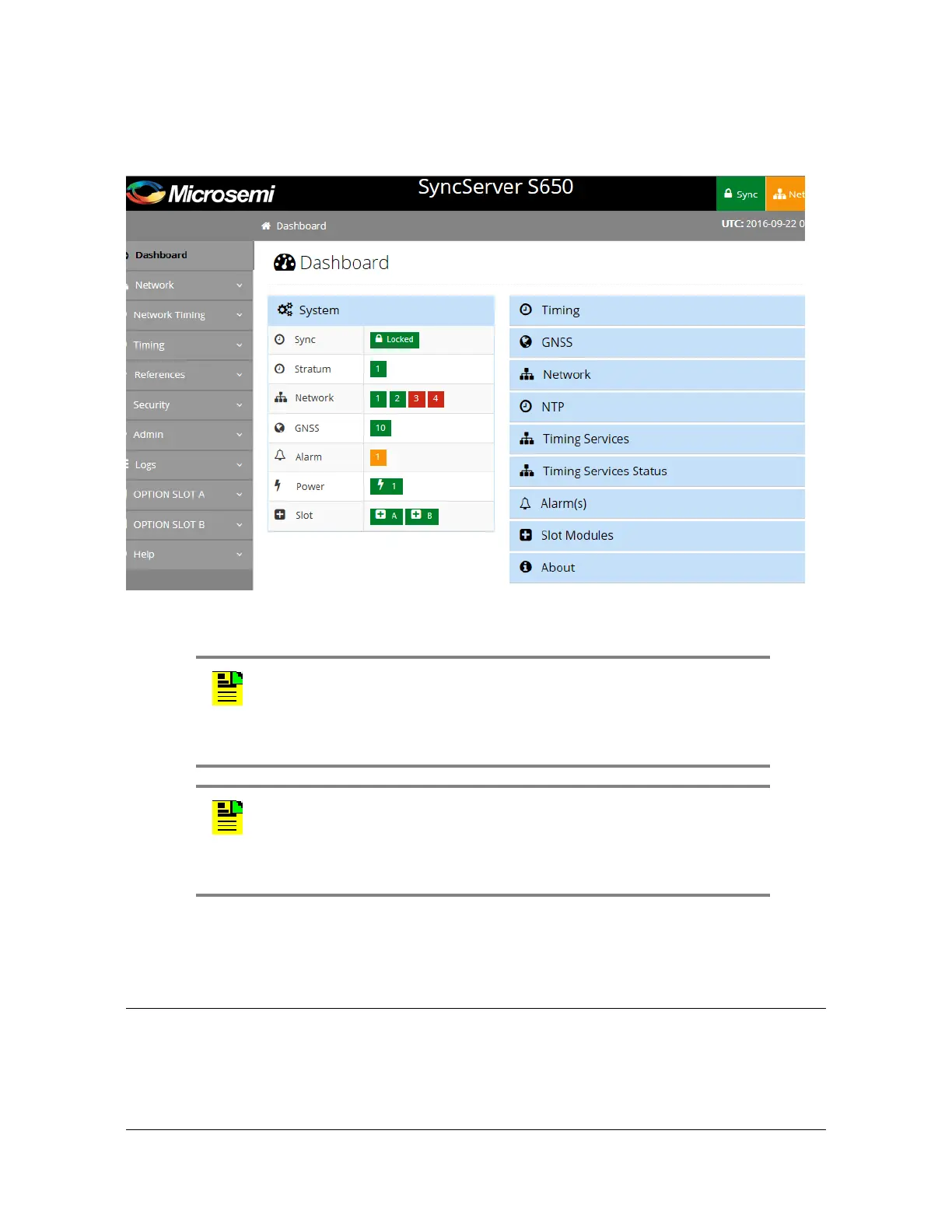
Figure 4-2. Dashboard Screen
System Information
The System information window in the Dashboard, as shown in Figure 4-3, displays
an overall summary of the system.
Note: UTC and local time are displayed in the upper right portion of
the page. Local time is based on the timezone setting in the
SyncServer unit. Daylight saving time is also applied to the local time
if applicable. Local time is not determined by the location of the web
browser.
Note: If the browser is displaying a busy indicator, then please wait
until the previous action is complete before starting another action.
Depending on the browser used, the web page responsiveness will
vary due to the use of the encryption cipher suite used in the S6x0.
Microsemi recommends using the Google Chrome browser.



 To Next Page