098-00720-000 Revision D1 – February, 2018 SyncServer 600 Series User’s Guide 73
Chapter 4 Web Interface
This chapter describes the web interface for the SyncServer S6x0.
See Communicating Through LAN1 Ethernet Port, on page 176 for details on how
to access the web interface.
In This Chapter
System Information
Status / Information Windows
Navigation Windows
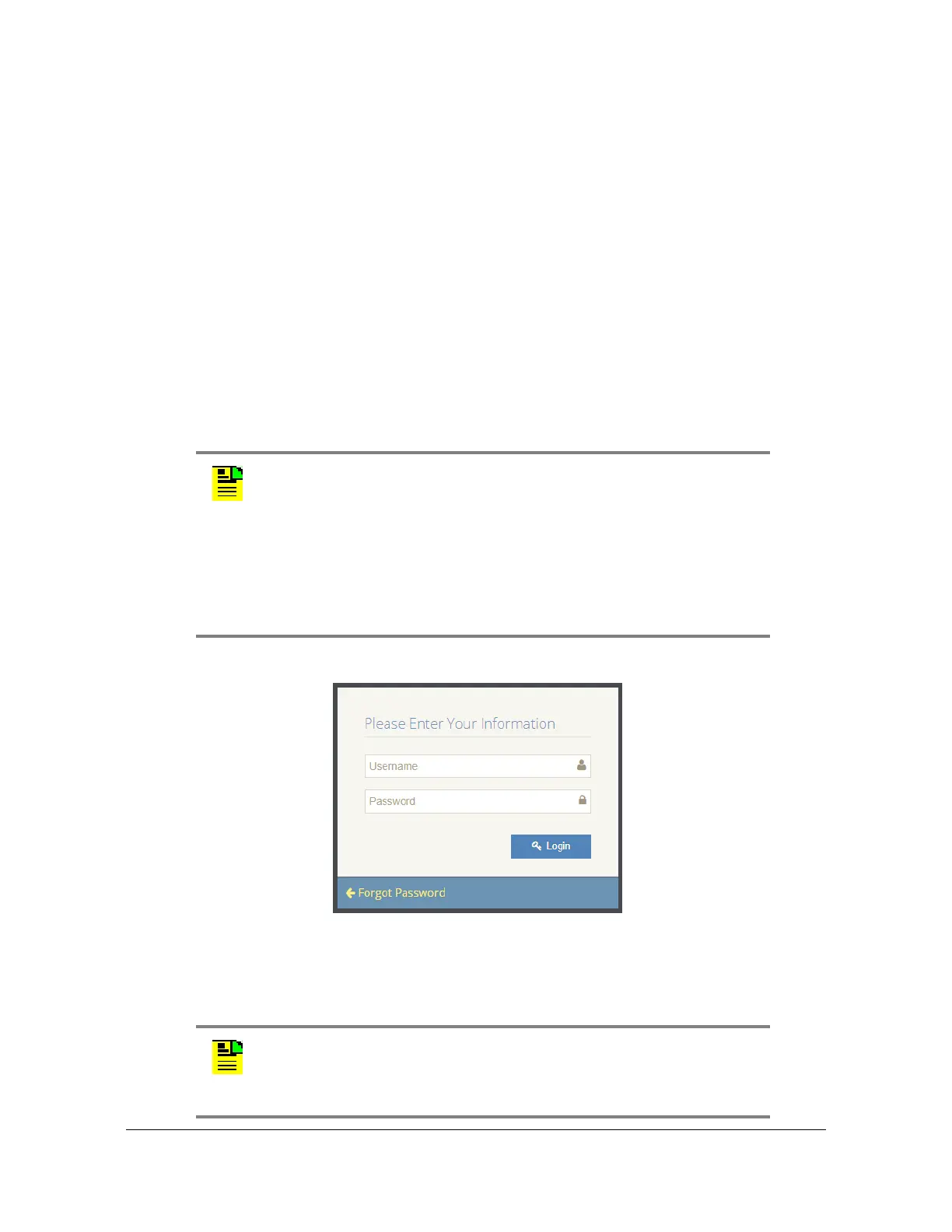
Figure 4-1. Login
For security reasons, the SyncServer S6x0 will lock out a user if an invalid
password is entered three times. The user is locked out for 1 hour. The lockout is
also removed if the unit is rebooted.
Note: For security reasons, the SyncServer S6x0 only supports https
However, the user will get warnings from most web browsers that a
self-signed certificate is being used (not from a recognized certificate
authority). Users should accept the warnings and proceed to the login
page.
The internal self-signed certificate can be renewed and updated on
the Security->https page. Users can also request and install a https
certificate
Note: The default user name is “admin” and the default password is:
Microsemi .
To avoid unauthorized access, you should change the default
password.



 To Next Page