38 SyncServer 600 Series User’s Guide 098-00720-000 Revision D1 – February, 2018
Chapter 1 Overview
Physical Description
Alarm Relay
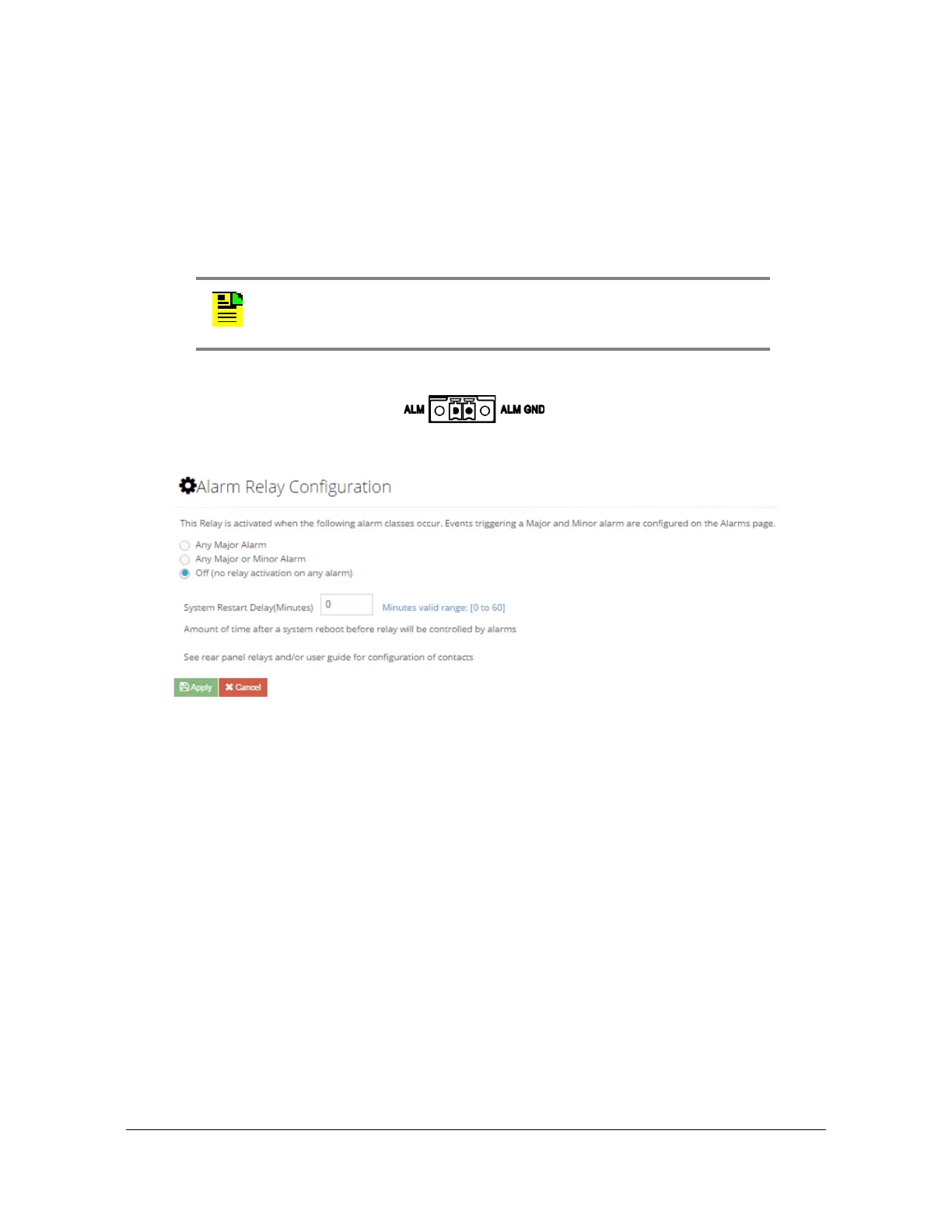
The SyncServer S6x0 features a Phoenix connector for an alarm relay output. See
Figure 1-24. The relay is open when the configured alarm classes (Figure 1-25)
occur. If the SyncServer S6x0 is not powered, then the alarm relay will be open. The
relay is energized (shorted), when the SyncServer S6x0 is powered and no
configured alarms are active.
Figure 1-24. Alarm Relay Connector
Figure 1-25. Alarm Relay Configuration Web GUI
Timing I/O Card Connections
The Timing I/O Module is an exceedingly versatile time and frequency input and
output option. In the standard configuration, it supports the most popular input and
output time codes, sine waves, and rates.
The standard configuration offers a broad yet fixed selection of signal I/O on its eight
BNC connectors (see Figure 1-26). J1 is dedicated to time code and rate inputs, J2
to sine wave inputs, and J3-J8 to mixed signal outputs. The standard Timing I/O
Module configuration is 1PPS or IRIG B AM-In, 10 MHz- In, IRIG AM and IRIG
DCLS-Out, 1PPS-Out and 10 MHz-Out.
The FlexPort™ Technology option enables the 6 output BNCs (J3-J8) to output any
supported signal (time codes, sine waves, programmable rates, etc.), all
configurable in real time via the secure web interface. Similarly, the 2 input BNCs
(J1-J2) can support a wide variety of input signal types. This uniquely flexible BNC
by BNC configuration makes very efficient and cost effective use of the 1U space
available.
Note: The alarm relay is shorted when the alarm is active for
firmware releases 1.0 and 1.1.



 To Next Page