098-00720-000 Revision D1 – February, 2018 SyncServer 600 Series User’s Guide 89
Chapter 4
Navigation Windows
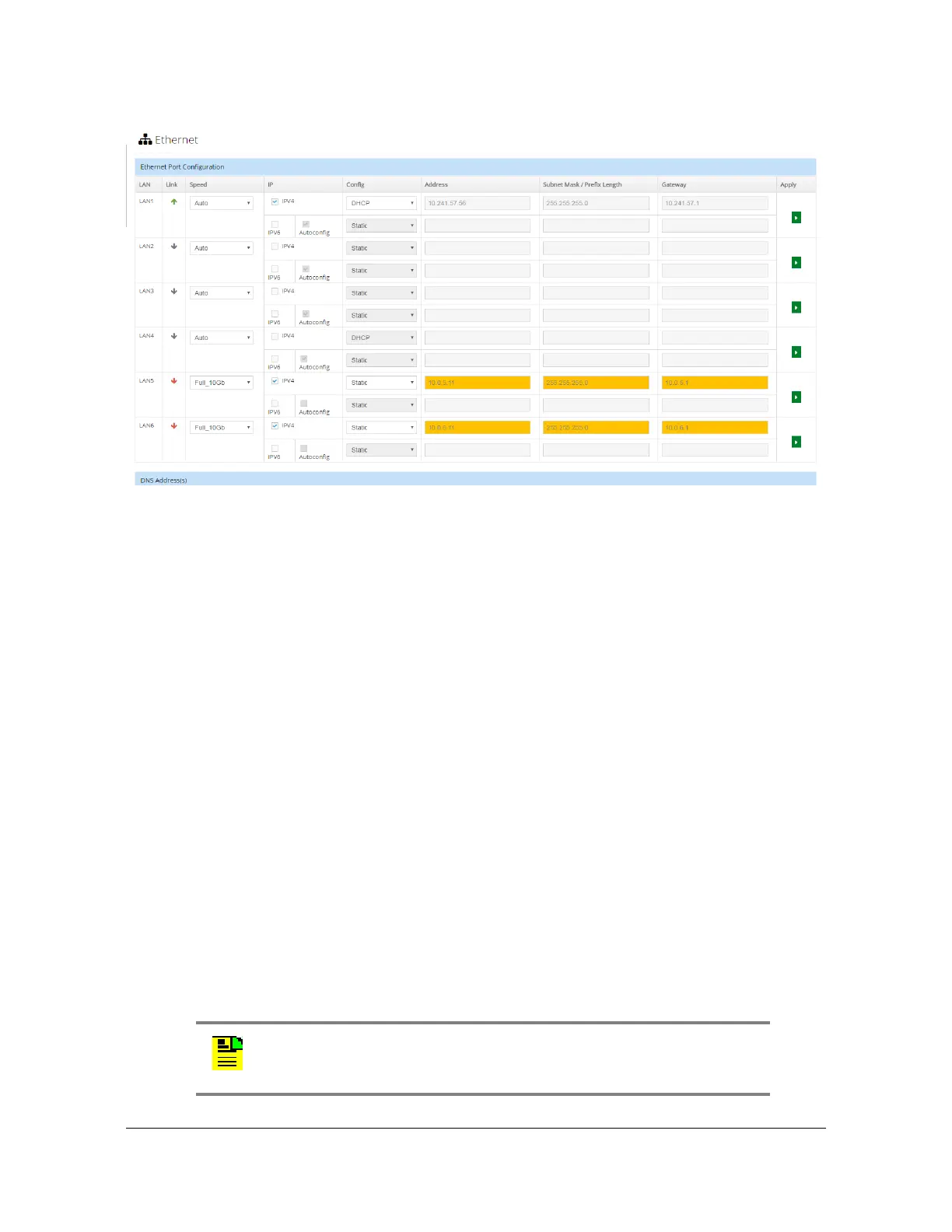
Figure 4-15. Network - Ethernet Configuration Window
Network - SNMP Configuration
Use this window to add, edit or delete v2 communities, and to add or delete SNMP
users. See Figure 4-16.
The following SNMP parameters can be configured:
Basic Configuration
– sysLocation, 1-49 characters
– sysName, 1-49 characters
– sysContact, 1-49 characters
– Read Community, 1-49 characters
– Write Community, 1-49 characters
Add v3 User - up to 10 users can be added
– Name, 1-32 characters
– Authentication Phrase, 1-49 characters
– Authentication Encryption: MD5 or SHA
– Privacy Phrase, 8-99 characters
– Privacy Selection: "Authentication" or "Authentication & Privacy".
Privacy uses AES128
Note: SNMP user names, community names, and
privacy/authentication phrases can contain all ASCII characters
except (<), (&), (>), ("), (').



 To Next Page