50 SyncServer 600 Series User’s Guide 098-00720-000 Revision D1 – February, 2018
Chapter 2 Installing
Rack Mounting the SyncServer S6x0
3. Open the container, being careful to cut only the packaging tape.
4. Locate and set aside the printed information and paperwork that is included in
the container.
5. Remove the unit from the container and place it on an anti-static surface.
6. Locate and set aside small parts which may be packed in the container.
7. Remove the accessories from the container.
8. Remove the anti-static packaging from the unit and accessories.
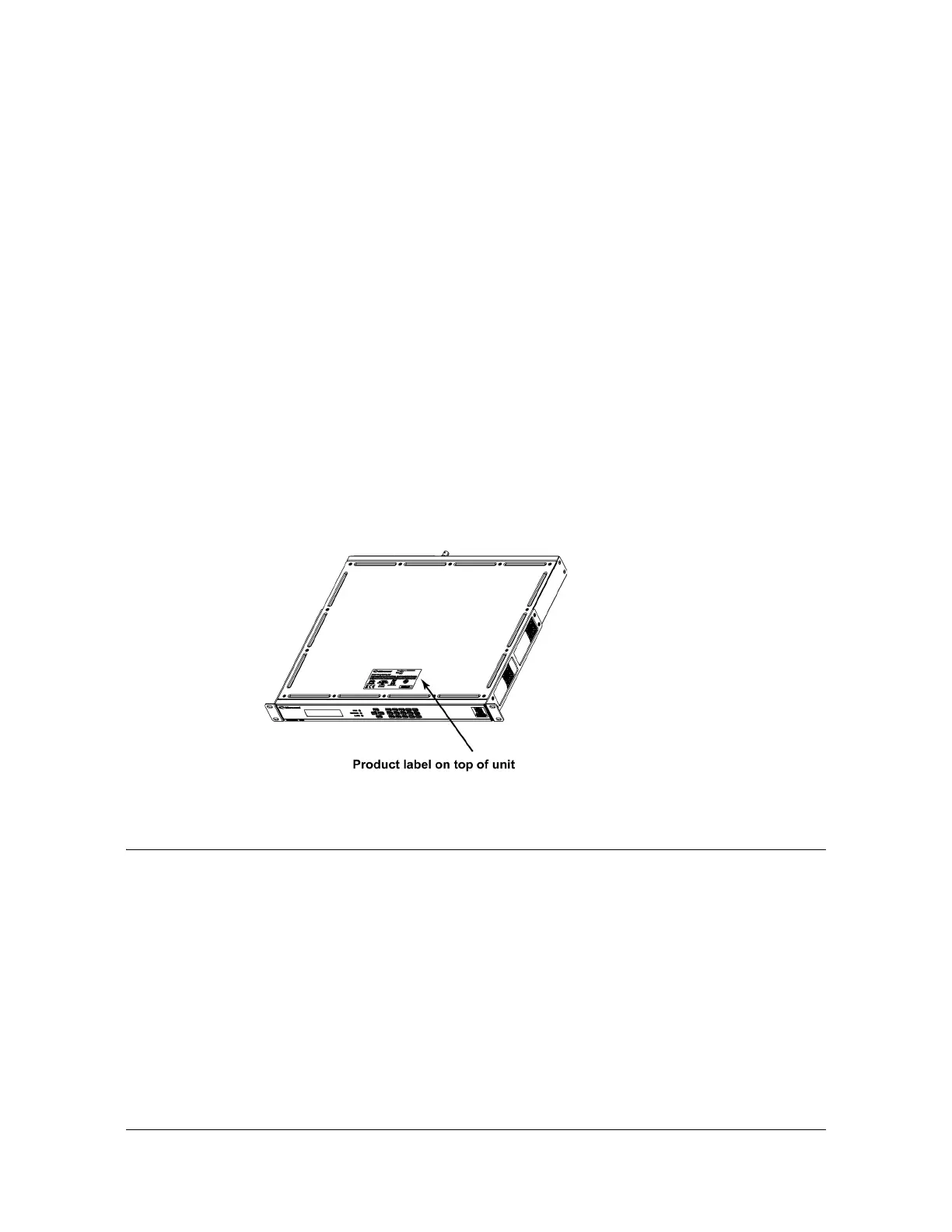
9. Verify that the model and item number shown on the shipping list agrees with the
model and item number on the equipment. The item number can be found on a
label affixed to the top of the unit. See Figure 2-1 for the location of the label on
the SyncServer S6x0. Contact your Microsemi distributor if the model or item
number do not match.
For a complete listing of item numbers, see Table 7-4, Table 7-5 and Table 7-6.
Figure 2-1. SyncServer S6x0 - Location of Product Label
Rack Mounting the SyncServer S6x0
The installation procedure described in this section provides general guidelines for
installing the SyncServer S6x0. Always follow applicable local electrical standards.
SyncServer S6x0 is shipped with 19-inch rack mounting brackets attached.
Mount the chassis to the front of the equipment rack rails with four screws and
associated hardware, as shown in Table 2-3. Use the proper screws for the
equipment rack.



 To Next Page