098-00720-000 Revision D1 – February, 2018 SyncServer 600 Series User’s Guide 83
Chapter 4
Status / Information Windows
Network Status & Information
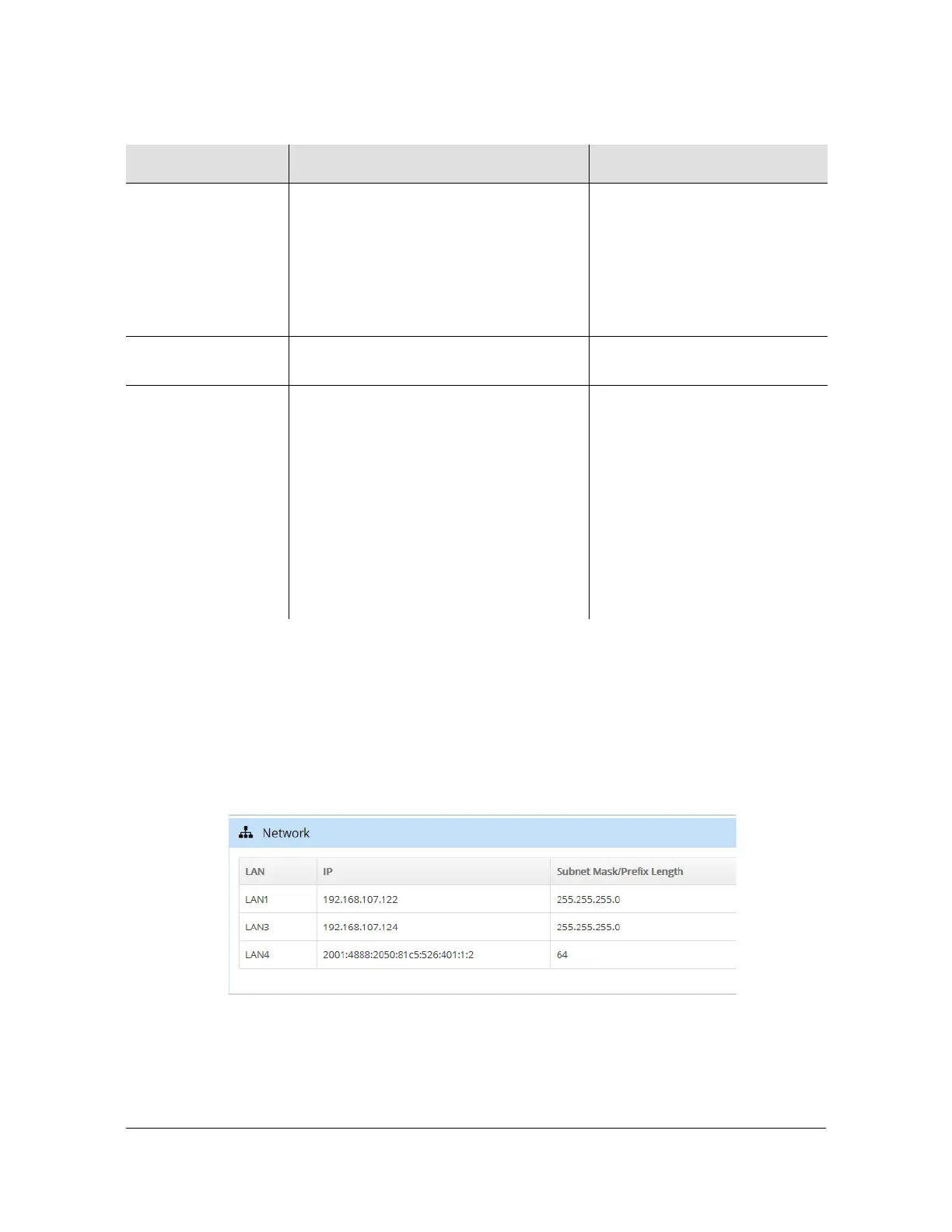
The Network window in the dashboard, as shown in Figure 4-7, displays status
details and information about the network ports in use.
Figure 4-7. Network Window
Position Status No Data - no position data
Survey 2D - calculated 2D position,
lat/lon but no elevation
Survey - calculating position and
surveying to average position
Position Fix - position fixed, either
manual or to surveyed position
Position Position - latitude, longitude, and
height/elevation
Firmware Upgrade
Never run - upgrade process not run
In progress - GNSS receiver being
upgraded
Not required - GNSS receiver
firmware is at correct revision
Successful - GNSS receiver
firmware upgraded
Failed - GNSS receiver firmware
upgrade failed
Interrupted - GNSS receiver
firmware upgrade failed
If failed or interrupted conditions
persist, the unit should be
rebooted.
Table 4-4. GNSS Window - Descriptions
Field Potential Values Notes



 To Next Page