214 SyncServer 600 Series User’s Guide 098-00720-000 Revision D1 – February, 2018
Chapter 6 Provisioning
Provisioning Outputs
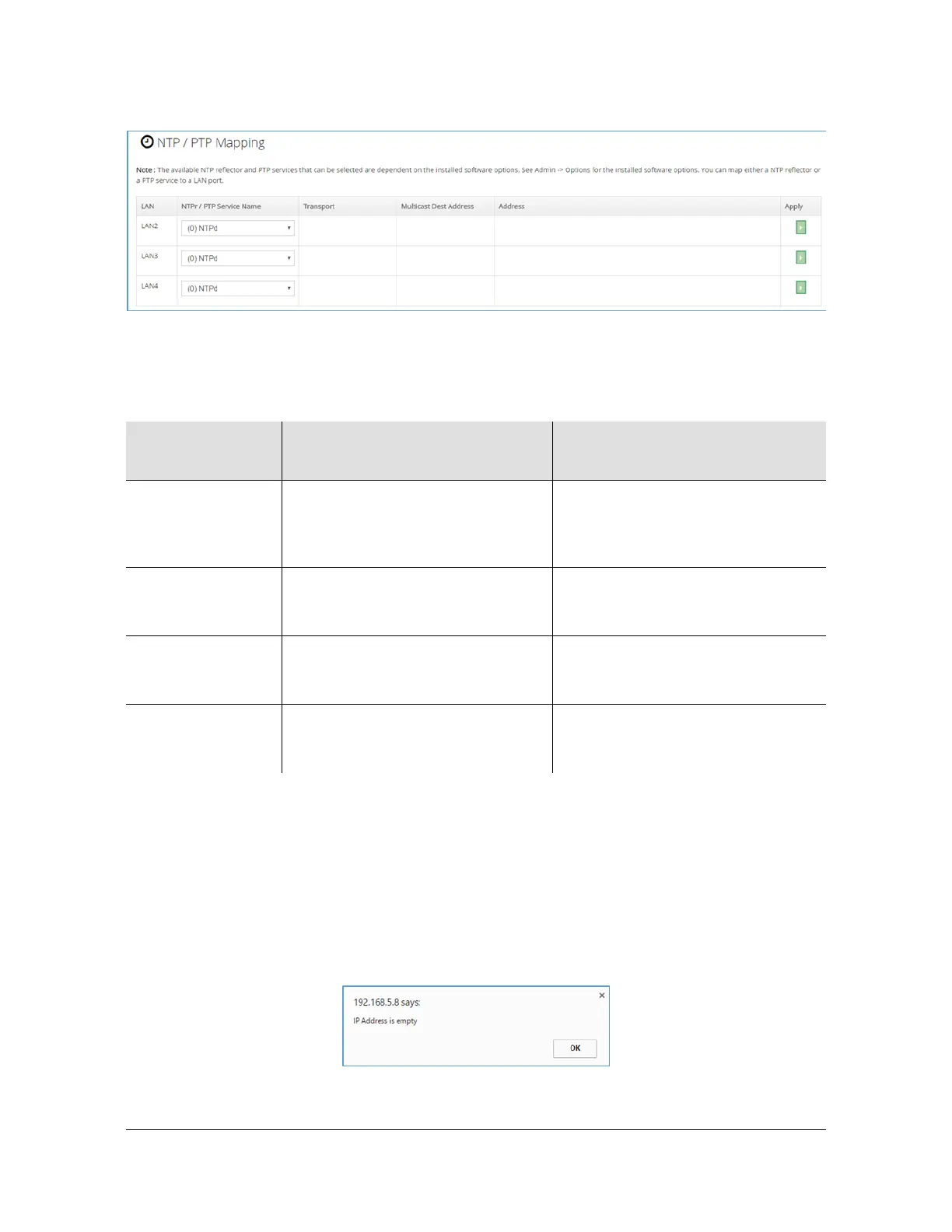
Figure 6-19. Factory Preset Mapping Form
Example - Mapping a Network Timing Service
Suppose that the goal is to provide the PTP Master service that was created (prior
example Figure 6-18) on LAN4.
The first step (if not already done) is to configure LAN4 with a network configuration.
This is accomplished on the Network > Ethernet form. Figure 6-20 shows an
example where LAN4 has been configured to IPv4 address 192.168.100.99.
Attempting to complete a service mapping to a LAN that has not been configured
will result in this message:
Table 6-16. Network Timing Service Mapping
Network Timing
Service
Individual Mapping Rules Combined Mapping Rules
NTPd Supported on LAN1, LAN2, LAN3,
LAN4, LAN5, LAN6
Always mapped to LAN1. Can be
mapped to any combination of other
ports as long as no other timing
service is mapped to that port.
PTP Master Can be mapped to any of these
physical ports: LAN2, LAN3, LAN4,
LAN5, LAN6
Can be mapped to any combination
of ports as long as no other timing
service is mapped to that port.
NTPr Can be mapped to any of these
physical ports: LAN2, LAN3, LAN4,
LAN5, LAN6
Can be mapped to an allowed
physical port if PTP Master is not
mapped to a port.
PTP Client Can be mapped to any of these
physical ports: LAN2, LAN3, LAN4,
LAN5, LAN6
Can be mapped to any combination
of ports as long as no other timing
service is mapped to that port.



 To Next Page