36 SyncServer 600 Series User’s Guide 098-00720-000 Revision D1 – February, 2018
Chapter 1 Overview
Physical Description
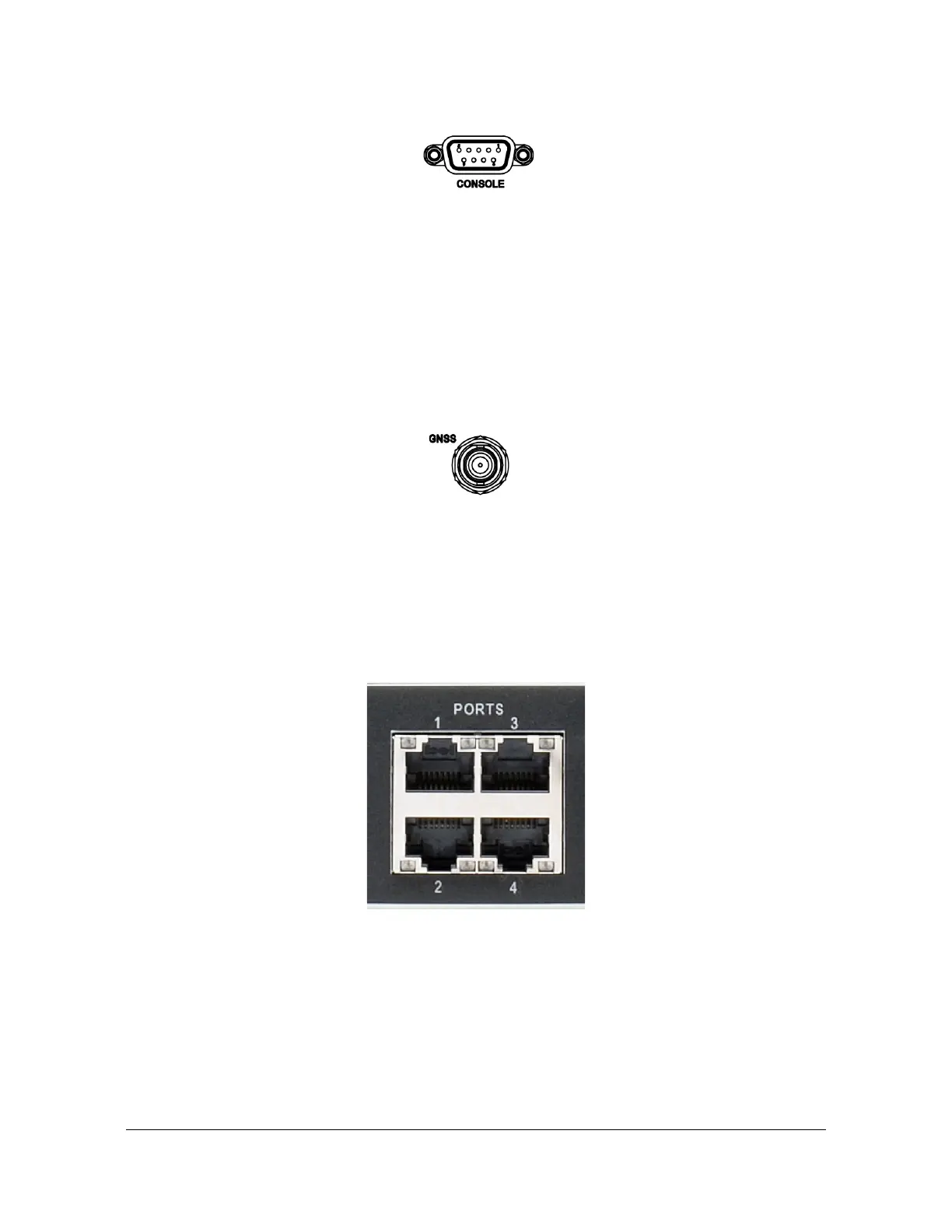
Figure 1-18. Serial Port Connector
Input Connections
GNSS Connection
The SyncServer S6x0 features a BNC connector for input from GNSS navigation
satellites to provide a frequency and time reference. This port also provides 9.7V
tothe power a Microsemi GNSS antenna (see Antenna Kits Overview in Appendix
C, Installing GNSS Antennas). See Figure 1-19. This connector is not present on
the SyncServer S650i.
Figure 1-19. GNSS Input Connection
NTP Input/Output Connections
The S600 / S650 has four dedicated and software isolated GbE Ethernet ports,
each equipped with NTP hardware time stamping. These are connected to a very
high-speed microprocessor and an accurate clock to assure high bandwidth NTP
performance. See Figure 1-20. See Appendix E, IP Port Details for information on
Ethernet port isolation and management port rules.
Figure 1-20. NTP Input/Output Connections
10 GbE Input/Output Connections
The S600 / S650 10 GbE option adds two SFP+ ports equipped with hardware
timestamping that supports NTP, PTP, and NTP Reflector operations. The 10 GbE
ports are in addition to the standard four 1 GbE ports for a total of 6 ports. These
ports are ideal for interoperability with 10 GbE switches. SFP modules supported
are limited to 10 GbE speeds only, and overall system time stamping capacity
remains as specified.



 To Next Page