098-00720-000 Revision D1 – February, 2018 SyncServer 600 Series User’s Guide 61
Chapter 2 Installing
Connecting the GNSS Antenna
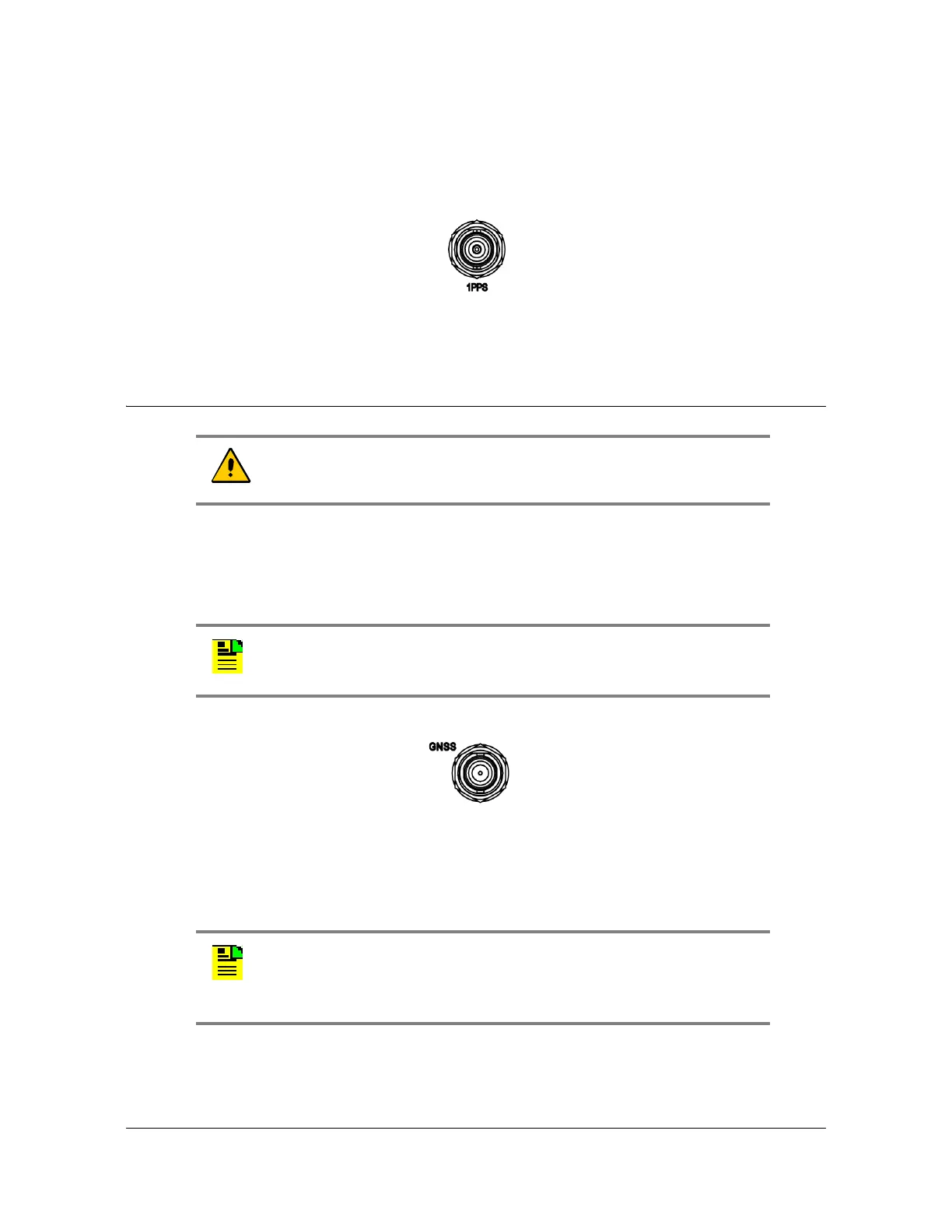
1PPS Output Connection
The SyncServer S6x0 features a single BNC female connector for the 1PPS signal.
See Figure 2-17.
Figure 2-17. 1PPS Output Connection
Connecting the GNSS Antenna
The antenna connections for the SyncServer S6x0 are made at the BNC female
connector labeled GNSS. Allow at least one hour for the unit to track and lock to
GNSS satellites, though it typically takes far less time provided the antenna has an
adequate view of the sky.
Figure 2-18. GNSS Input Connection
Proper cable, grounding techniques, and lightning arrestors should be used. Mount
the antenna outside, preferably on the roof with an unobstructed view of the sky.
Avoid mounting the antenna near a wall or other obstruction blocking part of the sky.
Mount the antenna well above roads or parking lots.
Caution: The GNSS cables should only be connected while the unit
is properly earth grounded.
Note: The SyncServer S650i does not include a GNSS antenna
connector.
Note: For the best possible timing accuracy the cable delay must be
determined and entered into SyncServer S6x0 with the web interface.
See
Table C-1 for cable delay values of SyncServer S6x0 GNSS
antenna kits.



 To Next Page