212 SyncServer 600 Series User’s Guide 098-00720-000 Revision D1 – February, 2018
Chapter 6 Provisioning
Provisioning Outputs
To complete the configuration, select the Save button for this row. The
appearance of the form just before this save action is shown in Figure 6-18.
Compare this with Figure 6-16 for the following notes:
Figure 6-18 shows the Save button is ready to be used (it is not grayed out) and
the entire row associated with the new service is highlighted. These are clues
that the full configuration has not been completed. Why is that? It's because we
made a change on the configuration form (and saved it with the OK) but we have
not saved it at the top level (the entire timing service).
Contrast this with Figure 6-16. Here the Save is grayed out because there are
no pending changes (this was before the changes were made on the
configuration form).
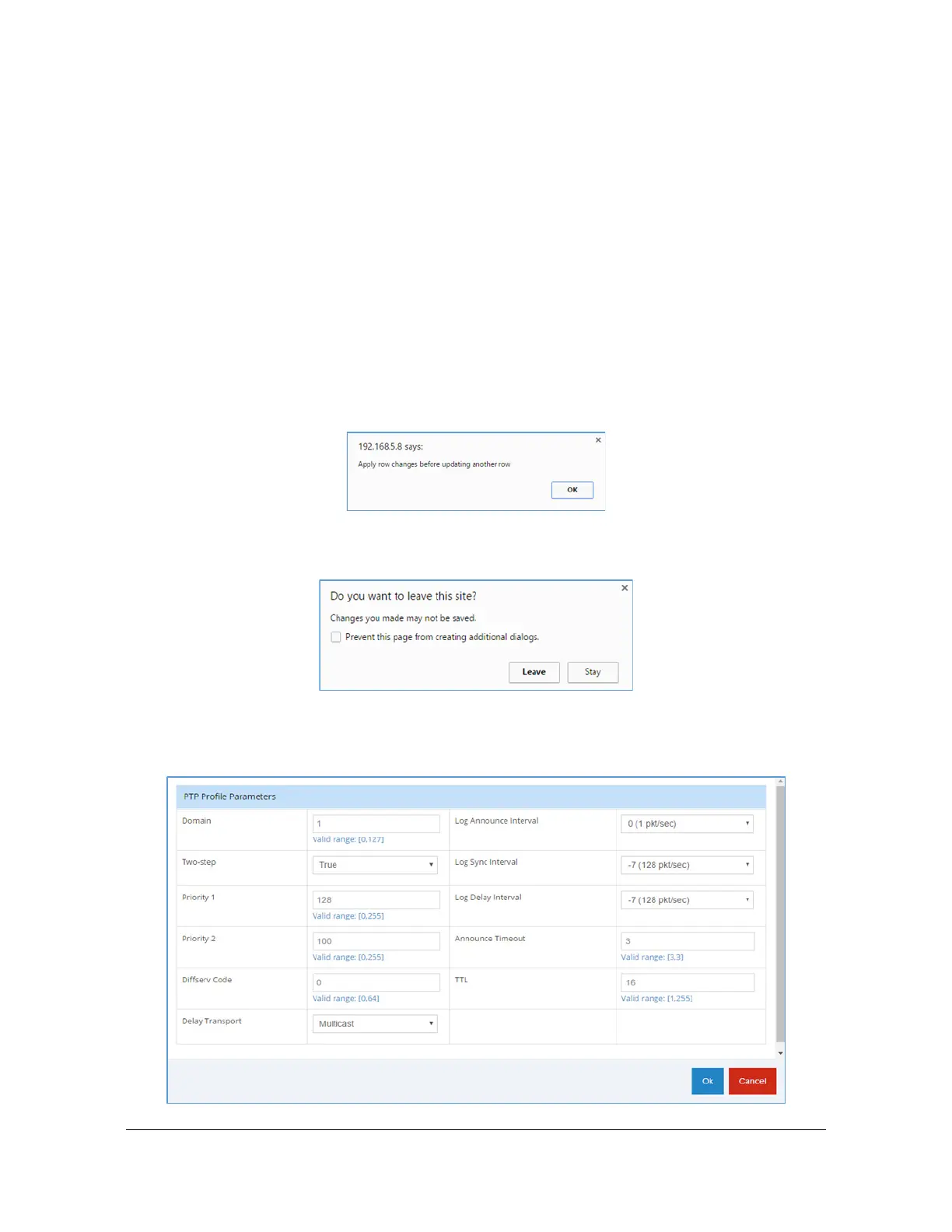
If pending (unsaved) changes have been made to any row and an action is taken
to make changes on a different row, a box will appear indicating that there are
unsaved changes.
Similarly, if there are pending changes and a new form is selected, this form
will appear to make sure the action is intended.
Figure 6-17. Modified configuration for "PTP domain 1 priority2 100" just before OK selected



 To Next Page