098-00720-000 Revision D1 – February, 2018 SyncServer 600 Series User’s Guide 137
Chapter 4
Navigation Windows
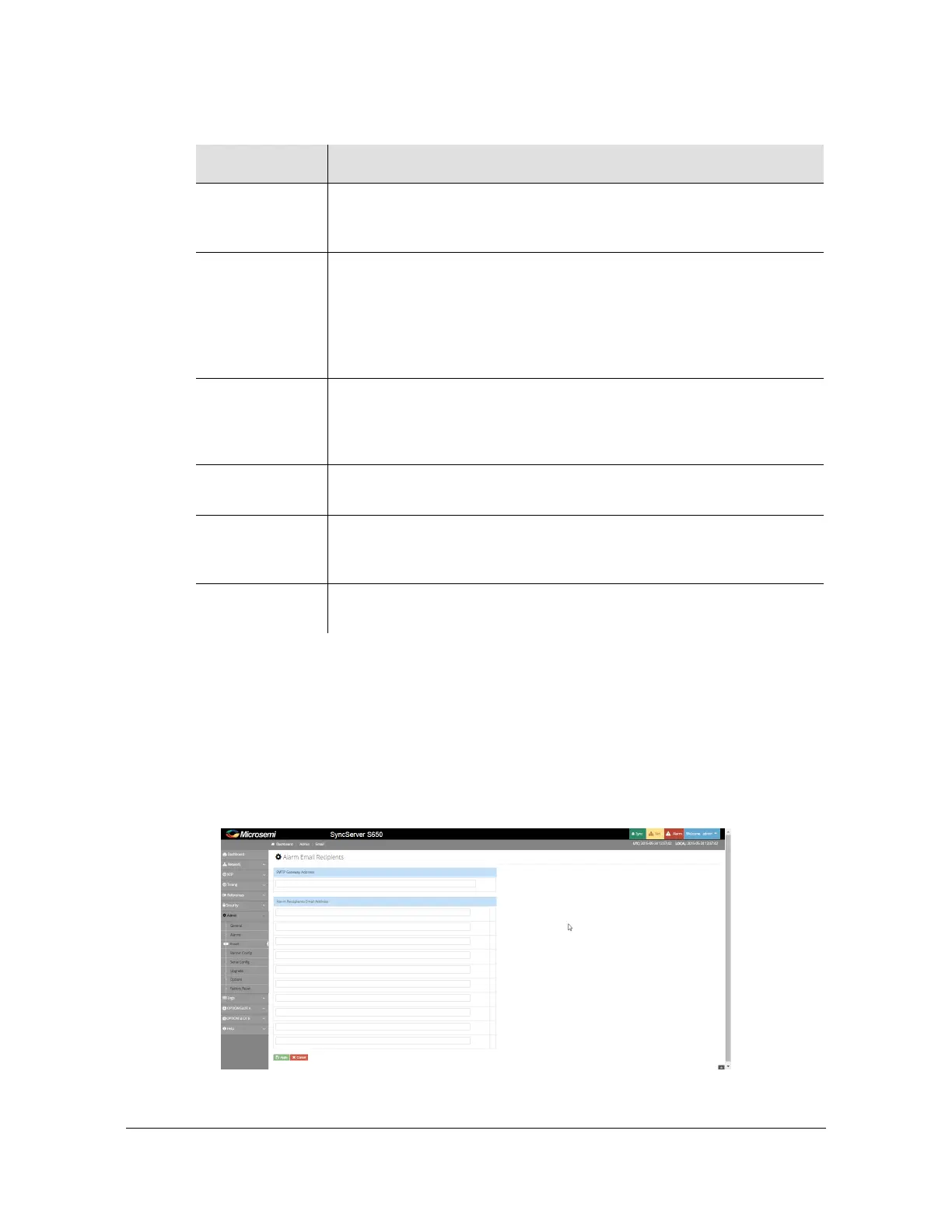
Admin - Email Configuration Window
Use this window to set, modify or delete email addresses for alarm email recipients.
See Figure 4-53.
Figure 4-53. Admin - Email Configuration Window
Auto ACK This is the same as Clear Now except it provides an automatic
clearing action after a user-defined time period following SET of the
alarm. Zero (default) means to never auto-clear it.
Severity Controls the reported severity level of the alarm.
Notify | Minor | Major
The severity level “Notify” is not reported on Dashboard > Alarms,
Alarm summary at top of Web GUI, Physical alarm connector, front
panel Alarm LED, Alarm information on front-panel display. This also
applies to transient alarms.
Reporting Delay This value can be used to defer the time from when the condition
becomes SET until it is actually reported. If the condition has cleared
by the time the delay has elapsed then the alarm is never reported.
Main purpose would be to avoid "chatter".
Send Trap Provides "per alarm" user control of reporting the alarm via SNMP
Trap. All severities are reported with Traps.
Write Log Provides "per alarm" user control of reporting the alarm by writing an
event entry in the Log. All severities and transients are reported into
the message log.
Send Email Provides "per alarm" user control of reporting the alarm by sending an
Email. All severities and transients are reported with email.
Table 4-15. Alarm Configuration Parameter Descriptions (Continued)
Parameter Description



 To Next Page