- In the menu [Weighing point A] - [xBPI-Scale] - [Setup] at [Conguration] -
[Weighing parameters] - [Conrming adjust.] was set to "manual".
- The communication between the device and platform is active.
Procedure:
7.15.10 xBPI calibration with built-in weight
Requirements:
- The xBPI protocol has been selected (see Chapter 7.15.2).
- The "xBPI-scale" weighing point has been selected (see Chapter 7.15.3).
- The platform has been set up (see Chapter 7.15.4).
- In the menu [Weighing point A] - [xBPI-Scale] - [Setup] at [Conguration] -
[Weighing parameters] - [Conrming adjust.] was set to "manual".
- The communication between the device and platform is active.
Procedure:
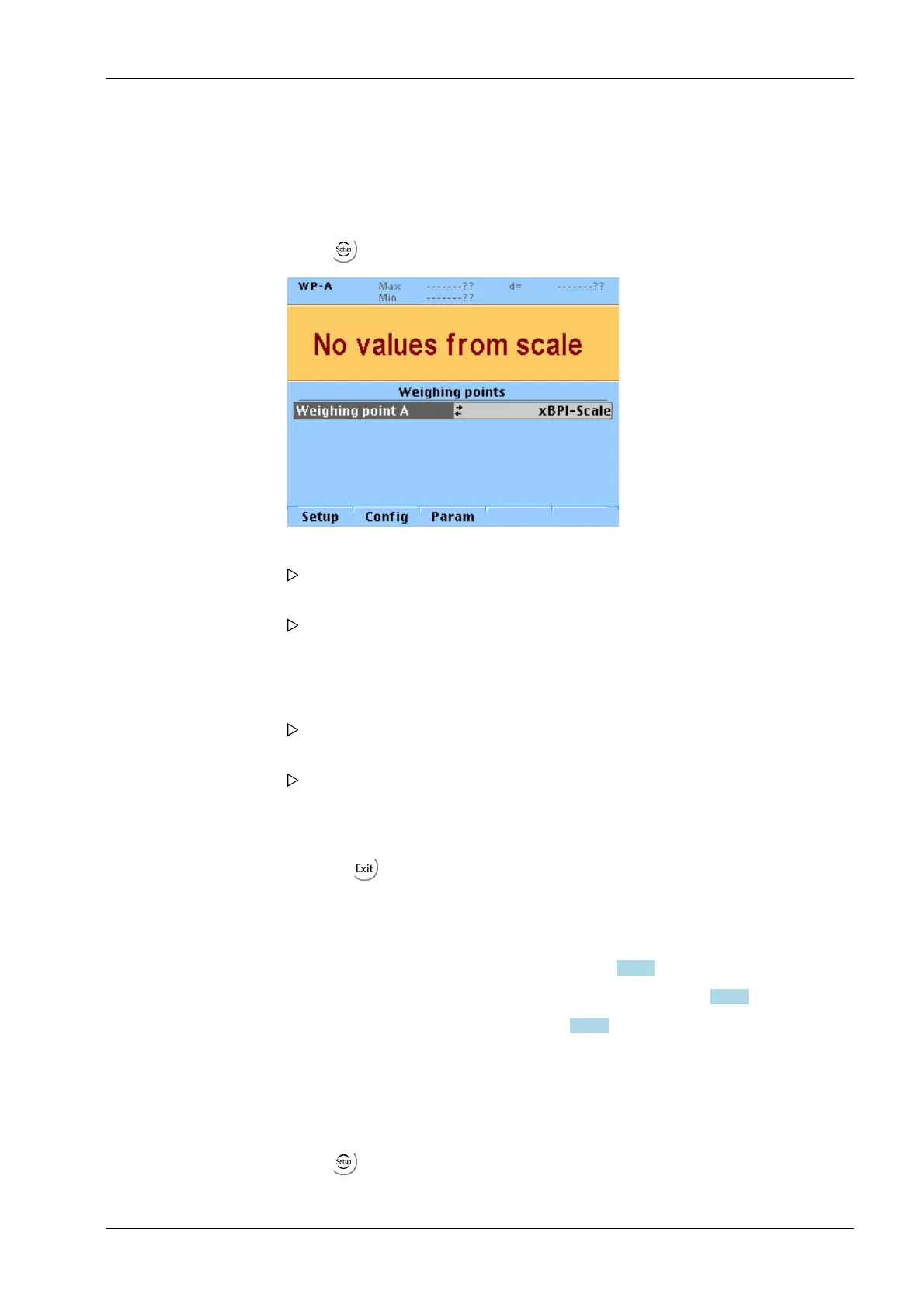
1. Select -[Weighing point]- [xBPI-Scale] and conrm.
2. Press the [Setup] softkey.
The parameters of the xBPI-scale are read into the device.
3. Select [Calibration]- [Adjust with default weight] with the cursor and conrm.
The weight is specied automatically.
The calibration process is carried out without a weight. The calibration status is
displayed.
4. Place the displayed weight on the scale.
The deviation is displayed in the last line with increased resolution (10-fold).
5. Press the [Accept] softkey.
The weight is displayed in high-resolution (10x).
The date are saved.
6. Remove the weight.
7. Press the softkey to exit the menu and to save the settings.
1. Select -[Weighing point]- [xBPI-Scale] and conrm.
7 Commissioning X3 Process Indicator PR 5410
EN-191 Minebea Intec



 To Next Page